MockupTown
Screenshots Use cases Features Help All Tools

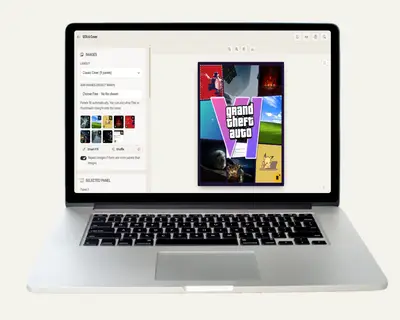
Free GTA 6 Cover Generator - GTA VI Cover Art Maker

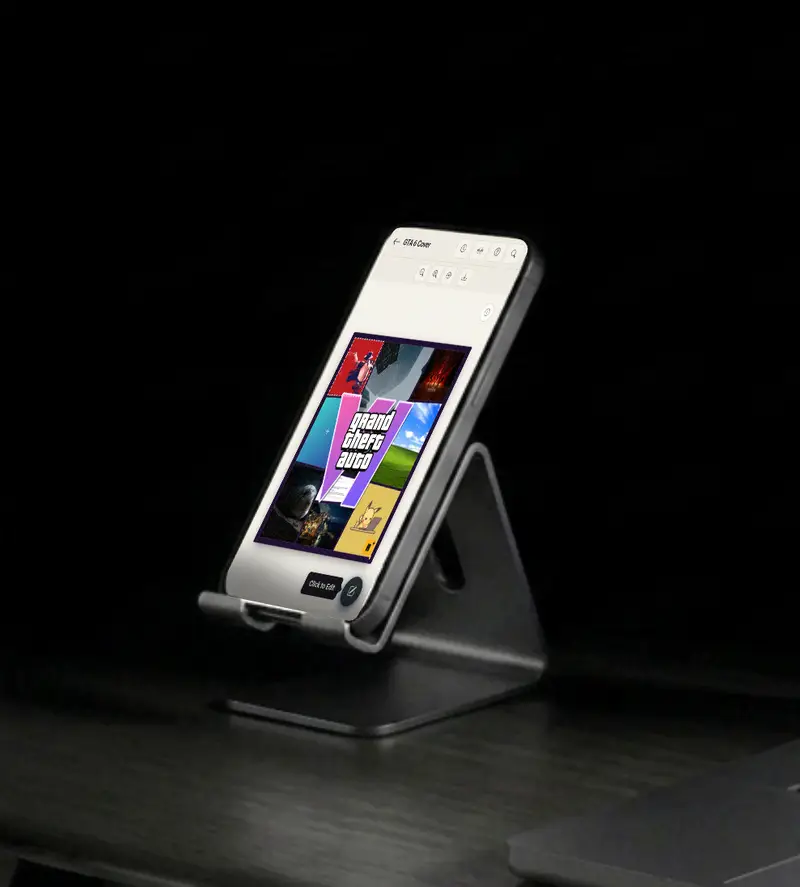
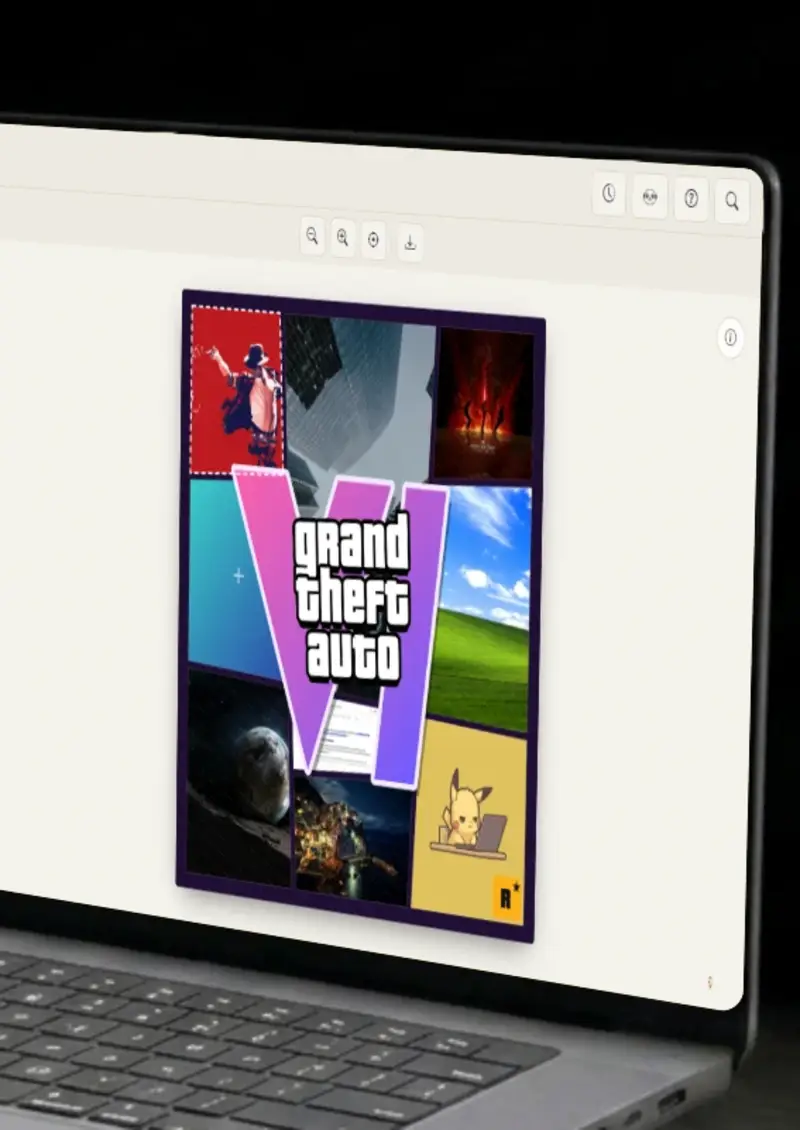
Turn your own photos into a GTA VI style collage cover with the big VI logo. Make Grand Theft Auto cover art, wallpapers and posters free, no signup, and your images never leave your device.

Free GTA 6 Cover Generator - GTA VI Cover Art Maker
Screenshots

See it in action

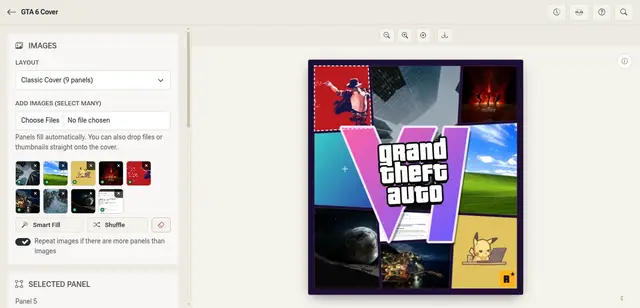
Add your images

Add your images

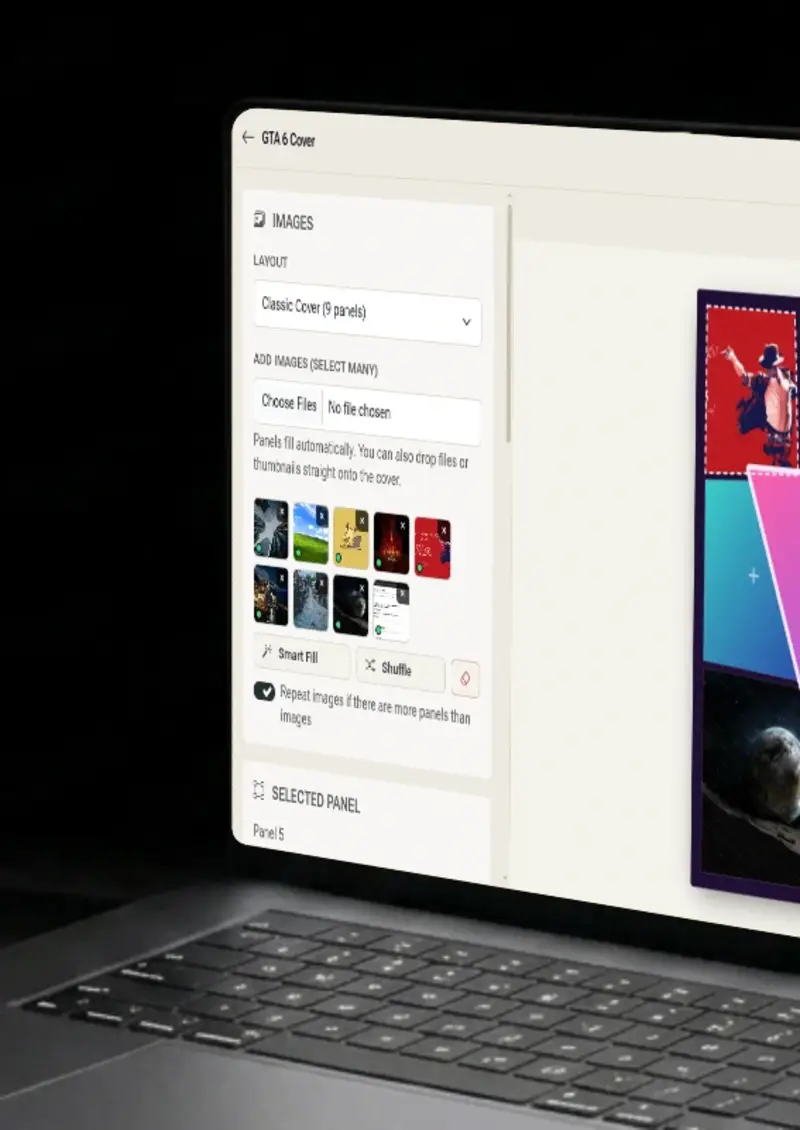
Select many photos at once or drop them onto the cover. Each one is matched to the panel it fits best.

Pick a layout

Pick a layout

Choose the classic 9-panel cover or a 3x3, 2x3, 2x2 or hero layout, then tune the slant and the gap.

Fine-tune every panel

Fine-tune every panel

Drag to reposition, scroll to zoom, drop a different image on a panel, or Shift-drag to swap two panels.

Style & download

Style & download

Edit the title and the gradient VI logo, choose a format, then download a high-resolution PNG.

Use cases

Who uses GTA 6 Cover Generator?

Fans love putting their own spin on the most talked-about game cover. Combine your favorite screenshots, artwork or edits into a collage that looks like the real thing. Swap the title text and logo colors to make it your own, then print it or pin it to your wall.

  • Collage cover in minutes
  • Custom title and logo colors
  • High-resolution PNG

Thumbnails and channel art built around a GTA VI cover grab attention in a crowded feed. Fill the panels with clips, faces and reactions from your own videos. The square and cover formats make it easy to reuse the same design across platforms.

  • Eye-catching thumbnails
  • Square and cover formats
  • Use frames from your own videos

A GTA style cover is a fun way to turn a group photo set into something people share. Put each friend in their own panel and change the title to match an inside joke, a trip or a birthday. It works as a gift, a group chat picture or a party invitation.

  • One person per panel
  • Fully editable title
  • Perfect for gifts and invites

Cover-style collages are made for scrolling feeds. Showcase a travel dump, a year in review or a project launch in a single striking image. Choose a palette-matching frame color and the whole post feels designed.

  • Travel and year-in-review posts
  • Frame color matches your feed
  • Ready to upload anywhere

Servers, clans and game nights all like a banner with some personality. Use member screenshots and highlight moments as panels, and rename the title to your community. A fresh cover for every season or event takes only a few clicks.

  • Server and clan banners
  • Event and season covers
  • Quick to remake
Free GTA 6 Cover Generator - GTA VI Cover Art Maker full page preview
Features

Everything you need

Smart multi-image fill
Feature

Smart multi-image fill

Add as many images as you like and the generator places them for you. Each photo goes to the panel whose shape suits it best, the most visible panels are filled first, and portrait photos are cropped toward the top so faces stay in frame. If you have fewer images than panels, you can repeat them to fill the gaps, or hit Shuffle for a different arrangement.

  • Matches images to panel shapes
  • Fills the most visible panels first
  • Repeat or shuffle in one click
Slanted grid layouts
Feature

Slanted grid layouts

Layouts are built as a real grid, then slanted along the lines panels share. Neighbors always fit together with an even gap, and the outer edges against the frame stay straight, just like the original cover. Pick the classic 9-panel layout or a grid or hero layout, then adjust the slant, the gap and the slant direction.

  • Five layouts to choose from
  • Adjustable slant and panel gap
  • Straight edges against the frame
Full control over every panel
Feature

Full control over every panel

Click any panel to select it, then drag to reposition the image inside it and scroll to zoom. Drop a thumbnail or a new file straight onto a panel to replace it, or hold Shift and drag one panel onto another to swap them. Sliders are there when you want exact control.

  • Drag to reposition, scroll to zoom
  • Drop to replace, Shift-drag to swap
  • Reset or remove any image
Editable logo & title
Feature

Editable logo & title

The big VI logo uses a pink to purple gradient that you can recolor, and the title text, text color and outline color are all editable. Resize the logo, hide it completely, or turn the corner badge on and off. Choose the frame color to match your images.

  • Gradient VI logo with custom colors
  • Editable title with outline
  • Logo size and frame color controls
Your photos never leave your device
Privacy

Your photos never leave your device

Everything is drawn and exported in your browser. Your images are not uploaded to a server, so personal photos stay private. The finished cover downloads straight from your browser as a high-resolution PNG.

  • 100% client-side
  • No uploads
  • Instant PNG export
Help

How it works

1

Add images

Select multiple images or drop them onto the cover. Panels fill automatically.

2

Choose a layout

Pick a layout, then adjust the slant, the panel gap and the frame color.

3

Fine-tune panels

Click a panel to drag, zoom, replace or swap its image until it looks right.

4

Style & download

Edit the title and logo colors, then download your cover as a PNG.

No. Everything is processed in your browser. Your images never leave your device.

As many as you like. The cover has up to nine panels, and extra images stay in your image list so you can drag them onto any panel or swap them in later.

By default the generator repeats your images to fill every panel. Turn off the repeat option if you would rather leave the extra panels empty.

Click the panel, then drag to reposition the image and scroll to zoom. You can also use the sliders in the Selected Panel section for exact control.

Yes. Edit the title text, text and outline colors, and the top and bottom colors of the VI gradient. You can also resize or hide the logo.

No. This is an independent fan tool for making your own mockups and artwork. It is not affiliated with or endorsed by Rockstar Games or Take-Two Interactive, and the names and logos referenced belong to their owners.

A high-resolution PNG, exported at double the on-screen size. You can choose the cover ratio or a square format.

Yes. No signup, and no limit on how many covers you make.

Yes. Add your photos, pick a layout, and the generator builds a Grand Theft Auto VI style cover art collage with slanted panels and the big VI logo. Everything is arranged by you, so the result is your own artwork rather than a filtered copy of someone else's image.

Yes. Export in the official cover ratio or choose the square format, then size it for a phone wallpaper, a desktop background or a printed poster. The PNG export is high resolution, so it scales up cleanly for print.

You control it. The title text and the VI logo are editable, including the text and outline colors and the gradient, and you can hide them entirely. That makes it usable as blank cover art if you would rather add your own branding.

Disclaimer

Intended usage

This tool is made for marketing, presentations, content creation and entertainment. Don't use it to impersonate real people or organizations, or to spread misinformation. You're responsible for how you use what you create - see our Terms of Service.

MockupTown is independent and is not affiliated with, endorsed by, or sponsored by Rockstar Games and Take-Two Interactive. All product names, logos, and brands are property of their respective owners.

Free forever, or go Pro

Pro unlocks higher resolution, no promotional elements and access to Pro-only tools.

This is one of the many mockups MockupTown generates - same tool, different canvas. Open MockupTown to switch anytime.

Ready to make your cover?

No signup, no uploads - start building your GTA VI style collage instantly.

Open GTA 6 Cover Generator
GTA 6 Cover Generator