Celebrating birthdays of my guardian and heir 🎉. All tools are WATERMARK FREE and NO ADS for the whole month of August!

MockupTown
Screenshots Use cases Features Help

Free Image Combiner - Merge Photos Online

Combine images into grids or strips online with our free photo combiner. No signup, no watermark, runs in your browser.

Free Image Combiner - Merge Photos into a Collage
Screenshots

See it in action

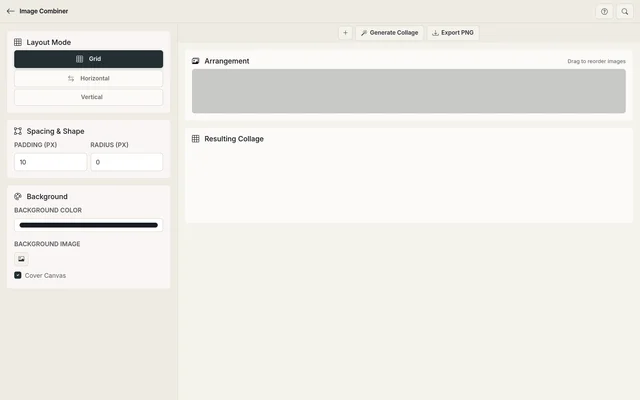
Add images

Add images

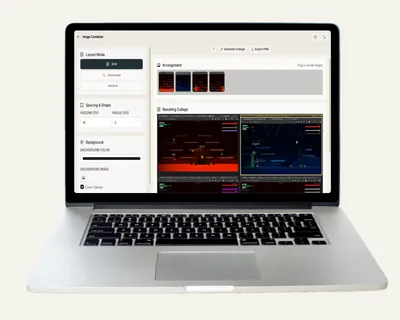
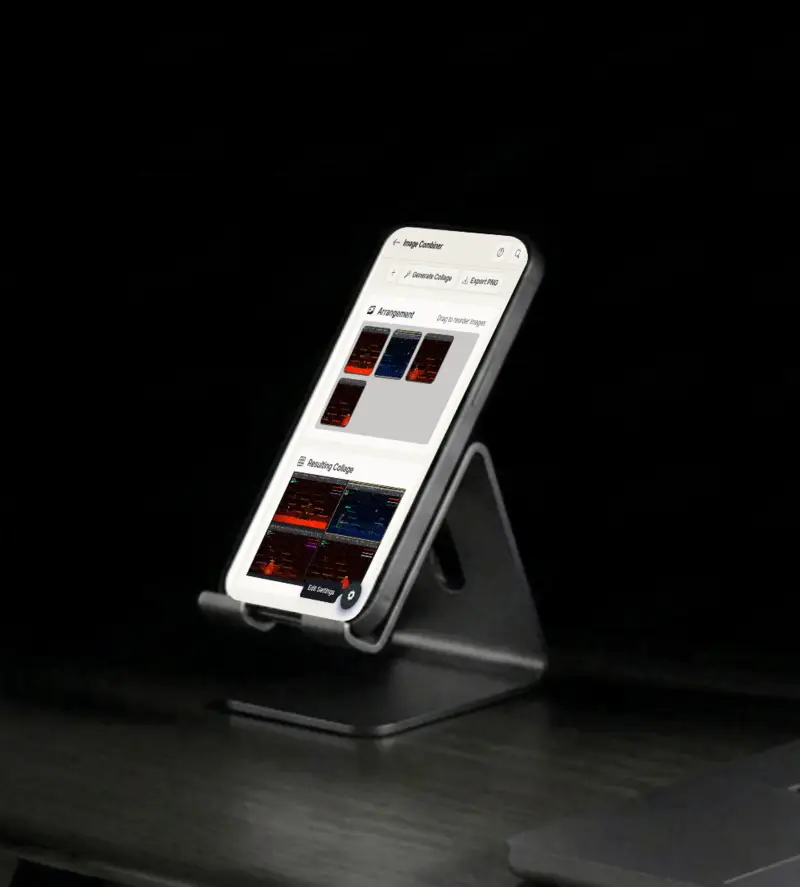
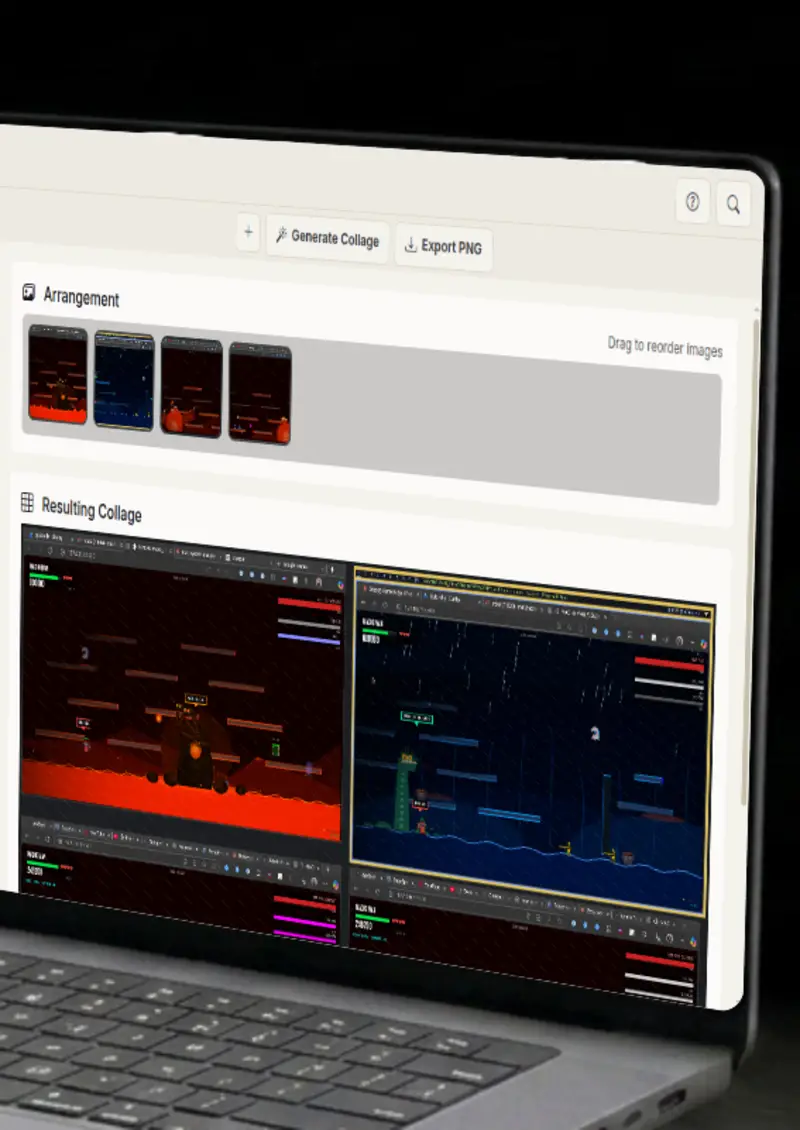
Upload multiple images from your device. Drag to reorder them instantly.

Choose a layout

Choose a layout

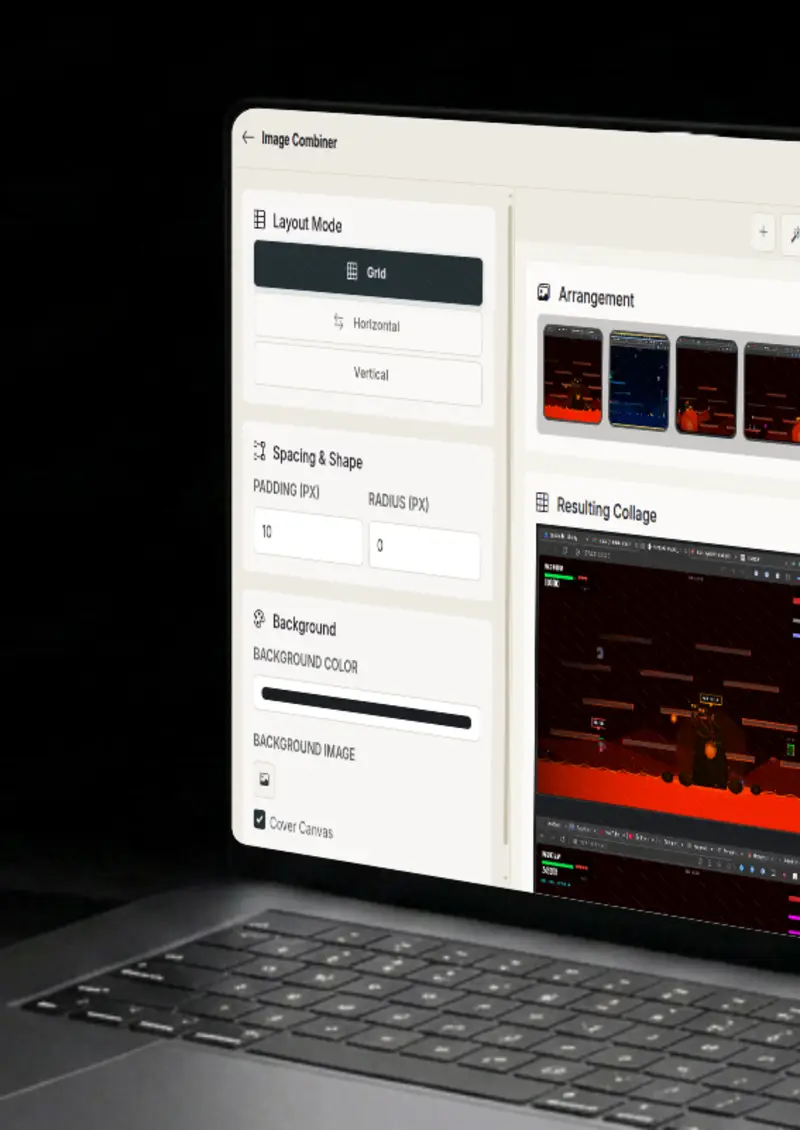
Combine into rows, columns, or a grid. Control the column count and cell aspect ratio.

Tune & export

Tune & export

Adjust padding, radius, spacing, and background color, then download as a PNG image.

Background image

Background image

Use a solid color or a background image with cover-fit, giving the collage a custom backdrop.

Use cases

Who uses Image Combiner?

Before-and-after shots are far easier to compare side by side than in two separate files. Stack your images into a grid or a strip, align them in uniform cells, and export a single image that shows the change at a glance. Clients and audiences see the difference immediately, and the clean grid keeps the comparison honest.

  • Perfect alignment
  • Uniform cell sizes
  • Clean spacing

Reviewing dozens of photos one at a time is slow, so photographers and studios build contact sheets. Combine a whole shoot into a single printable sheet, pick the grid size to fit the count, and export at high resolution. It is the fastest way to see everything at once.

  • Any number of images
  • Adjustable grid size
  • Custom background

Social feeds reward multi-image posts, and a collage is often the most engaging option. Build grids or strips from your best shots, tune the spacing and background to match your feed, and export a polished image without opening design software.

  • Grid or strip layouts
  • PNG export
  • 100% in-browser

Online listings look sharper when products are shown in a uniform grid. Combine product photos into evenly sized cells with consistent spacing and a brand background, then export the grid for your catalog or lookbook. Everything lines up the way a storefront should.

  • Uniform cells
  • Custom spacing
  • Brand background

A trip or an event ends with a folder full of photos that deserve one shareable recap. Merge the best shots into a single grid or strip, drag them into the order the story happened, and export one image for friends, clients or social. One file carries the whole day.

  • Any photo count
  • Drag-to-order
  • High-res export
Features

Everything you need

Drag-to-reorder
Feature

Drag-to-reorder

Re-arrange your images with simple drag and drop before combining. The thumbnail list updates live, so you can place the strongest image first or keep the sequence chronological without re-uploading anything.

  • Intuitive drag handles
  • Live thumbnail list
  • Instant preview
Flexible layouts
Feature

Flexible layouts

Combine into a grid, a horizontal strip or a vertical column, and control the column count and cell aspect ratio. Spacing, padding and background are all adjustable, so the result matches the look you are after rather than a fixed template. Change the layout any time and the collage reflows instantly.

  • Grid, horizontal, vertical
  • Padding & gap control
  • Background color picker
Background image
Feature

Background image

Use a solid color or upload a background image with a cover-fit canvas behind your photos. A custom backdrop gives the collage personality, and the cover option makes sure the background fills the canvas cleanly at any size. It is the difference between a plain grid and a finished design.

  • Solid or image background
  • Cover canvas option
  • Any image format
High-quality export
Feature

High-quality export

Render your combined image at full resolution and download it as a PNG. No watermarks and no quality loss, which makes the export usable for print, for storefronts, or for a gallery wall. The canvas keeps your images sharp at the size you actually need.

  • Full-resolution canvas
  • PNG download
  • No watermarks
Everything stays on your device
Privacy

Everything stays on your device

The combiner runs entirely in your browser using the HTML5 canvas. Your photos never leave your device, and nothing is stored on any server. You can build a collage from personal or unpublished images without them going anywhere.

  • Local canvas processing
  • No uploads
  • Safe for personal photos
Help

How it works

1

Add your images

Upload or drag in the images you want to combine. Reorder them as needed.

2

Choose a layout

Pick a grid or strip layout and set the spacing, padding, and background color.

3

Set the background

Use a solid color or upload a background image with cover-fit.

4

Download

Preview the result and download your combined image as a high-resolution PNG.

There is no fixed limit. The only constraint is your browser's available memory, so large batches of very high-resolution images may take longer to process.

Yes. Images are fitted into uniform cells based on your chosen layout, so mixed sizes work fine.

No. Everything is processed locally in your browser using the HTML5 canvas. Your images never leave your device.

You can combine images into a grid, a horizontal strip or a vertical column, and control the column count and cell aspect ratio.

Yes. Use a solid color or upload an image with the cover canvas option to fill the background cleanly.

You can download the combined result as a high-resolution PNG image.

Free forever, or go Pro Visa

Pro Visa unlocks unlimited messages, higher resolution, no promotional elements and access to Pro-only tools.

Ready to combine your images?

No signup, no uploads - start building your collage instantly.

Open Image Combiner
Image Combiner