Celebrating birthdays of my guardian and heir 🎉. All tools are WATERMARK FREE and NO ADS for the whole month of August!

MockupTown
Screenshots Use cases Features Help

Free Tweet Mockup Generator - Create Realistic Tweets

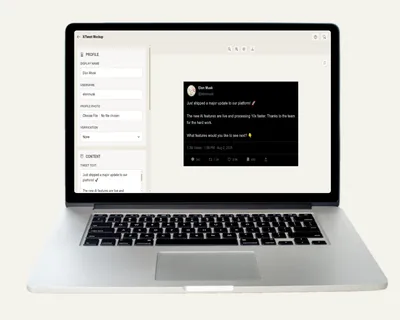
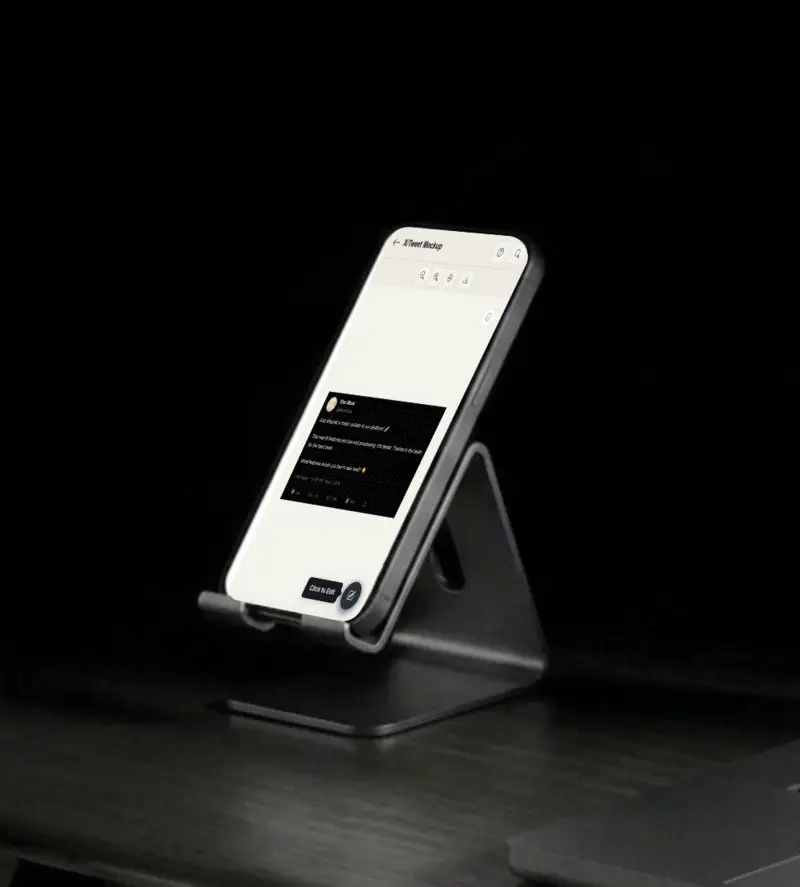
Create realistic tweet mockups with custom avatars, stats and threads. Free fake tweet generator - no signup, no watermark, PNG/SVG export.

Free Tweet Mockup Generator - Create Fake Tweets
Screenshots

See it in action

Custom branding

Custom branding

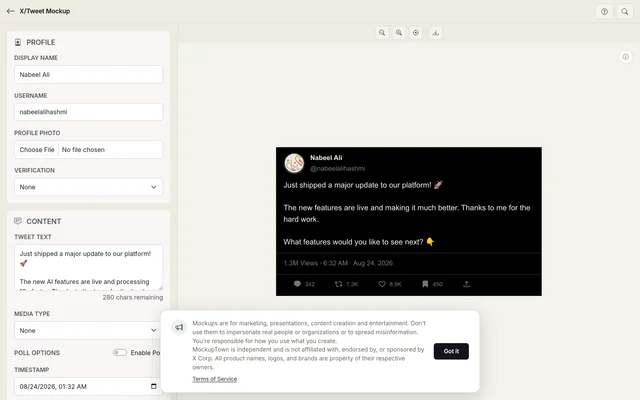
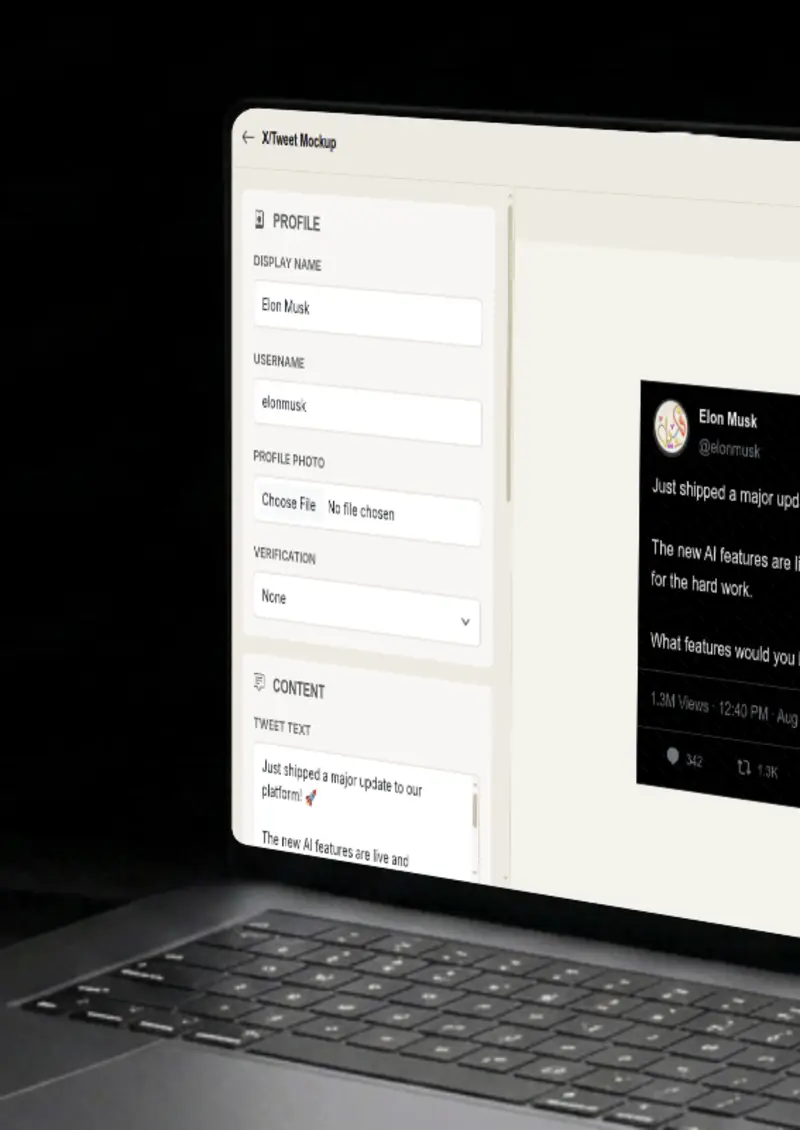
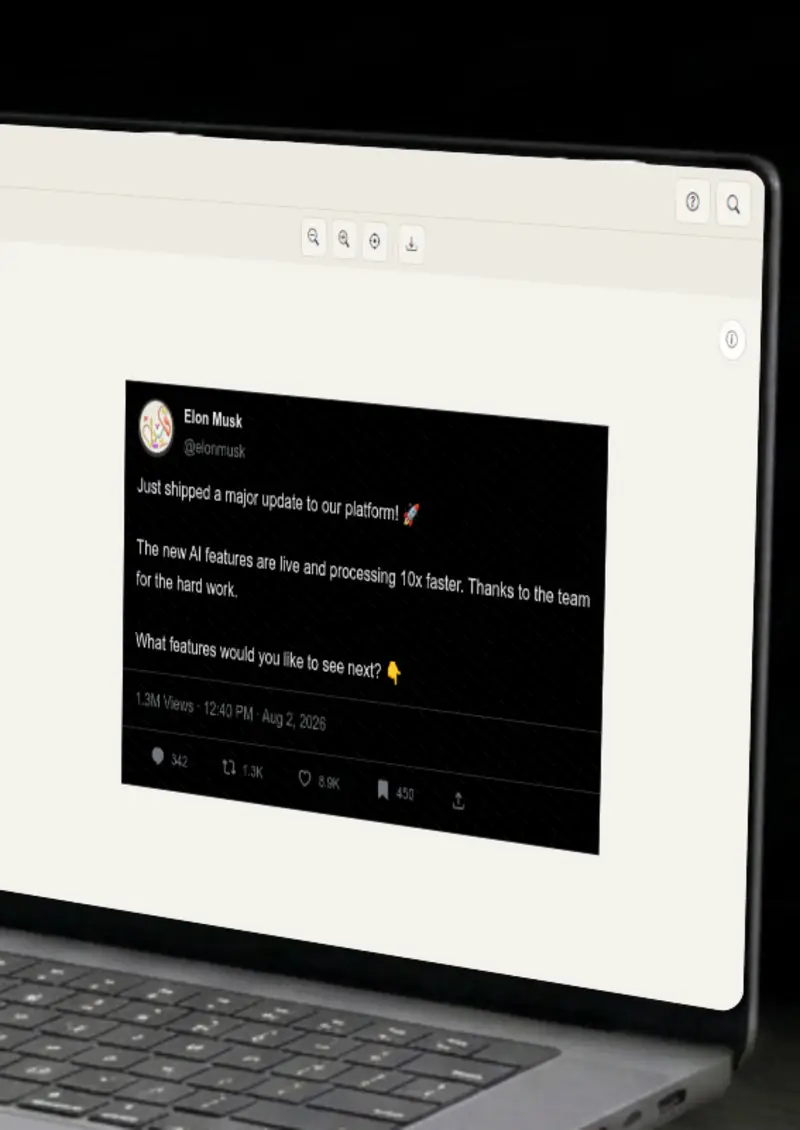
Set the display name, @handle and profile photo, then pick a verified badge in blue, gold or grey to match the account you are showing.

Realistic engagement

Realistic engagement

Fill in views, replies, reposts, likes and bookmarks so the tweet carries the level of engagement your layout needs.

Media and polls

Media and polls

Attach a single image or a 2 to 4 image grid, and turn the tweet into a poll with up to four options and vote percentages.

Theme control

Theme control

Render the tweet in dark, light or dim mode, and pick a timestamp so it looks like it was posted at the moment you want.

Use cases

Who uses X/Tweet Mockup Generator?

A tweet mockup with strong engagement is a quick way to show how a post looks in the feed on a landing page or ad creative. Mock up your message, drop it into the design, and it reads like a realistic tweet, ready the moment you need it.

  • Show tweets in ad creatives
  • A/B test messaging visually
  • Embed in email campaigns

Investors and clients skim slides, so a bare screenshot rarely lands. A framed tweet with a name, badge and engagement row gives the image context in one glance. It makes a pitch deck more visual and concrete.

  • Strengthen investor pitch decks
  • Polish client reports
  • Make slides more visual

YouTubers and bloggers constantly need tweet-style visuals, and this tool produces them in under a minute. Use a mockup for a thumbnail, an illustration in a blog post, or a callback in a podcast episode. Because the design matches the real platform, readers recognize it instantly.

  • Create YouTube thumbnails
  • Illustrate blog posts
  • Social media content

Before a product is out, you cannot show real reactions, but you can show what the reaction would look like. Mock a few tweets that tease a feature or quote an early tester, and use them to build anticipation across your channels. It keeps your launch narrative consistent from announcement to release.

  • Tease features before launch
  • Show feature interactions
  • Build hype on social media

Messaging that works in your head can look flat inside a 280 character box. Generate several versions with different headlines, different handles, and different engagement numbers, then put them side by side. You get a fast, honest read on which one feels right before you spend time on a full campaign.

  • Test different headlines
  • Compare visual approaches
  • Validate messaging before posting
Features

Everything you need

Custom branding
Feature

Custom branding

Add your own avatar, display name and handle, then choose the verified badge that fits. Blue for a premium account, gold for an organization, or grey for a government profile. Everything updates as you type, so the mockup looks right before you export.

  • Custom avatar and display name
  • Verified badge: blue, gold or grey
  • Realistic handle styling
Realistic engagement
Feature

Realistic engagement

Control every number on the action bar. Set views, replies, reposts, likes and bookmarks independently, so the tweet reads as popular, quiet, or somewhere in between. The counts are formatted the same way as the real site, with K and M shorthand where it belongs.

  • Views, replies and reposts
  • Likes and bookmarks
  • Platform-style number formatting
Media and polls
Feature

Media and polls

A tweet with an image looks more complete, so attach one photo or a 2 to 4 image grid that lays out exactly like the platform. You can also enable a poll with up to four options and set vote percentages, which is handy when your mockup needs to show engagement in action.

  • Single image attachment
  • 2 to 4 image grid layouts
  • Poll with up to 4 options
Theme control
Feature

Theme control

Pick between dark, light and dim themes so the tweet matches the app your audience actually uses. Each theme uses the correct background and border colors, and you can also set a timestamp so the mockup does not look like it was made just now.

  • Dark, light and dim modes
  • Platform-accurate styling
  • Custom timestamp
Everything stays on your device
Privacy

Everything stays on your device

The tweet is rendered locally in your browser, so your avatar, images and text never leave your computer. Nothing gets uploaded and nothing is stored. That makes it safe to mock up an account or a quote you are not ready to publish yet.

  • Local canvas rendering
  • No uploads, no server
  • Safe for unreleased content
Help

How it works

1

Enter your tweet text

Type or paste your tweet content into the editor. You can use line breaks and hashtags, and a counter keeps an eye on the character limit.

2

Customize the profile

Set the display name, handle, and upload a profile picture. Choose a verified badge if the account calls for one.

3

Adjust engagement stats

Set views, replies, reposts, likes, and bookmark counts. Add an image, grid or poll, and pick a theme.

4

Export your mockup

Click the export button to download your tweet as a high-resolution PNG, ready for any design or document.

Yes. The Tweet Mockup Generator is completely free with no watermark. Higher resolution exports are available with Pro Visa.

Absolutely. You own the mockups you create. Use them in marketing campaigns, presentations, videos, or any commercial project.

No. You can start creating tweet mockups immediately, no signup, no email, no credit card required.

Yes. Attach a single image or a grid of up to four, and optionally turn the tweet into a poll with up to four options and custom percentages.

You can export your mockup as a high-resolution PNG. Free users get standard resolution; Pro users unlock larger exports.

No. Everything stays in your browser. You generate an image and download it; nothing is shared, posted, or stored anywhere.

Disclaimer

Intended usage

This tool is made for marketing, presentations, content creation and entertainment. Don't use it to impersonate real people or organizations, or to spread misinformation. You're responsible for how you use what you create - see our Terms of Service.

MockupTown is independent and is not affiliated with, endorsed by, or sponsored by X Corp. All product names, logos, and brands are property of their respective owners.

Free forever, or go Pro Visa

Pro Visa unlocks unlimited messages, higher resolution, no promotional elements and access to Pro-only tools.

Ready to create your tweet mockup?

No signup, no credit card - start designing in seconds.

Open X/Tweet Mockup Generator
X/Tweet Mockup Generator