Celebrating birthdays of my guardian and heir 🎉. All tools are WATERMARK FREE and NO ADS for the whole month of August!

MockupTown
Screenshots Use cases Features Help

Free Digital Business Card Maker

Design a professional digital business card and vCard online. Free, no signup, no watermark. Share with one tap, download instantly.

Free Digital Business Card Maker - Create a VCard Online
Screenshots

See it in action

Contact details

Contact details

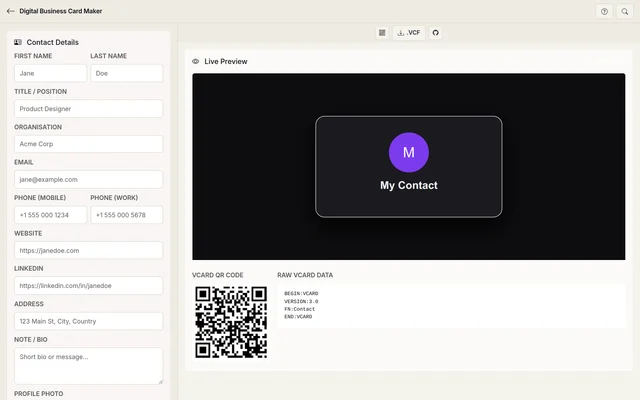
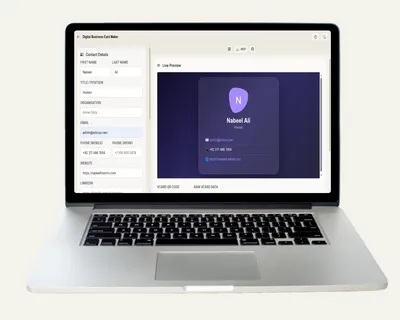
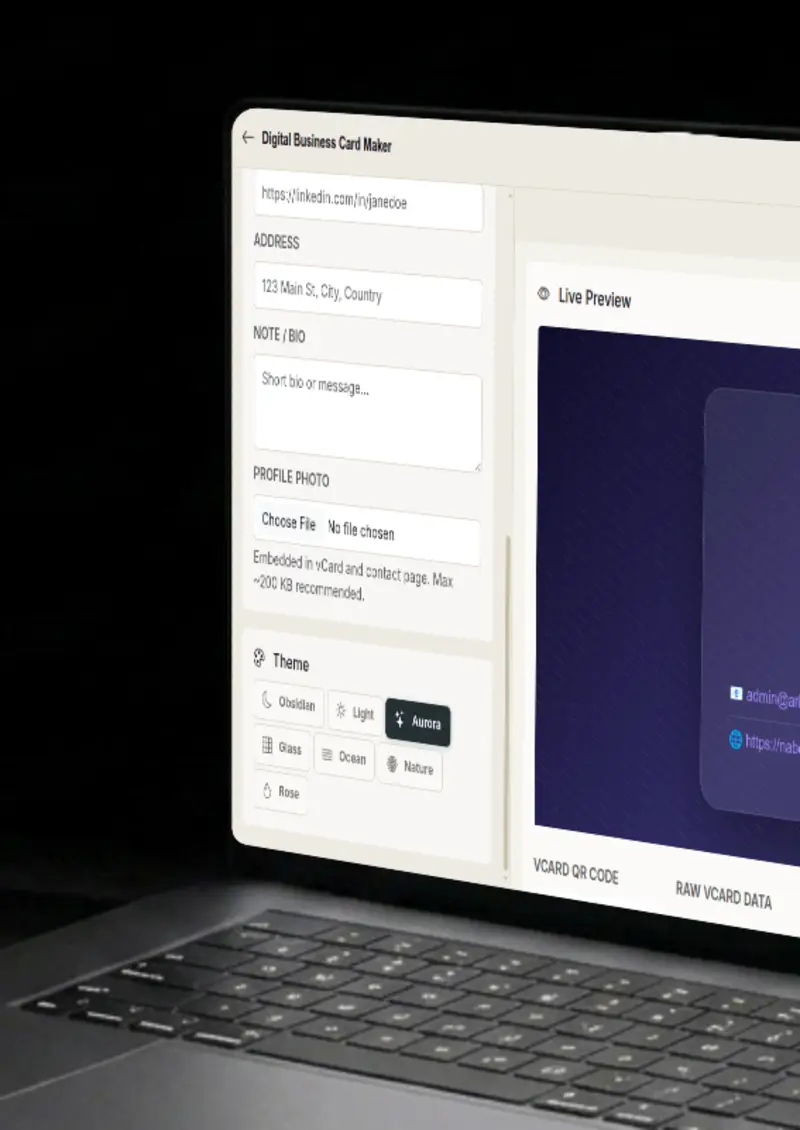
Add your name, title, organisation, phone, email, website, social links, address and a short note. Every field is optional.

Profile photo

Profile photo

Upload a profile photo and it is embedded in both the vCard file and the themed contact page.

QR code

QR code

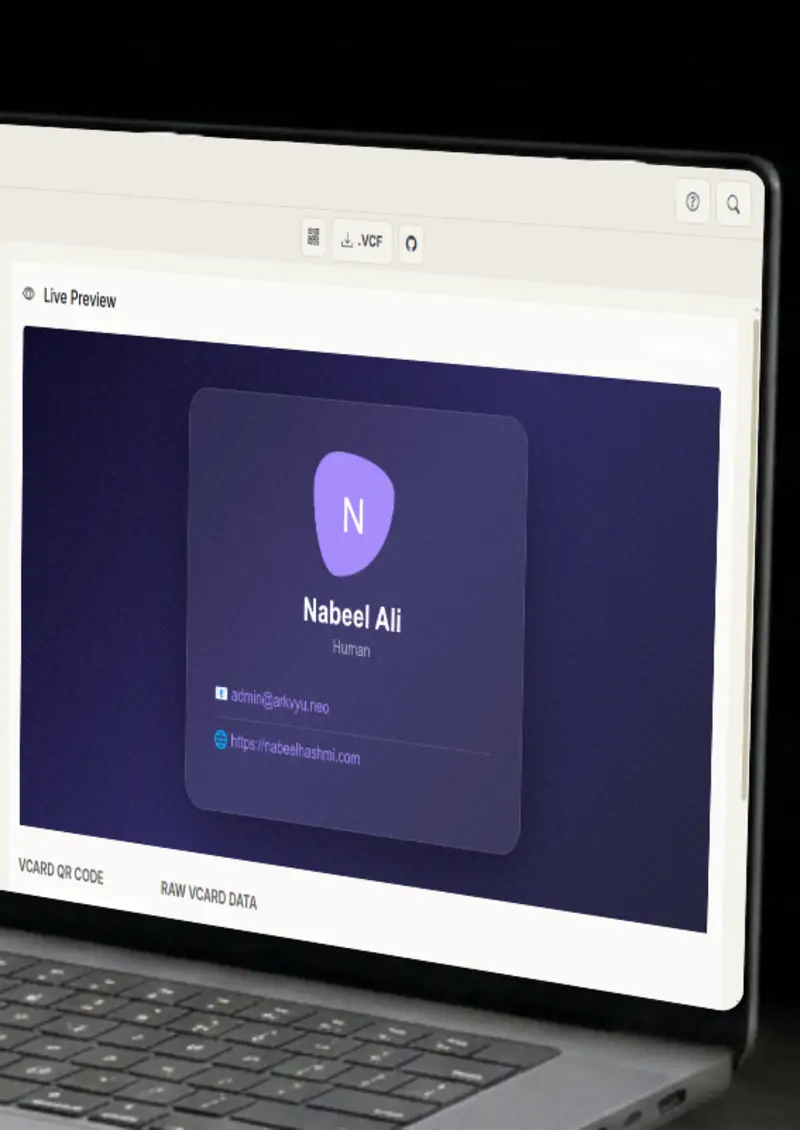
A scannable vCard QR code is generated automatically from your details. Print it or share it digitally.

Seven themes

Seven themes

Style the contact page with Obsidian, Light, Aurora, Glass, Ocean, Nature or Rose, each with its own look.

Use cases

Who uses Digital Business Card Maker?

Handing out paper cards at a conference means losing half of them. Share a digital card by email, message or a scannable QR instead, and the details land straight in the other person's contacts. No card to collect, no stack to carry home, and nothing to throw away.

  • Digital business card
  • QR code on name badges
  • Share via email or link

When a client asks for your details, send a polished contact page and a vCard they can save in one tap. It looks intentional and modern, the way a professional presentation should. And because the file is a standard vCard, it works on every phone and desktop without any special app.

  • One-click add to contacts
  • Professional impression
  • Free GitHub Pages hosting

Instagram, LinkedIn and TikTok give you exactly one link, so make it count. Point that link at your contact page and every field, from email to LinkedIn to your note, lives behind a single URL. Update the card and every place it is linked stays current.

  • Single link in bio
  • Always up to date
  • Mobile friendly

Attach a scannable vCard QR to your email signature so clients can save your details in one tap. It sits quietly at the bottom of every message you send, doing its job without asking for anything. For people who type their signature manually, it saves them the effort.

  • QR in signatures
  • Works on any client
  • One-tap add to contacts

Print QR contact cards for guests, vendors or suppliers instead of handing out paper cards that get lost. Everyone scans with their phone camera and the contact is saved on the spot, no app required. It works offline too, which makes it perfect for venues.

  • Printable QR cards
  • No app required
  • Custom branding
Features

Everything you need

vCard export
Feature

vCard export

Download a standard .vcf file that works on any phone, desktop or cloud service. All of your fields are included, from the multiple phone numbers to the website and LinkedIn, and the profile photo is embedded right into the file.

  • Standard VCARD format
  • All fields supported
  • Photo embedded
QR code
Feature

QR code

A QR code is generated from your vCard data and downloads as a PNG for print. When someone scans it, their phone offers to save you as a contact instantly, with no app and no typing. Print it on a flyer or keep it on your screen.

  • Scans to add contact
  • Download as PNG
  • No app needed
Contact page
Feature

Contact page

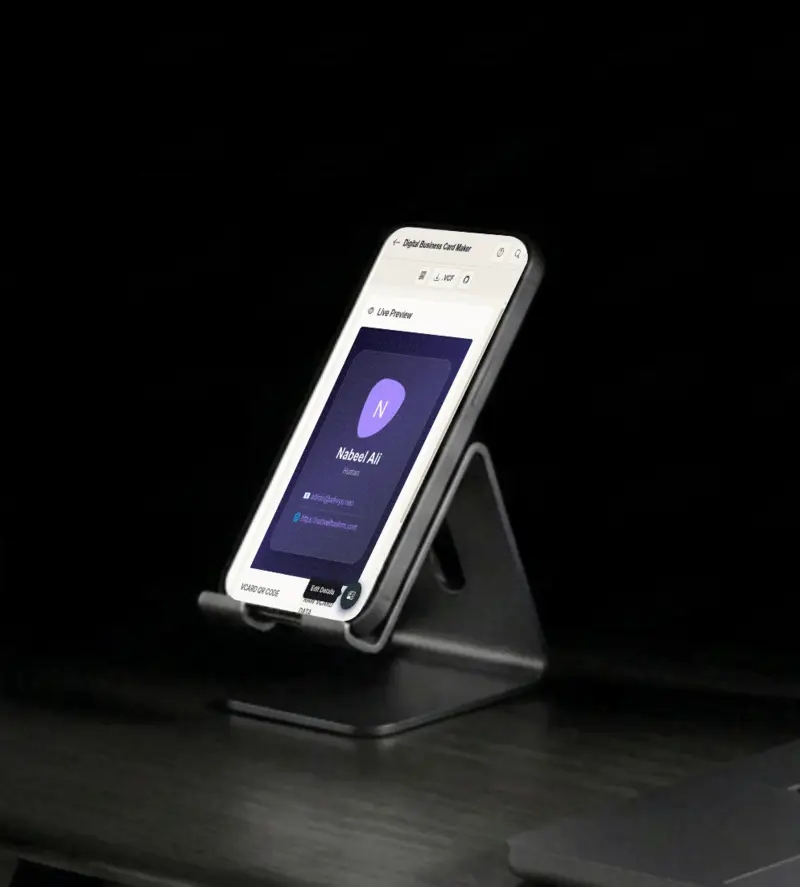
A beautiful, themed HTML page with all of your information, ready to share as a link or deploy to GitHub Pages for free. Seven themes cover everything from a clean light card to a rose gradient, and the page is mobile responsive by default.

  • Seven themes
  • GitHub Pages deploy
  • Mobile responsive
Profile photo
Feature

Profile photo

Upload a profile photo and it appears in both the vCard file and the contact page, with a styled frame that matches the theme you pick. A face makes a contact card personal and much harder to ignore in a long list of saved numbers.

  • Single upload, two outputs
  • Theme-matched styling
  • Optional field
Everything stays on your device
Privacy

Everything stays on your device

The vCard, QR code and contact page are all generated locally in your browser. Your contact data never leaves your device unless you choose to deploy the page to GitHub Pages, and nothing is stored by the tool.

  • Built in your browser
  • No data stored by the tool
  • You choose what to publish
Help

How it works

1

Fill in your details

Enter your name, contact info, links, and optional profile photo. All fields are optional.

2

Pick a theme

Choose one of seven themes for your contact page, from Obsidian dark to Rose gradient.

3

Download or deploy

Download the .vcf file and the QR code PNG, or push your contact page live to GitHub Pages for free.

4

Share everywhere

Send the vCard, the QR code or the page link in emails, bios and signatures.

A vCard is the universal standard for digital contact cards. When someone opens your .vcf file on any phone or computer, they can instantly add you to their contacts.

The QR code encodes your full vCard data. When someone scans it, their phone offers to add you to contacts immediately, no app required.

No. Everything is generated in your browser. Your contact data never leaves your device unless you choose to deploy to GitHub Pages.

Seven. Obsidian, Light, Aurora, Glass, Ocean, Nature and Rose, each giving the contact page a different look.

Yes. The QR code downloads as a PNG at a resolution that prints cleanly on flyers, name badges and business cards.

No, every field is optional. Without a photo, the card and page use a styled placeholder with your initials instead.

Free forever, or go Pro Visa

Pro Visa unlocks unlimited messages, higher resolution, no promotional elements and access to Pro-only tools.

Ready to create your contact card?

No signup, no credit card - start building in seconds.

Open Digital Business Card Maker
Digital Business Card Maker