MockupTown
Screenshots Use cases Features Help All Tools

Free iMessage Chat Generator & Video Maker

Create realistic fake iMessage chats with blue bubbles, dark mode and animations. Free - no signup, instant PNG & MP4.

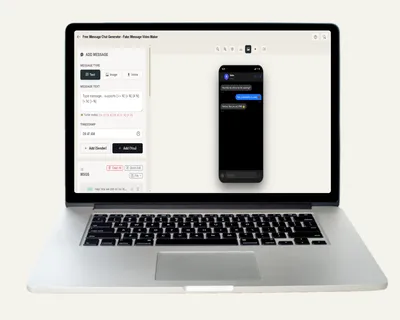
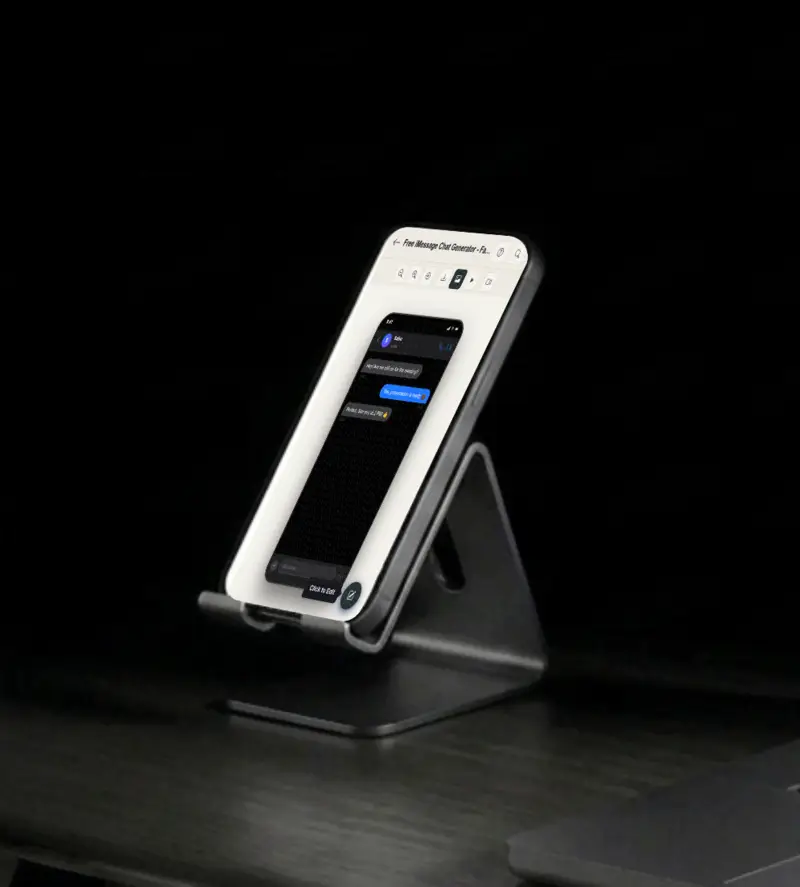
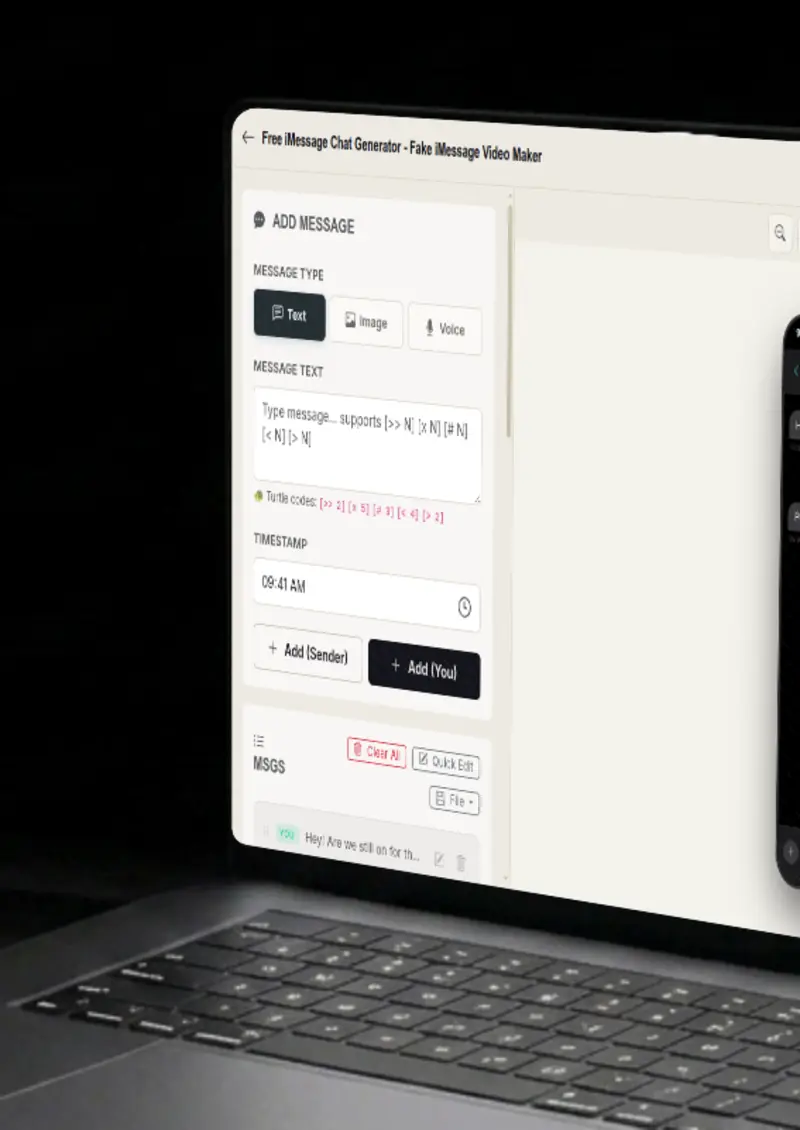
Free iMessage Chat Generator - Fake iMessage Video Maker
Screenshots

See it in action

Multi-platform

Multi-platform

Pick the platform you need, from iMessage and WhatsApp to Instagram, Messenger, Telegram and more. One editor, nine chat styles.

Contact details

Contact details

Set the contact name and upload a profile photo. The header updates instantly so the conversation looks realistic from the top.

Message builder

Message builder

Build the conversation message by message. Toggle between sent and received, add images, and control the order and timing.

Typing animation

Typing animation

Switch on the typing indicator and control its speed. Messages appear one by one, like a realistic conversation in progress.

Use cases

Who uses iMessage Chat Generator?

A chat screenshot is a fast way to show an interaction on a landing page or ad creative. Mock up a short support or product demo exchange, then drop it into the design. The result reads like a realistic message thread, ready whenever you need it.

  • Show conversations in ad creatives
  • A/B test messaging visually
  • Embed in email campaigns

An iMessage mockup in a slide deck carries a different tone than other chat platforms. The blue and grey bubbles signal an Apple ecosystem, which reads naturally in product demos, investor decks, and customer story presentations.

  • Strengthen investor pitch decks
  • Polish client reports
  • Make slides more visual

Creators use iMessage screenshots for storytelling, skits, and tutorial content. The tool builds a realistic thread with the right bubble colors, read receipts, and typing animation, so the visual works as a thumbnail or a blog illustration.

  • Create YouTube thumbnails
  • Illustrate blog posts
  • Social media content

Before launch day you cannot show real conversations, but you can show what they would look like. Mock a quick exchange where a friend asks about your new feature and you answer like you already shipped it. It builds anticipation and keeps your launch story consistent across every channel.

  • Tease features before launch
  • Show feature interactions
  • Build hype on social media

Training materials and help articles need to show chat flows without using real customer data. Build a synthetic iMessage thread that demonstrates a support conversation, an onboarding sequence, or a feature walkthrough.

  • Create tutorial screenshots
  • Illustrate use cases
  • Design conversation examples
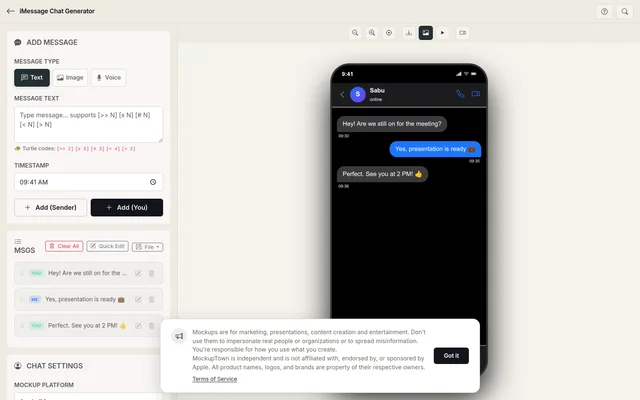
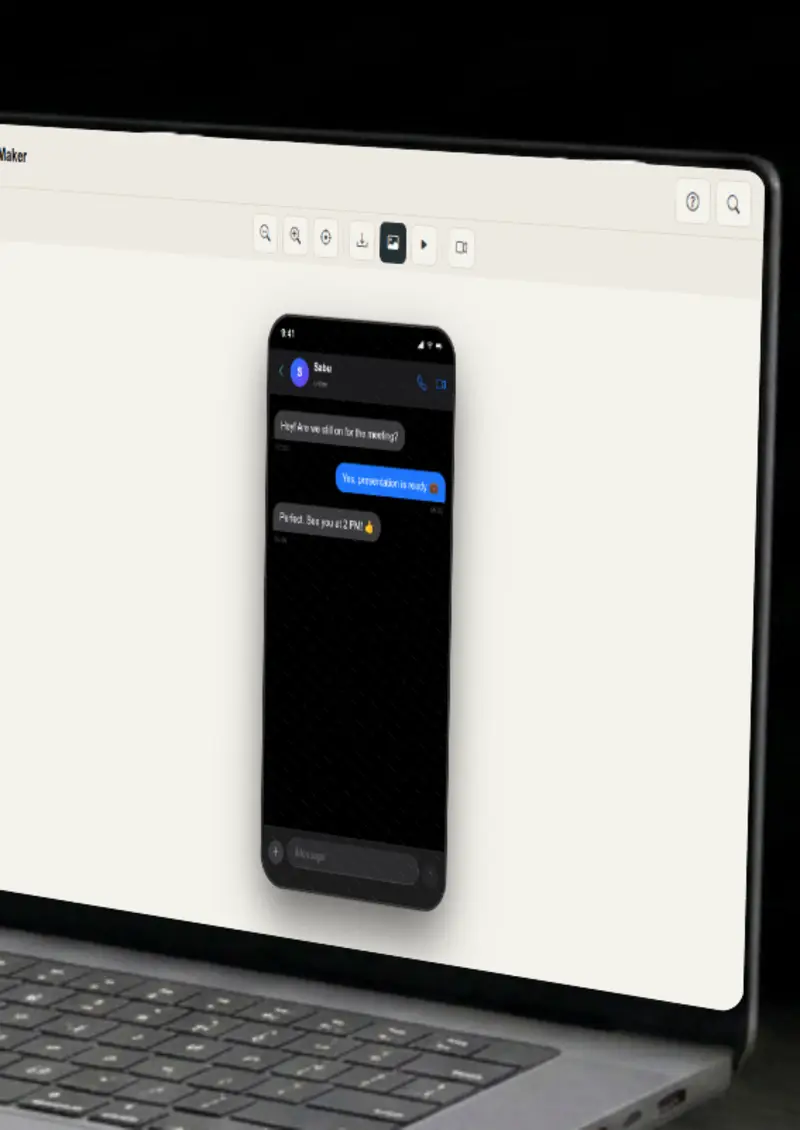
Free iMessage Chat Generator - Fake iMessage Video Maker full page preview
Features

Everything you need

iMessage styling
Platform

iMessage styling

Every visual detail matches the real iMessage interface, from the bubble shapes and colors to the header and the input bar. Pick a light or dark theme and the whole conversation adjusts, so your mockup looks like it was pulled straight off a phone.

  • Accurate bubble styling
  • Platform-specific colors
  • Light and dark themes
Typing indicators
Animation

Typing indicators

The typing indicator pulses, the message slides in, and the read receipt appears. Export the thread as an MP4 and you have a short clip that plays like a real iMessage exchange.

  • Typing bubble animation
  • Adjustable typing speed
  • Per-message send timing
Full conversation control
Messages

Full conversation control

Build as long a conversation as you need. Toggle each message between sent and received, attach images, set the time shown under each bubble, and control the order. You are not locked into a template; you compose the exact exchange you want.

  • Unlimited messages
  • Sent / received toggle
  • Image attachments and timestamps
PNG and video export
Export

PNG and video export

Download your mockup as a high-resolution PNG for designs and documents, or export it as an MP4 video so the typing animation actually plays. Both formats are ready to use without additional editing.

  • High-resolution PNG export
  • Animated MP4 video export
  • No watermarks
Everything stays on your device
Privacy

Everything stays on your device

The conversation is rendered locally in your browser. Your contact photos and images are never uploaded to a server, and nothing is stored. You can build a mockup for a feature that has not been announced yet without worrying about it leaking anywhere.

  • Local rendering, no uploads
  • Nothing stored on servers
  • Safe for unreleased products
Help

How it works

1

Choose iMessage

Select iMessage from the platform picker, then choose light or dark theme.

2

Set contact

Enter the contact name and upload a profile photo so the header looks right.

3

Add messages

Build the conversation with text messages and image attachments. Toggle sender, order, and timing.

4

Export your mockup

Download as a high-resolution PNG, or export an MP4 video of the animation.

Yes, completely free. Imessage Chat mockups export as PNG. Everything renders in your browser, so nothing is uploaded anywhere.

Absolutely. You own the Imessage Chat mockups you create. Use them in marketing campaigns, presentations, pitch decks, or any commercial project.

No. Open Imessage Chat in your browser and start creating mockups immediately. No signup, no email, no credit card required.

We support iMessage, WhatsApp, Instagram, Messenger, Telegram, ChatGPT, Discord, Slack, and Twitter DM.

Yes. Export your mockup as an MP4 video with the typing animation included, or as a high-resolution PNG if you only need a still.

No. Everything stays in your browser. You generate an image or video and download it; nothing is shared, posted, or stored.

Disclaimer

Intended usage

This tool is made for marketing, presentations, content creation and entertainment. Don't use it to impersonate real people or organizations, or to spread misinformation. You're responsible for how you use what you create - see our Terms of Service.

MockupTown is independent and is not affiliated with, endorsed by, or sponsored by Apple. All product names, logos, and brands are property of their respective owners.

Free forever, or go Pro Visa

Pro Visa unlocks unlimited messages, higher resolution, no promotional elements and access to Pro-only tools.

This is one of the many mockups MockupTown generates - same tool, different canvas. Open MockupTown to switch anytime.

Ready to create your animated iMessage mockup?

No signup, no credit card - start designing in seconds.

Open iMessage Chat Generator
iMessage Chat Generator