Celebrating birthdays of my guardian and heir 🎉. All tools are WATERMARK FREE and NO ADS for the whole month of August!

MockupTown
Screenshots Use cases Features Help

Free Scene Frame Mockup Generator

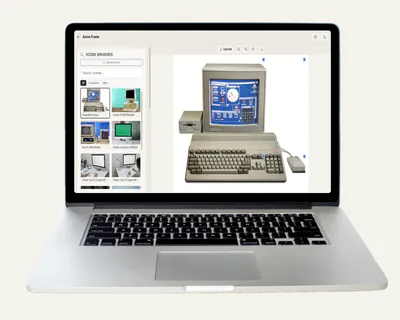
Place your design into realistic scene frames - laptops, phones, walls. Free scene mockup generator, no signup, no watermark.

Free Scene Frame Mockup Generator - Designs in Real Scenes
Screenshots

See it in action

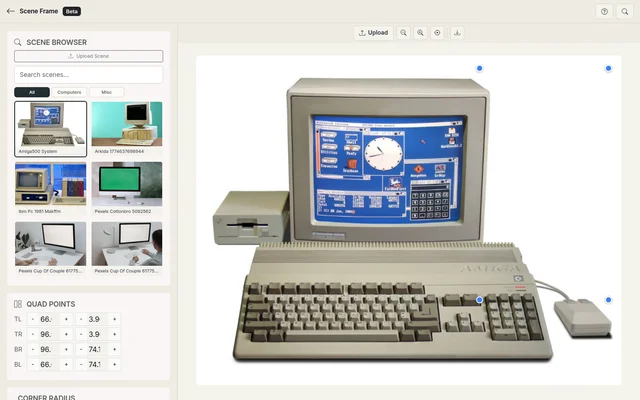
Scene browser

Scene browser

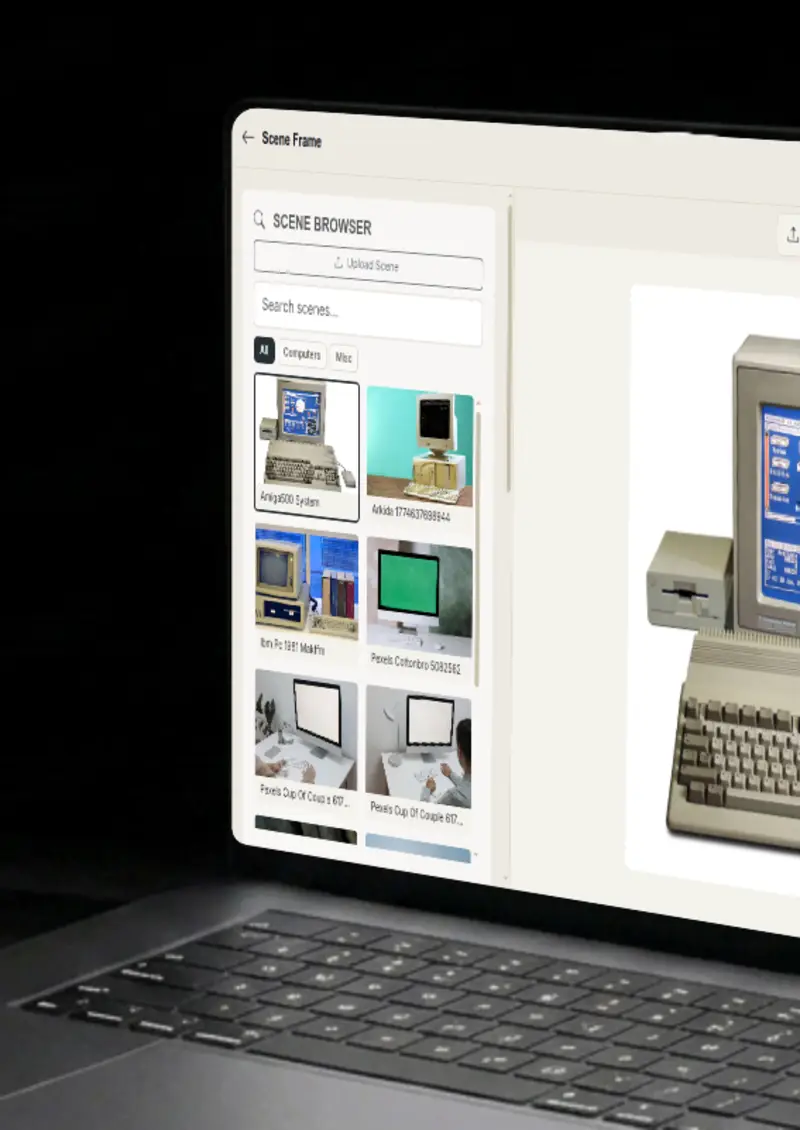
Browse and search a library of scene frames organised by category: phones, tablets, computers, billboards and more.

Smart screen detection

Smart screen detection

Scene Frame automatically detects screen areas using four algorithms for accurate placement.

Quad point editing

Quad point editing

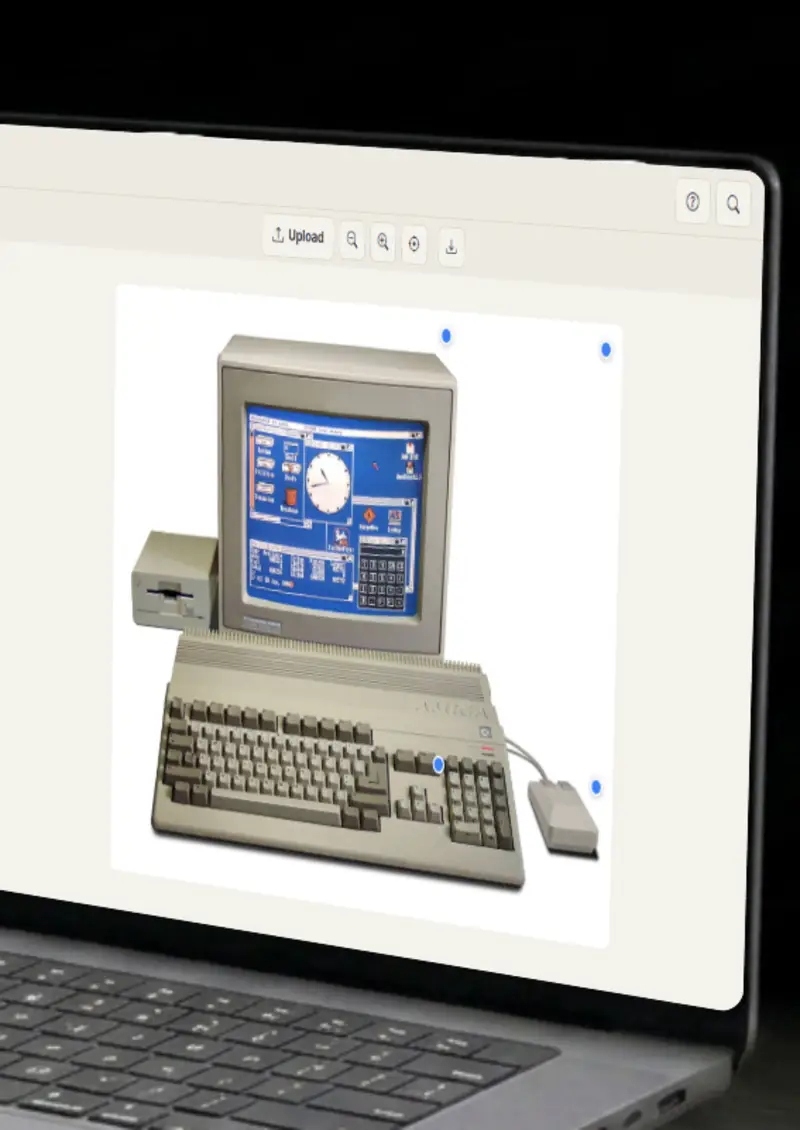
Fine-tune placement by dragging the four corner handles or entering exact coordinates.

Corner radius

Corner radius

Set per-corner or uniform corner radius to match rounded screen edges.

Use cases

Who uses Scene Frame Generator?

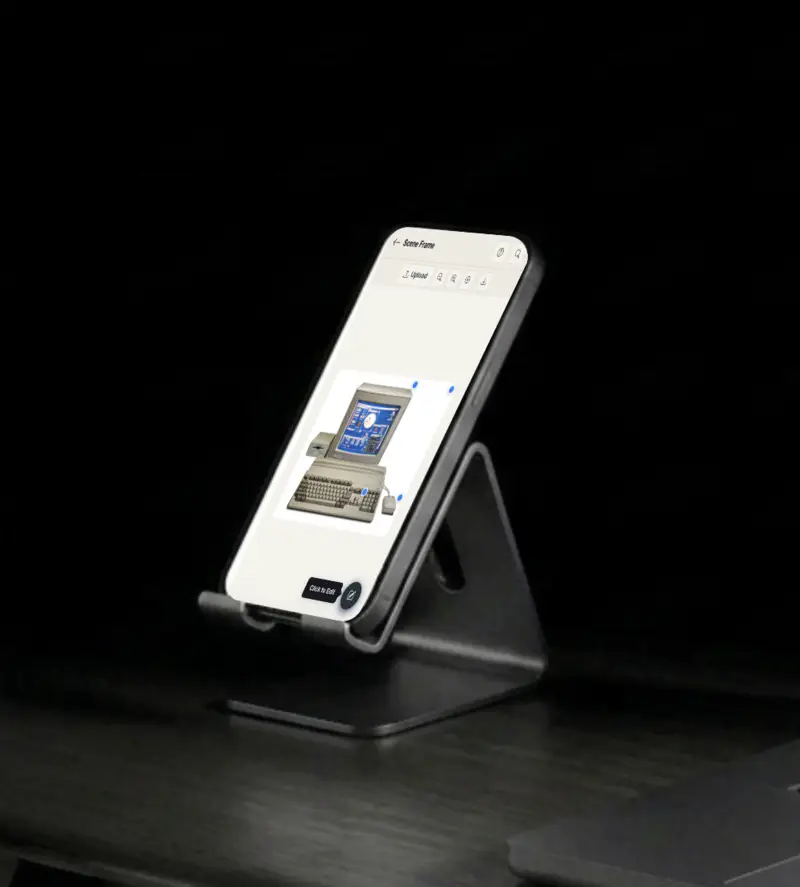
A flat screenshot does not feel like a product, but the same image inside a phone, tablet or computer scene does. Pick a scene from the library, upload your screen, and let the smart detection line up the display area. The result looks like a photo someone took of the device, which sells the product far harder.

  • Realistic device frames
  • Automatic screen fit
  • Searchable scene library

Product photos on a plain background get scrolled past, but the same design on a billboard or an outdoor wall reads like the real thing. Overlay your artwork onto a scene and adjust the fit until it sits naturally in the photo. It is the fastest way to show scale and context without a photoshoot.

  • Billboard and outdoor scenes
  • Realistic placement
  • Context that sells

Design portfolios live on how the work is presented, and screens inside real devices present better than screens alone. Place app designs and website screenshots into device scenes, tweak the quad corners and radius, and export a mockup that looks captured rather than pasted. Reviewers respond to the context.

  • App and web presentation
  • Per-corner radius control
  • Portfolio-ready exports

A deck full of flat screenshots does not carry much weight, but the same screens inside scenes do. Import scene frames into pitch decks and client presentations to make your product feel tangible. The audience sees a working device instead of an abstract image.

  • Pitch deck visuals
  • Client-ready mockups
  • Product in context

Ad creatives and social posts compete for attention, and context is what earns it. Build visuals with your design placed in a relatable scene, from a phone on a desk to a display on a city wall. Export at high resolution and reuse the same scenes across a whole campaign for a consistent look.

  • Engaging ad creatives
  • Consistent campaign look
  • High-resolution exports
Features

Everything you need

Scene browser
Feature

Scene browser

Browse, search and filter a library of scene frames organised by category, from phones and tablets to computers, billboards and more. Click a scene to load it, and upload your own images to extend the library with scenes of your own.

  • Categorised scene library
  • Text search filter
  • Upload custom scenes
Smart detection
Feature

Smart detection

Four algorithms detect screen areas automatically, from transparent cutouts to edge profiles. Transparent area detection, edge gradient profiling, adaptive center-out scanning and a brightness transition fallback work together to find the right spot, so you rarely have to place it yourself.

  • Transparent area detection
  • Edge gradient profiling
  • Adaptive center-out scanning
Quad point editing
Feature

Quad point editing

Drag the four corner handles or input precise coordinates to adjust the overlay area. Real scenes rarely have perfectly rectangular screens, and quad editing lets you match perspective and skew the way the photo demands, all with a live preview.

  • Draggable corner handles
  • Numeric coordinate input
  • Real-time preview
Content controls
Feature

Content controls

Fit, cover or fill modes with adjustable position, zoom and opacity. Fit your whole design inside the screen, cover it edge to edge, or fill the area exactly, then fine-tune the corner radius to match rounded display edges.

  • Fill / Fit / Cover modes
  • Position and zoom sliders
  • Opacity control
Everything stays on your device
Privacy

Everything stays on your device

The editor runs entirely in your browser. Your scene images and content never leave your device, and nothing is stored on any server. You can build mockups for unreleased products and unpublished designs without them going anywhere.

  • Local rendering, no uploads
  • Nothing stored on servers
  • Safe for unreleased designs
Help

How it works

1

Select a scene

Browse the scene library and click any frame to load it. You can also upload your own scene image.

2

Upload content

Upload your PNG or JPEG image as the content to overlay onto the scene.

3

Adjust quad & radius

Drag the corner handles or input coordinates to fit the content area. Set corner radius to match screen edges.

4

Export your mockup

Tweak position, zoom and opacity, then download as a high-resolution PNG.

Yes, completely free. No watermarks, and all processing happens locally in your browser, so nothing is uploaded anywhere.

Yes. Use the Upload Scene button to load any image as your scene frame.

Scene Frame uses four algorithms: transparent cutout detection, edge gradient profiling, adaptive center-out scanning, and brightness transition fallback. Results are automatic but can be fine-tuned with quad handles.

PNG and JPEG images are supported for both scenes and content overlays.

The library is organised into phones, tablets, computers, billboards and a misc category, all searchable by name.

You can export your mockups as high-resolution PNG images, clean and ready for any design or document.

Free forever, or go Pro Visa

Pro Visa unlocks unlimited messages, higher resolution, no promotional elements and access to Pro-only tools.

Ready to create your scene frame mockup?

No signup, no credit card - start designing in seconds.

Open Scene Frame Generator
Scene Frame Generator