Celebrating birthdays of my guardian and heir 🎉. All tools are WATERMARK FREE and NO ADS for the whole month of August!

MockupTown
Screenshots Use cases Features Help

Free WhatsApp Status Maker

Make realistic WhatsApp status mockups in seconds. Free fake WhatsApp status maker - no signup, no watermark, instant PNG.

Free WhatsApp Status Maker - Create Fake Status Screenshots
Screenshots

See it in action

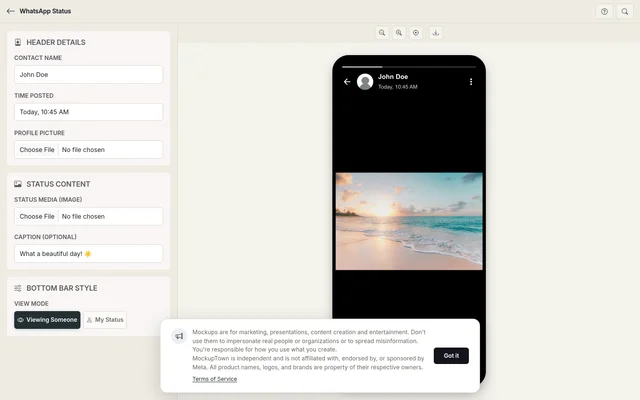
Custom profile

Custom profile

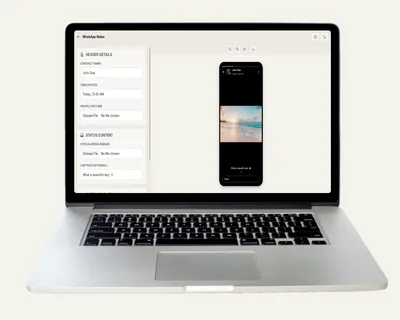
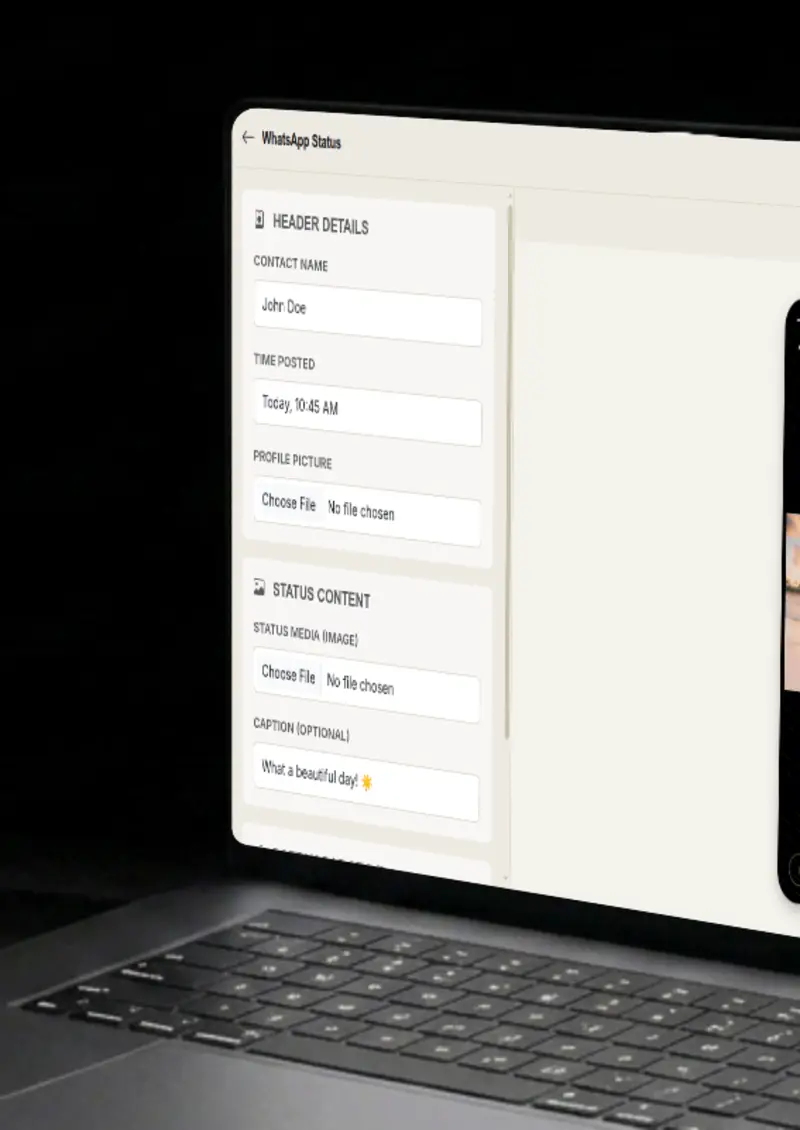
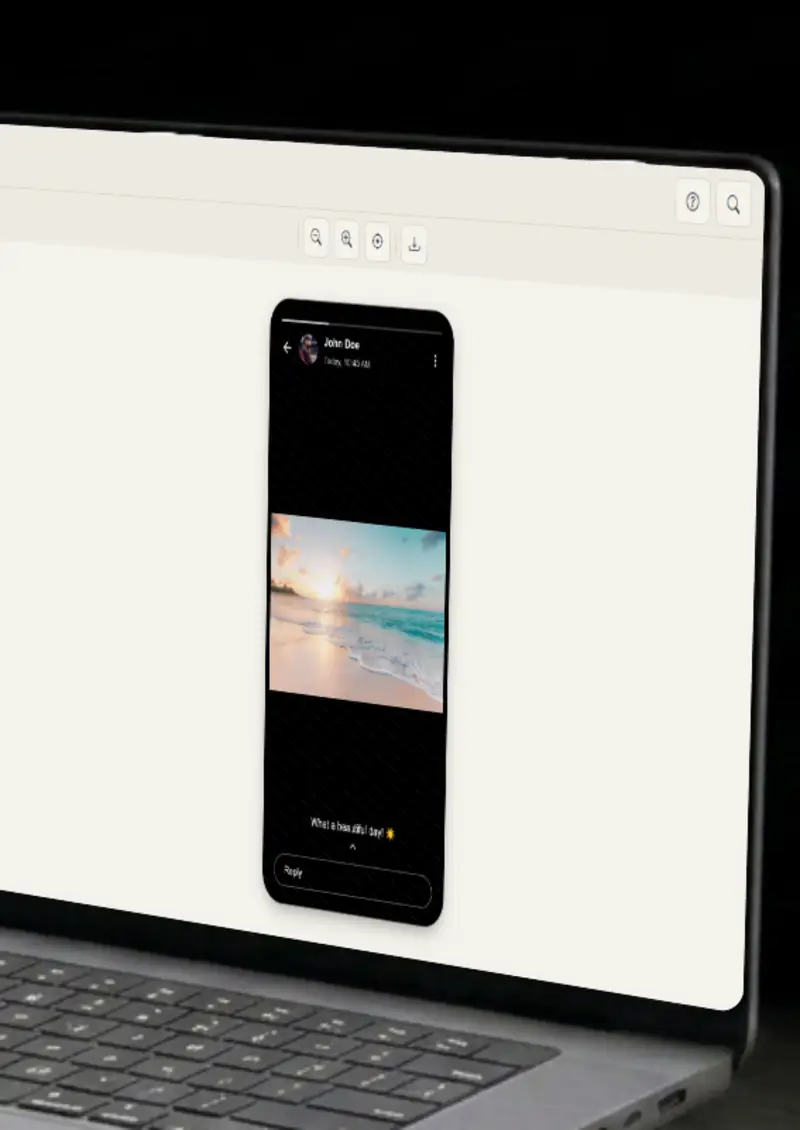
Set the contact name, time and upload a profile photo. The header matches a real status from the top.

Status media

Status media

Upload any image as the status background and add an optional caption that blends into the frame.

View mode toggle

View mode toggle

Switch between viewing someone else's status, with the reply bar, and your own status, with the eye icon and view count.

Phone-accurate design

Phone-accurate design

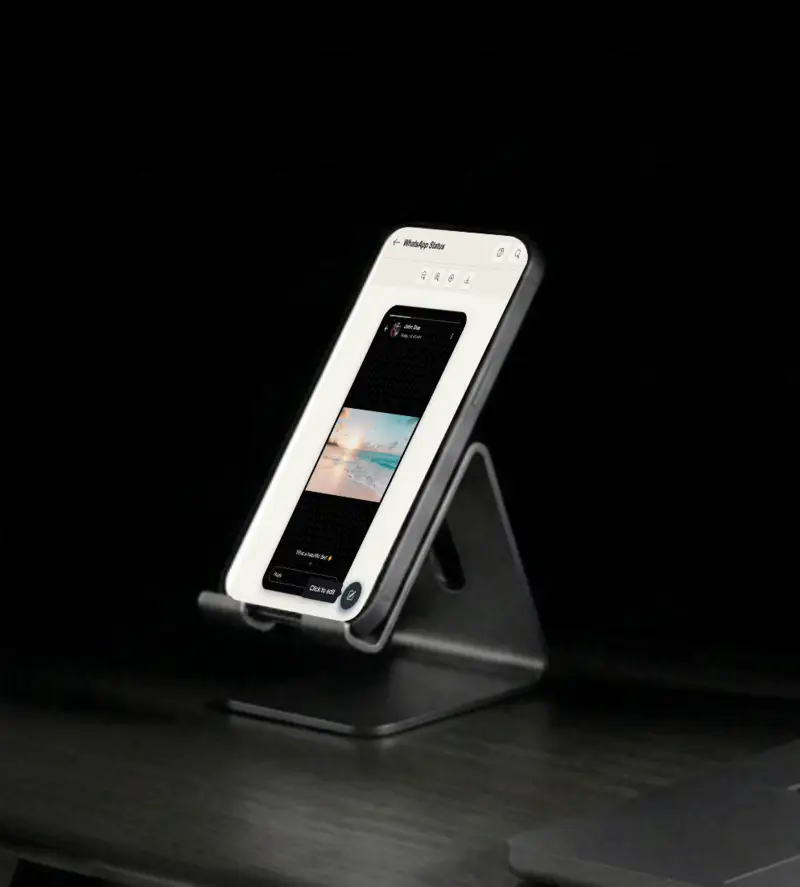
The status renders inside a realistic iPhone frame with rounded corners, so it looks like a realistic screenshot.

Use cases

Who uses WhatsApp Status Mockup Generator?

A status screenshot is a fast way to show a product in everyday use. Mock a status-style update and use it in an ad, a landing page, or a case study. It frames the product in a familiar, realistic style.

  • Everyday status-style visuals
  • Product-in-use visuals
  • Ad and landing page creatives

WhatsApp statuses are a genre of their own, and a mockup lets you join in. Build a funny status with a custom caption and profile, then post it as a meme or a social media bit. It is quick, it is on format, and it looks like something people actually share.

  • Viral-ready status memes
  • Fun social media posts
  • On-format humor

Investors and clients skim slides, so a plain screenshot does not carry much weight. A framed WhatsApp status shows the product in action at a glance. It makes pitch decks about apps, messaging, or user behavior concrete without a paragraph of explanation.

  • Show product examples
  • Illustrate messaging UX
  • Make slides more visual

YouTubers and bloggers are always short on visuals, and this tool produces a finished one in under a minute. Use a status frame for a thumbnail, an illustration in a blog post, or a reference in a messaging-app breakdown. The design is instantly recognizable.

  • YouTube thumbnail frames
  • Blog post illustrations
  • Social media content

Captions and imagery are everything in a status, and a mockup shows how they actually look together. Generate several variations with different images and captions, then line them up. You get a fast, honest read on which one would earn the views before you invest in the campaign.

  • Compare caption variations
  • Test image choices
  • Refine before publishing
Features

Everything you need

Custom profile & header
Feature

Custom profile & header

Set the contact name, the time posted, and upload a profile photo. The header uses the realistic gradient WhatsApp shows on a status, so the mockup looks right from the very top of the screen. Change the name and photo for each status, and the header always stays on-model.

  • Custom contact name and time
  • Profile photo upload
  • Realistic header gradient
Status media & captions
Feature

Status media & captions

Upload any image as the status background and add an optional caption that blends into the frame. The text sits on the image the way it would in the real app, so the status looks like a complete update rather than a mock.

  • Image upload support
  • Optional caption overlay
  • Gradient-blended text
View mode toggle
Feature

View mode toggle

Switch between viewing someone else's status, which shows the reply bar, and your own status, which shows the eye icon with a view count. You control which side of the status you are presenting, which matters for different stories. Both modes render with the exact elements the real app shows.

  • Viewer mode with reply bar
  • Owner mode with eye icon
  • Customizable view count
Great phone frame
Feature

Great phone frame

The status renders inside a realistic iPhone shell with rounded corners and bezels. It is a small touch, but it is what makes the final image look like a polished screenshot instead of a pasted picture.

  • iPhone-style bezel
  • Rounded corner rendering
  • High-resolution export
Everything stays on your device
Privacy

Everything stays on your device

The status is rendered locally in your browser. Your profile photo and status media never leave your device, and nothing is stored. You can build a mockup for a campaign that is not ready to be public yet.

  • Local rendering, no uploads
  • Nothing stored on servers
  • Safe for unreleased content
Help

How it works

1

Configure the header

Set the contact name, time posted, and upload their profile picture.

2

Upload status media

Upload the image you want in the status and add an optional caption.

3

Select view mode

Choose viewing someone else's status with the reply bar, or your own status with the eye icon and view count.

4

Export your mockup

Download your status mockup as a high-resolution PNG.

Yes, completely free. No watermarks, and all processing happens locally in your browser, so nothing is uploaded anywhere.

Absolutely. You own the mockups you create. Use them in marketing campaigns, presentations, videos, or any commercial project.

No. You can start creating WhatsApp status mockups immediately, no signup, no email, no credit card required.

Yes. Use viewer mode to show the reply bar of someone else's status, or owner mode to show your own status with the eye icon and a view count.

Yes. You can upload any image for both the profile photo and the status media.

You can export your mockups as high-resolution PNG images, clean and ready for any design or document.

Disclaimer

Intended usage

This tool is made for marketing, presentations, content creation and entertainment. Don't use it to impersonate real people or organizations, or to spread misinformation. You're responsible for how you use what you create - see our Terms of Service.

MockupTown is independent and is not affiliated with, endorsed by, or sponsored by Meta. All product names, logos, and brands are property of their respective owners.

Free forever, or go Pro Visa

Pro Visa unlocks unlimited messages, higher resolution, no promotional elements and access to Pro-only tools.

Ready to create your WhatsApp status mockup?

No signup, no credit card - start designing in seconds.

Open WhatsApp Status Mockup Generator
WhatsApp Status Mockup Generator