Celebrating birthdays of my guardian and heir 🎉. All tools are WATERMARK FREE and with many PRO FEATURES available for the whole month of August!

MockupTown
Screenshots Use cases Features Help All Tools

Free Instagram Comment Mockup Generator

Build Instagram comment mockups with heart reactions, reply threads, brand mentions and verified badges, styled to match the real post comment layout.

Free Instagram Comment Mockup Generator
Screenshots

See it in action

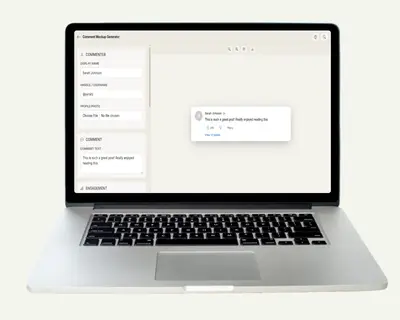
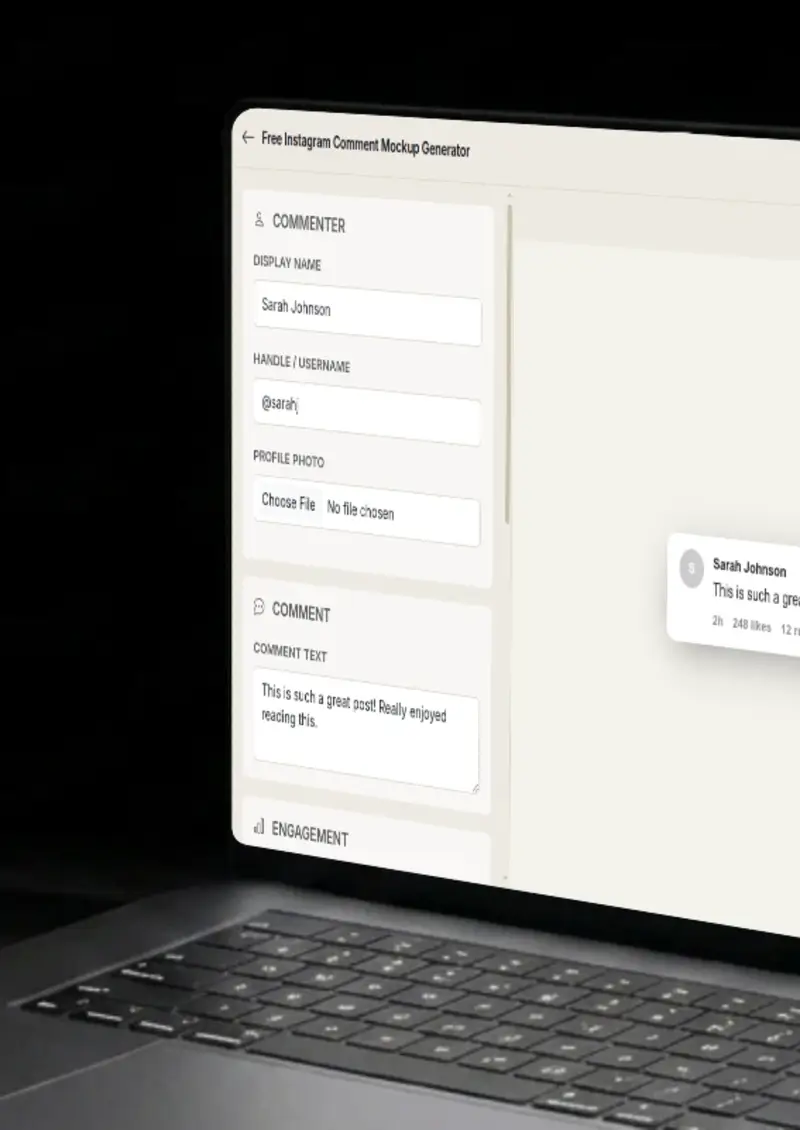
Comment editor

Comment editor

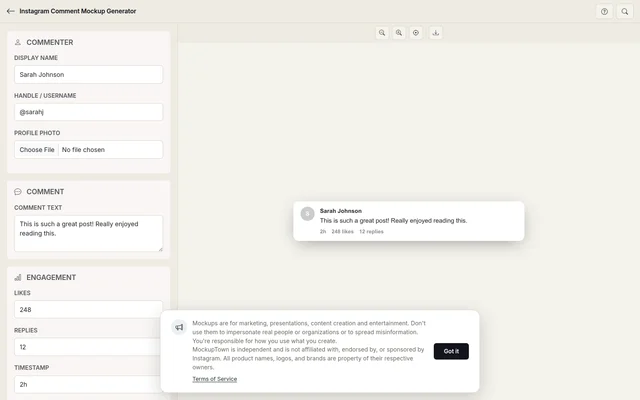
Set the commenter name, avatar, comment text and timestamp to match a real Instagram comment.

Engagement details

Engagement details

Add likes, replies, verified badges and heart reactions to complete the Instagram comment look.

Light and dark modes

Light and dark modes

Render the comment in light or dark mode to match the Instagram theme your audience uses.

Export your mockup

Export your mockup

Download your Instagram comment mockup as a high-resolution PNG, ready for presentations or posts.

Use cases

Who uses Instagram Comment Mockup?

Agencies running influencer campaigns need to prove that comments are real and engaged. A mockup of a high-engagement comment thread on a sponsored post shows the brand team exactly what the partnership is generating, without exposing follower data or DM screenshots.

  • Prove comment engagement to brand partners
  • Showcase sponsored post comment quality
  • Build influencer campaign wrap-up decks
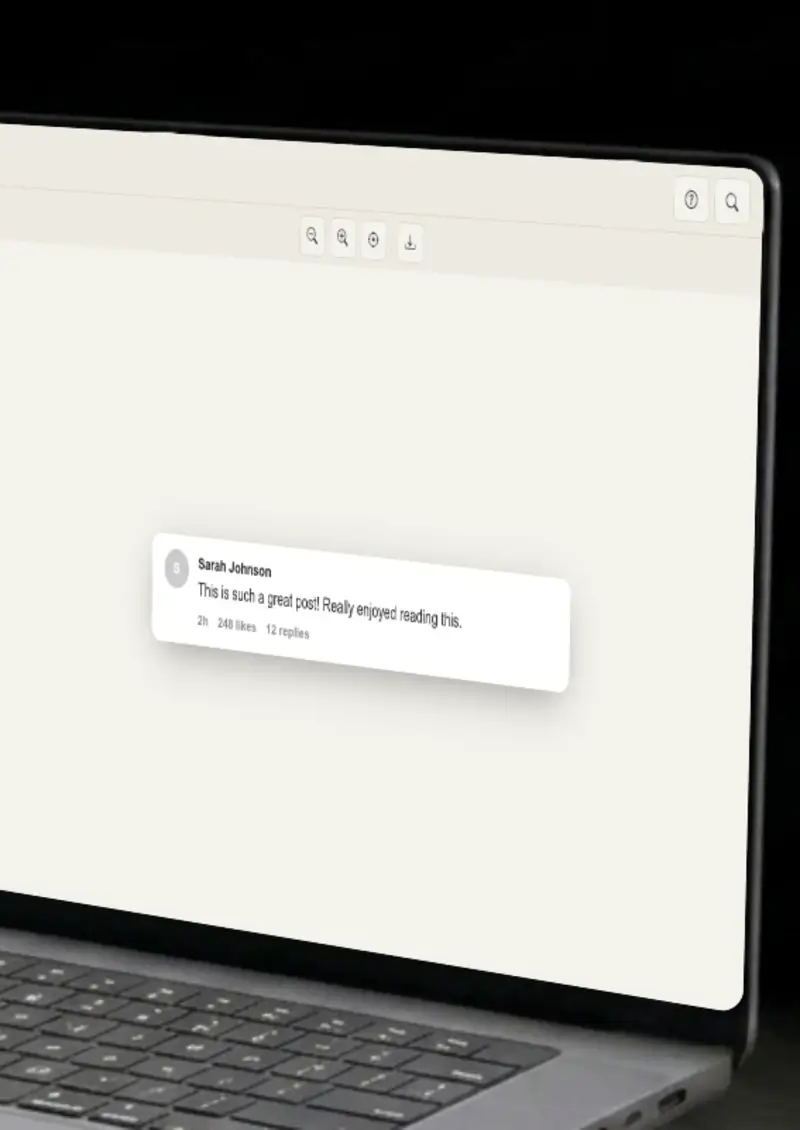
When pitching a brand deal, agencies and creators show what a campaign could look like. Mock Instagram comments under a hypothetical product post help the brand visualize the engagement they are buying, complete with heart reactions, replies and verified creator badges.

  • Visualize campaign outcomes for brand pitches
  • Show potential comment engagement patterns
  • Demo creator-community interaction styles

Instagram comment sections have their own norms, emoji-heavy replies, brand mentions, tagged friends, and @ replies from the post author. Training materials for community managers need examples of these specific patterns, and mockups let you build them without scraping real accounts.

  • Train social media teams on Instagram comment norms
  • Illustrate @ mention and tag patterns
  • Build response playbooks with realistic examples

DTC brands and Shopify stores frequently showcase customer testimonials on product pages. A mock Instagram comment showing a glowing product review with heart reactions serves as a visual endorsement, no need to screenshot a real customer or risk privacy issues.

  • Create review visuals for product pages
  • Show customer sentiment without real screenshots
  • Embed in landing pages and email campaigns
Features

Everything you need

Instagram-accurate comment structure
Layout

Instagram-accurate comment structure

The mockup follows Instagram's actual comment layout: circular avatar, bold display name, inline timestamp, and the heart icon with like count to the right. Reply nesting uses Instagram's indented thread style.

  • Circular avatar with bold username
  • Timestamp and like count in Instagram's positions
  • Indented reply threading matches the app
Heart reactions, mentions and badges
Details

Heart reactions, mentions and badges

Instagram comments have unique features: double-tap heart reactions (the red heart), @ mentions that link to profiles, and verified badges on public figures. All of these are editable in the mockup.

  • Red heart reaction indicator
  • @ mention formatting for tagged users
  • Verified badge toggle for public accounts
Light and dark mode
Themes

Light and dark mode

Instagram runs both light and dark modes. The mockup switches between them with accurate background tints, text colors and icon styling for each.

  • Light mode with Instagram's off-white background
  • Dark mode with true black OLED palette
  • Icon tints adjusted per theme
Clean PNG output
Export

Clean PNG output

Export as a high-resolution PNG with transparent background. The mockup renders at 2x resolution so it looks sharp in presentations, on retina screens and in printed materials.

  • 2x resolution for sharp rendering
  • Transparent background for layering
  • No watermark or branding overlay
Entirely local
Privacy

Entirely local

All rendering happens on an HTML canvas in your browser. The comment data, avatar URL and any text you enter never leave your machine. No accounts, no uploads, no tracking.

  • Canvas-based client-side rendering
  • No server communication during creation
  • Data disappears when you close the tab
Help

How it works

1

Set the commenter profile

Enter a display name, paste an avatar URL and set a timestamp. The circular avatar and bold username appear in the preview.

2

Write the comment

Type the comment text. Instagram-style @ mentions and emoji render as you type.

3

Add engagement and reactions

Set the like count, toggle the verified badge and add a heart reaction to show active engagement.

4

Download the PNG

Click the export button. The mockup saves as a high-resolution PNG, ready for slides, docs or web pages.

Yes. Type @ followed by a username in the comment text. The mockup renders it in Instagram's mention style with the bold linked text.

Yes. The heart reaction, the red heart that appears when someone double-taps a comment, is a toggle in the engagement settings.

Yes. Set the commenter as the post author and the mockup shows the "OP" or author indicator that Instagram displays on original poster replies.

Yes. Reply threads use Instagram's indented layout, matching how nested replies appear in the actual app.

Yes. The exported PNG is watermark-free and high-resolution. Drop it into campaign wrap-up decks, client presentations or internal reports.

Disclaimer

Intended usage

This tool is made for marketing, presentations, content creation and entertainment. Don't use it to impersonate real people or organizations, or to spread misinformation. You're responsible for how you use what you create - see our Terms of Service.

MockupTown is independent and is not affiliated with, endorsed by, or sponsored by Instagram. All product names, logos, and brands are property of their respective owners.

Free forever, or go Pro Visa

Pro Visa unlocks higher resolution exports and no promotional elements.

Build your Instagram comment mockup

Add a name, write the comment, set the hearts, download the PNG.

Open Instagram Comment Mockup
Instagram Comment Mockup