Celebrating birthdays of my guardian and heir 🎉. All tools are WATERMARK FREE and NO ADS for the whole month of August!

MockupTown
Screenshots Use cases Features Help

Free Push Notification Mockup Generator

Design realistic push notification mockups for iOS and Android. Free - no signup, no watermark, instant PNG export.

Free Push Notification Mockup Generator - iOS & Android
Screenshots

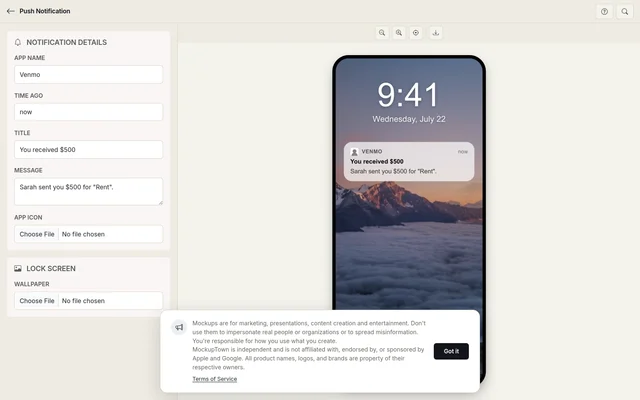
See it in action

App details

App details

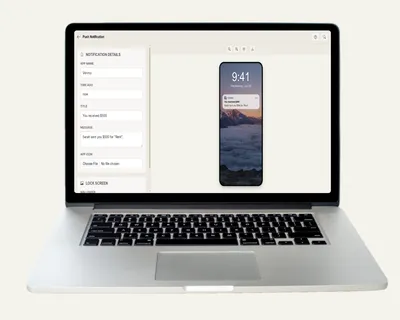
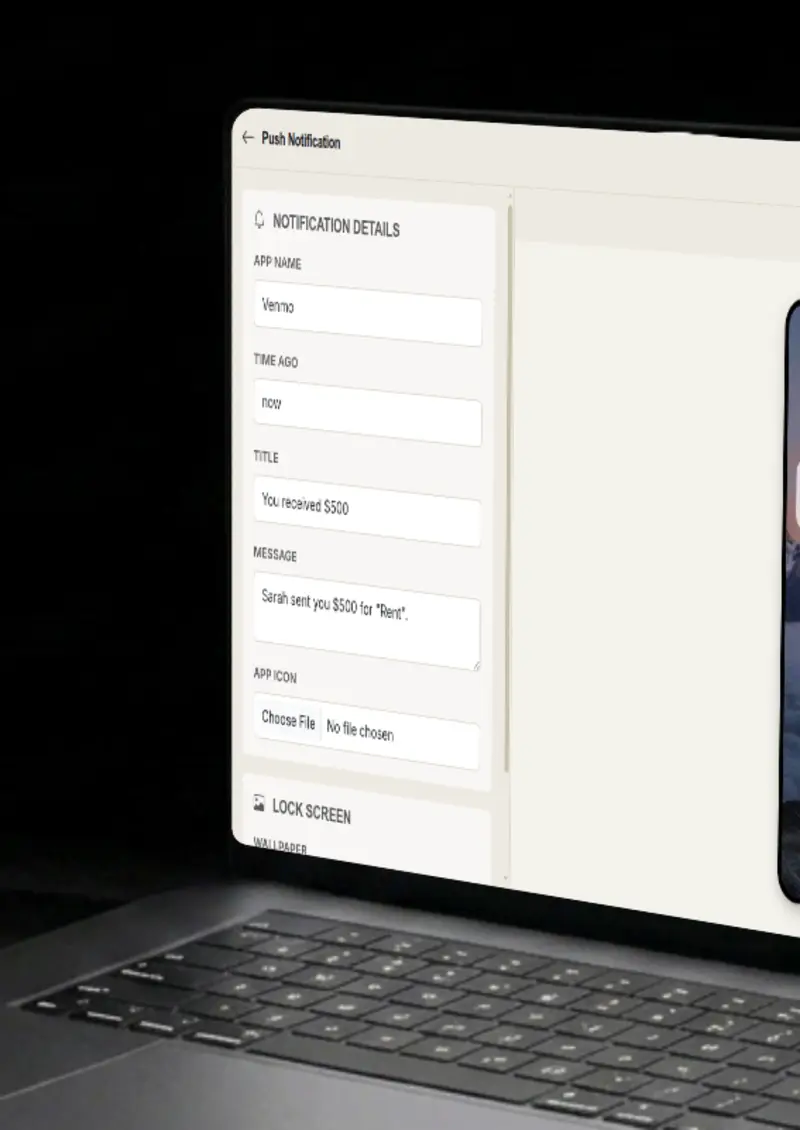
Set the app name, the time ago label, and the title and message of the notification itself.

App icon

App icon

Upload the app icon and it renders with rounded corners and iOS-style sizing at the top of the card.

Wallpaper

Wallpaper

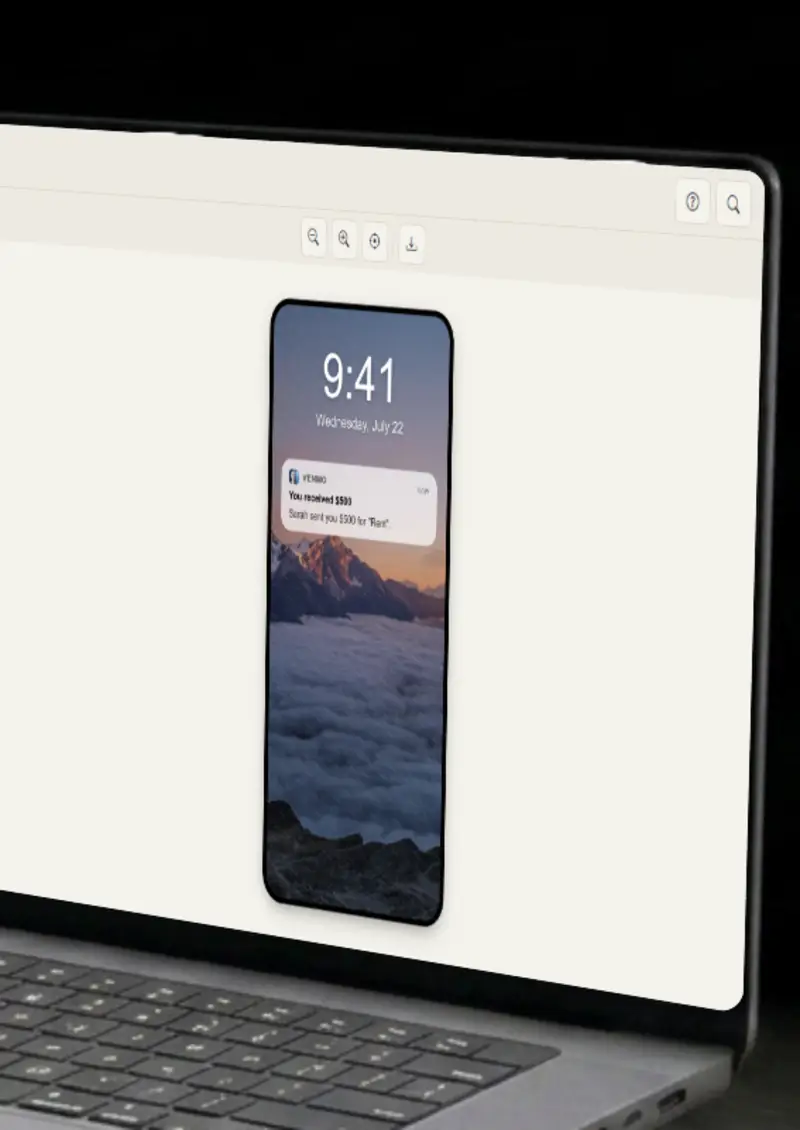
Upload a lock screen wallpaper and the notification sits on top of it, exactly like a native lock screen.

Frosted glass

Frosted glass

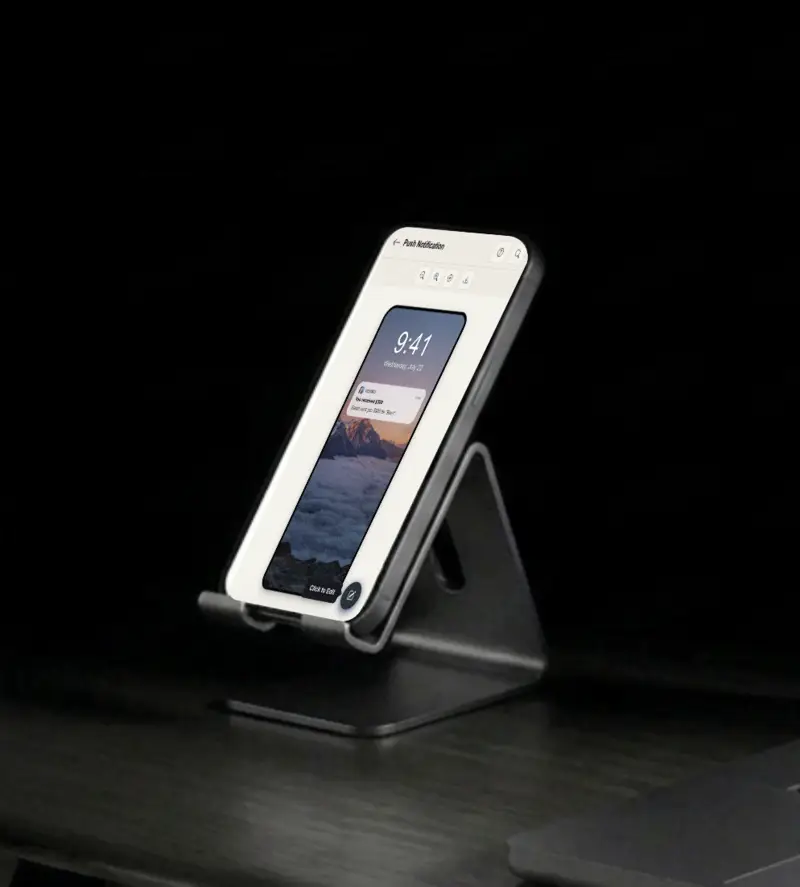
The notification card uses a realistic frosted glass effect, with backdrop blur and soft rounding.

Use cases

Who uses Push Notification Mockup Generator?

App stores reward screenshots that show the product in action, and a push notification is one of the most honest examples. Mock a notification that a user might actually get and include it in your store listing or a launch post. It sets the right expectation before someone ever installs, and it gives reviewers a concrete feature to write about. The same visual works across every store, web, iOS and Android.

  • App store listing visuals
  • Launch announcement art
  • Show the product promise

A notification mockup is a fast way to show how an app communicates with users. Drop it into a pitch deck to illustrate an onboarding flow, a reminder feature, or a retention strategy. Investors and clients grasp the idea in a glance instead of a paragraph.

  • Show onboarding flows
  • Illustrate reminders
  • Make decks more visual

User guides and help docs often need to show what a notification looks like, and a mockup does it without shipping a real app. Generate the exact card, wallpaper and copy for the docs, then drop it into the guide. Readers know instantly what to expect on their own screens, and you never have to wait for a real device screenshot to be captured and cleaned up.

  • User guide examples
  • Help center visuals
  • Support documentation

Announce an app update or a new feature with a notification-style visual that mirrors what users will actually see. It is a clever, on-brand way to build anticipation, and it doubles as a pre-view of the feature itself.

  • Feature announcements
  • Update teasers
  • On-brand engagement

Notification copy decides whether anyone taps through, and a mockup shows how each option reads in context. Generate several variations with different titles, messages and time-ago labels, then compare them on the same wallpaper. You get a fast read on what earns the tap.

  • Compare notification copy
  • Test titles and messages
  • Refine before shipping
Features

Everything you need

App details
Feature

App details

Set the app name, the time ago label, and the title and message of the notification. Every piece of copy on the card is yours to control, so the mockup says exactly what you need it to say.

  • Custom app name
  • Title and message
  • Time ago display
App icon
Feature

App icon

Upload the app icon and it renders with rounded corners and iOS-style sizing at the top of the card. The icon anchors the notification to your product, which is what makes the mockup feel like a realistic screenshot. Square logos and icons are fitted cleanly with no distortion.

  • Any image format
  • Rounded corners
  • iOS-style sizing
Wallpaper background
Feature

Wallpaper background

Upload a lock screen wallpaper and the notification sits on top of it with a subtle dark overlay. The wallpaper sets the mood of the whole image, and it gives the card the look of a native lock screen. Use a brand image, a product photo or any wallpaper you like.

  • Full-screen display
  • Dark overlay
  • Any image format
Frosted glass effect
Feature

Frosted glass effect

The notification card uses a realistic frosted glass effect with backdrop blur, semi-transparency and iOS-style rounding. It is the small detail that separates a polished mockup from a flat rectangle pasted over a photo. The blur is rendered from the wallpaper behind it, so the card always looks integrated with its background.

  • Backdrop blur
  • Semi-transparent
  • iOS-style rounding
Everything stays on your device
Privacy

Everything stays on your device

The notification is rendered locally in your browser. Your app icon and wallpaper never leave your device, and nothing is stored on any server. You can build a mockup for a feature that is not ready to be announced yet.

  • Local rendering, no uploads
  • Nothing stored on servers
  • Safe for unreleased features
Help

How it works

1

Set notification

Enter the app name, time ago label, title and message.

2

Upload app icon

Upload the app icon for the notification.

3

Upload wallpaper

Upload a lock screen wallpaper background.

4

Export your mockup

Download as a high-resolution PNG.

Yes, completely free. No watermarks, and all processing happens locally in your browser, so nothing is uploaded anywhere.

Absolutely. You own the mockups you create. Use them in marketing campaigns, presentations, videos, or any commercial project.

No. You can start creating push notification mockups immediately, no signup, no email, no credit card required.

For best results, use square images for app icons and tall images for wallpapers.

Yes. Upload any image as the lock screen wallpaper and the notification will sit on top of it with a subtle dark overlay.

You can export your mockups as high-resolution PNG images, clean and ready for any design or document.

Disclaimer

Intended usage

This tool is made for marketing, presentations, content creation and entertainment. Don't use it to impersonate real people or organizations, or to spread misinformation. You're responsible for how you use what you create - see our Terms of Service.

MockupTown is independent and is not affiliated with, endorsed by, or sponsored by Apple and Google. All product names, logos, and brands are property of their respective owners.

Free forever, or go Pro Visa

Pro Visa unlocks unlimited messages, higher resolution, no promotional elements and access to Pro-only tools.

Ready to create your push notification mockup?

No signup, no credit card - start designing in seconds.

Open Push Notification Mockup Generator
Push Notification Mockup Generator