Celebrating birthdays of my guardian and heir 🎉. All tools are WATERMARK FREE and NO ADS for the whole month of August!

MockupTown
Screenshots Use cases Features Help

Free Instagram Post Mockup Generator

Create realistic Instagram post mockups with custom captions, likes and comments. Free IG post generator - no signup, no watermark.

Free Instagram Post Mockup Generator - Fake IG Posts
Screenshots

See it in action

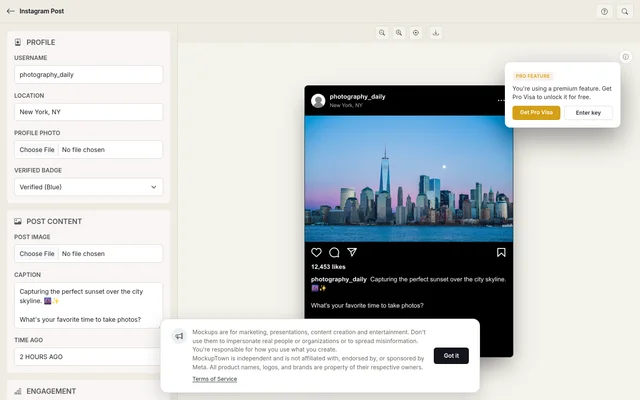
Custom profile

Custom profile

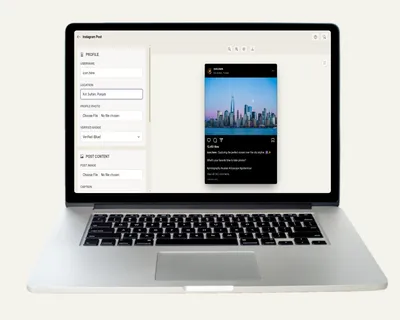
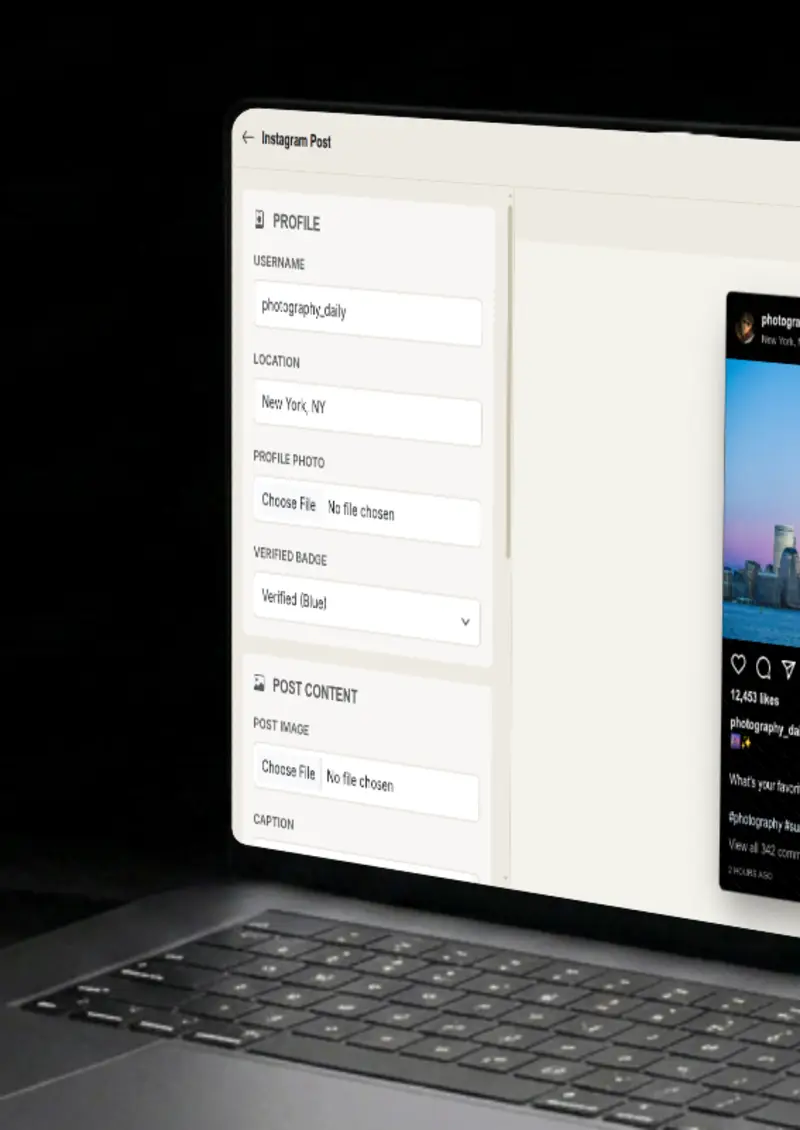
Set the username, location and upload a profile photo with an optional blue verification badge. The header reads like a realistic account at first glance.

Post image upload

Post image upload

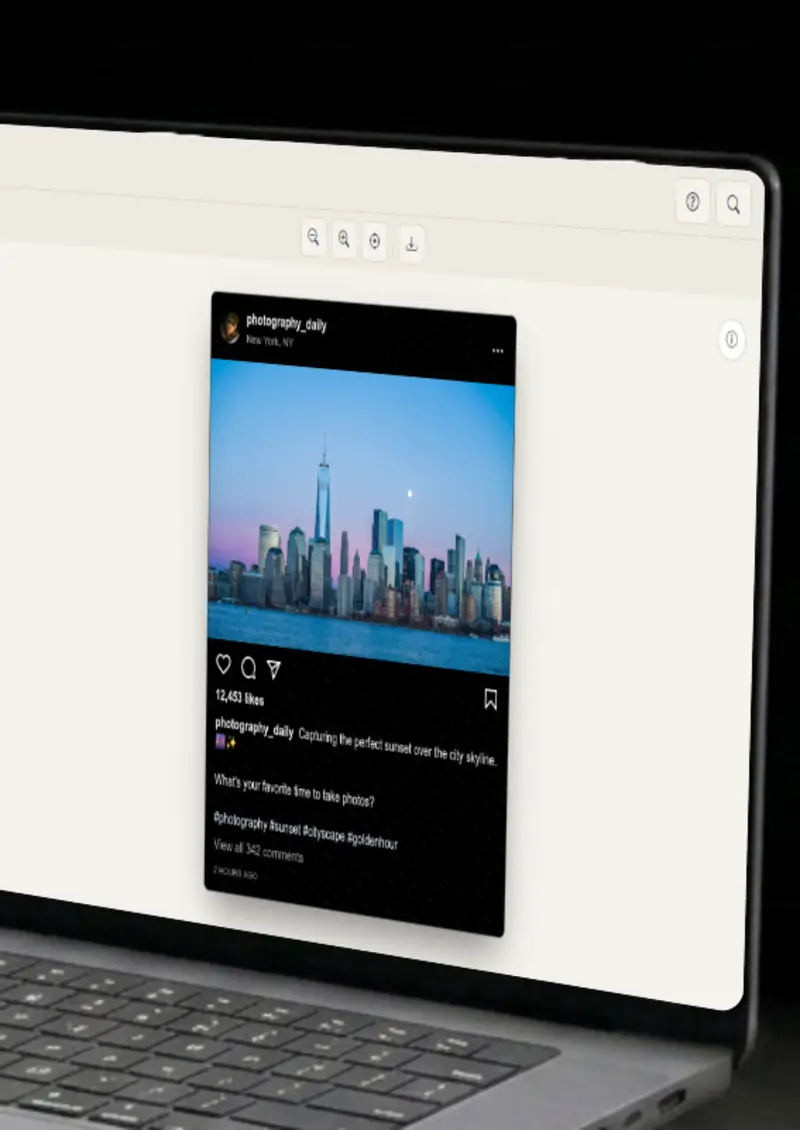
Upload any image, square or portrait, as the main post content. It is framed the way Instagram frames it, no manual cropping needed.

Caption & hashtags

Caption & hashtags

Write captions with hashtags and mentions that render as clickable links, just like the real app does under the post.

Engagement metrics

Engagement metrics

Set custom like and comment counts that format with commas automatically, so the numbers look realistic.

Use cases

Who uses Instagram Post Mockup Generator?

A well-designed post is a clear way to show how your content appears in the feed. Mock up your post and drop it into landing pages or ad creatives. It frames your content the way your audience will actually see it, and you control the numbers, from an honest early response to the level of buzz you are aiming for in a month.

  • Show posts in ad creatives
  • A/B test messaging visually
  • Embed in email campaigns

Bare screenshots get skimmed over in decks. A framed Instagram post with a profile, caption and like count gives the image context in a second. It makes investor decks and client reports feel complete and visual.

  • Strengthen investor pitch decks
  • Polish client reports
  • Make slides more visual

YouTubers and bloggers need a constant supply of visuals, and this tool produces a finished one in under a minute. Use a mockup for a thumbnail, an illustration in a blog post, or a reference in a social media breakdown. The design is instantly recognizable.

  • Create YouTube thumbnails
  • Illustrate blog posts
  • Social media content

Before launch day you cannot show real reactions, but you can show what they would look like. Mock a post that teases your feature with a strong caption and healthy engagement. It builds anticipation and keeps the launch story consistent across every channel.

  • Tease features before launch
  • Show feature interactions
  • Build hype on social media

A caption that reads well in a doc can fall flat inside the Instagram layout. Generate several post variations with different copy, images and engagement numbers, then compare them side by side. You get a fast, honest read on which version will work before you invest in the campaign.

  • Test different captions
  • Compare image choices
  • Validate engagement targets
Features

Everything you need

Custom profile & verification
Feature

Custom profile & verification

Set the username, an optional location, and upload a profile photo. Add the blue verification badge when the account calls for it. Every part of the header updates as you type, so the mockup looks settled before you export.

  • Custom username and location
  • Profile photo upload
  • Blue verification badge
Post image & captions
Feature

Post image & captions

Upload any image as the post content, square or portrait, and it is framed the way Instagram frames it. Write multi-line captions with hashtags and mentions, and they render as blue links the way the real app does. The preview updates as you type, so you see the finished post before you export a single file.

  • Square and portrait support
  • Hashtag and mention rendering
  • Multi-line caption support
Engagement metrics
Feature

Engagement metrics

Set custom like and comment counts and the numbers format with commas automatically. You control the engagement level, from a quiet first post to a post that is clearly going viral. Because the formatting matches the real app, the count does not look pasted on, it reads as part of the post.

  • Custom like counts
  • Comment counts
  • Automatic number formatting
Dark & light themes
Feature

Dark & light themes

Switch between realistic dark and light Instagram themes with one click. Each uses the correct background, text and accent colors, so the mockup matches whatever interface your audience actually sees.

  • Dark mode (default)
  • Light mode toggle
  • Platform-accurate colors
Everything stays on your device
Privacy

Everything stays on your device

The post is rendered locally in your browser. Your profile photo and post image are never uploaded to a server, and nothing is stored. You can build a mockup for an account or a campaign that is not ready to be public yet.

  • Local rendering, no uploads
  • Nothing stored on servers
  • Safe for unreleased campaigns
Help

How it works

1

Set up profile

Enter the username, optional location, and upload a profile photo. Choose if the account is verified.

2

Upload content

Upload your main post image and write an engaging caption with hashtags.

3

Adjust metrics

Customize like and comment counts to simulate engagement. Numbers format automatically.

4

Export your mockup

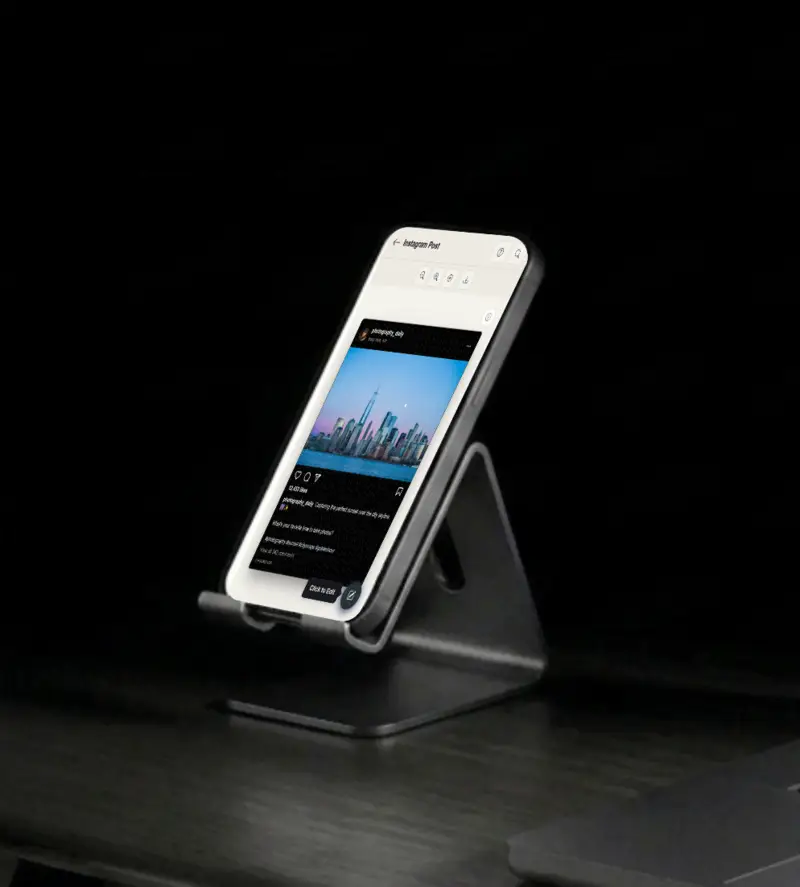
Toggle between Light and Dark mode, then download as a high-resolution PNG.

Yes, completely free. No watermarks, and all processing happens locally in your browser, so nothing is uploaded anywhere.

Absolutely. You own the mockups you create. Use them in marketing campaigns, presentations, videos, or any commercial project.

No. You can start creating Instagram post mockups immediately, no signup, no email, no credit card required.

For best results, use standard Instagram aspect ratios like 1:1 (square) or 4:5 (portrait).

Yes. Write them in the caption and they render as clickable links, exactly the way they appear in the real app.

You can export your mockups as high-resolution PNG images, clean and ready for any design or document.

Disclaimer

Intended usage

This tool is made for marketing, presentations, content creation and entertainment. Don't use it to impersonate real people or organizations, or to spread misinformation. You're responsible for how you use what you create - see our Terms of Service.

MockupTown is independent and is not affiliated with, endorsed by, or sponsored by Meta. All product names, logos, and brands are property of their respective owners.

Free forever, or go Pro Visa

Pro Visa unlocks unlimited messages, higher resolution, no promotional elements and access to Pro-only tools.

Ready to create your Instagram post mockup?

No signup, no credit card - start designing in seconds.

Open Instagram Post Mockup Generator
Instagram Post Mockup Generator