Celebrating birthdays of my guardian and heir 🎉. All tools are WATERMARK FREE and NO ADS for the whole month of August!

MockupTown
Screenshots Use cases Features Help

Free PDF Merger - Combine PDFs Online

Merge multiple PDFs into one file online for free. No signup, no watermark, no uploads to servers. Fast and private.

Free PDF Merger - Combine PDF Files Online
Screenshots

See it in action

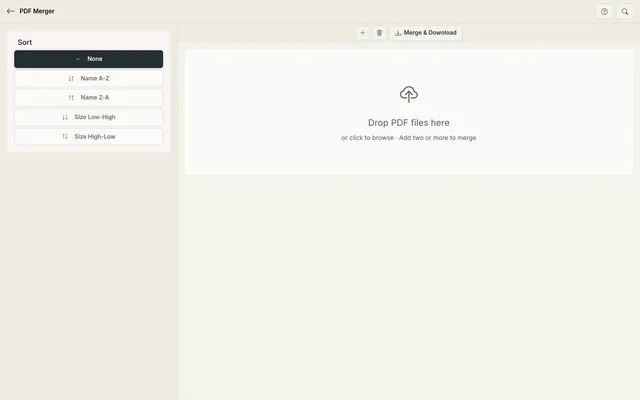
Upload files

Upload files

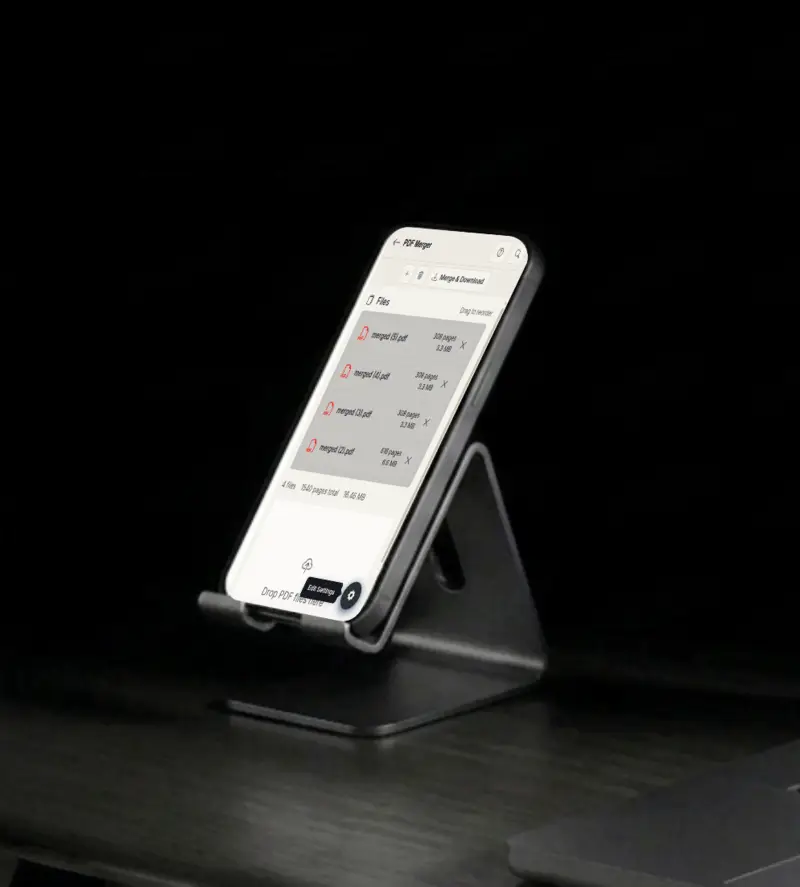
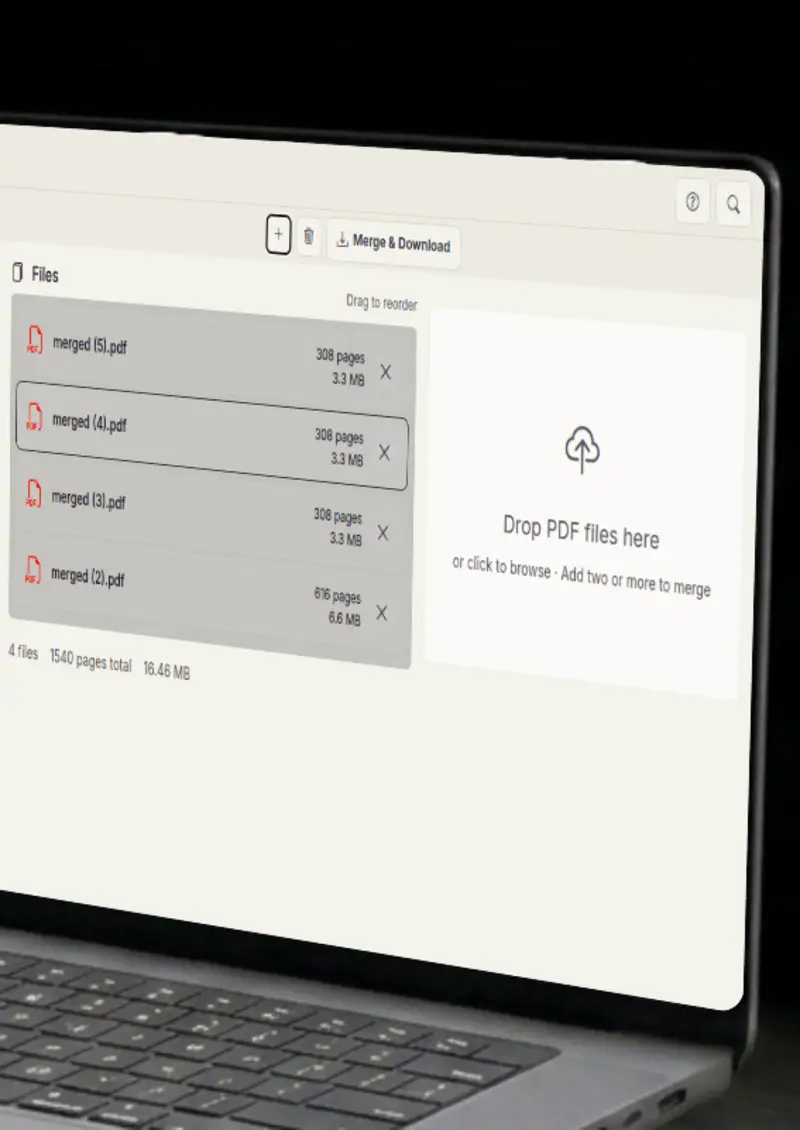
Select multiple PDF files from your device or drag them into the drop zone. Add more at any time.

Drag to reorder

Drag to reorder

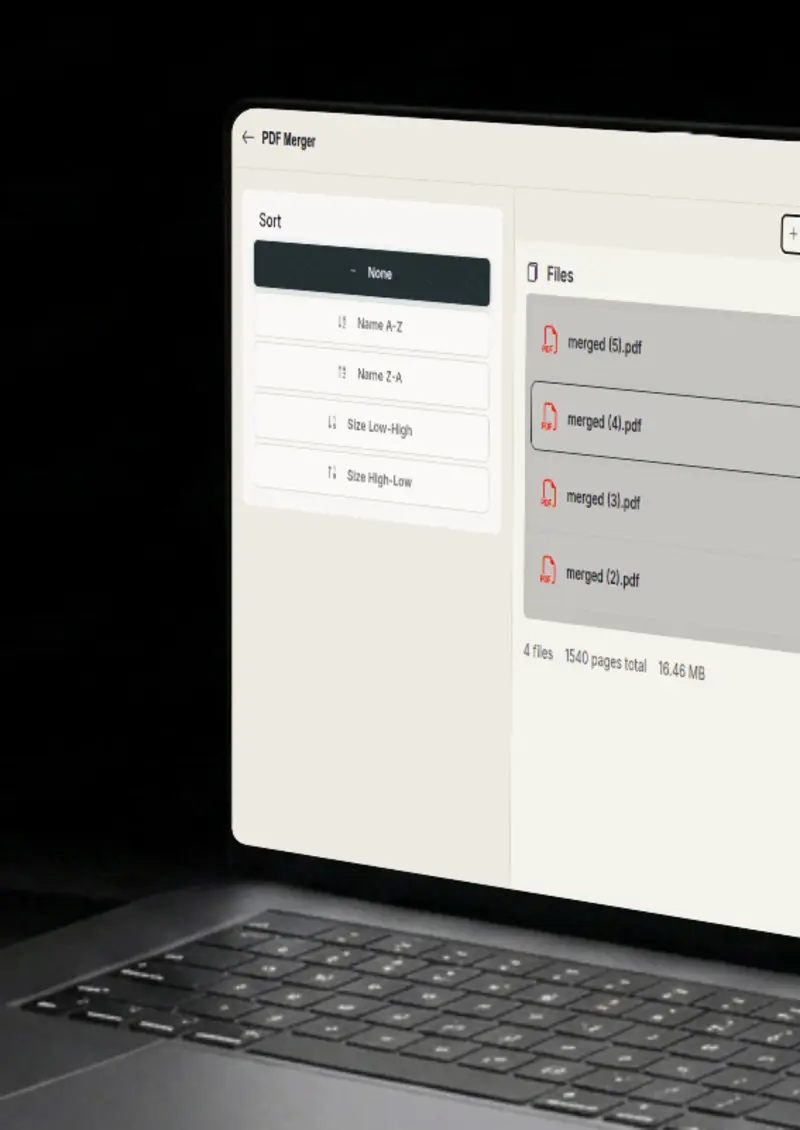
Drag files to rearrange the merge order, or use the sort dropdown by name or size.

File info

File info

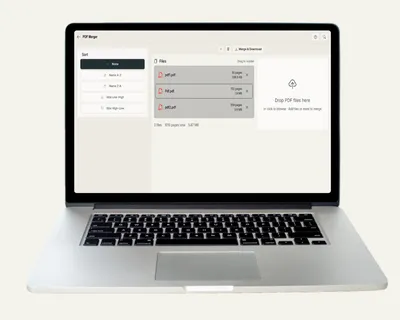
See the page count and size of every file before merging, plus a running total.

Merge & download

Merge & download

Click merge and the combined PDF downloads instantly, all processed on your device.

Use cases

Who uses PDF Merger?

Reports, proposals and contracts often arrive as separate PDFs that belong together. Merge them into a single file so the client reads one document instead of hunting through an email chain. The order is yours to control, so the final file tells the story you want it to tell.

  • One file instead of many
  • Control the order
  • Ready to share

Slide decks, speaker notes and handouts end up as separate PDFs that audiences expect in one place. Combine them in the order the session runs and distribute a single handout file. Attendees keep one file, and you stop answering requests for the missing part.

  • Single handout file
  • Session-order arrangement
  • Easy distribution

Multi-page scans arrive as several files, one page per scan, and that is painful to store. Merge the pages into one coherent document so the whole scan lives in a single file. It keeps archives tidy and makes the document far easier to search and forward.

  • Pages into one file
  • Tidy archives
  • Easier to share

Accountants and freelancers collect invoices and receipts all year and need them in order. Merge monthly documents into a single file per period so the record is complete and chronological. At tax time, everything is one place instead of a folder of strays.

  • Chronological records
  • One file per period
  • Clean bookkeeping

Chapters, cover pages and appendices are often drafted as separate PDFs before they become a book. Merge them in reading order into one complete, ready-to-share document. Reviewers read the whole draft in sequence instead of hopping between files.

  • Complete draft in one file
  • Reading-order assembly
  • Ready to share
Features

Everything you need

Browser-based
Feature

Browser-based

Everything runs locally using pdf-lib. Your files never leave your device, which means no uploads, no waiting on a server, and no chance of your documents sitting in someone else's storage. Sensitive files stay exactly where they should.

  • 100% client-side
  • No uploads
  • Private by design
Drag & drop reorder
Feature

Drag & drop reorder

Rearrange files by dragging them into your desired order, or use the sort dropdown to order by name ascending, name descending, size low to high, or size high to low. The merge output follows your arrangement exactly.

  • Intuitive drag handles
  • Sort by name or size
  • Instant reordering
File info at a glance
Feature

File info at a glance

See the page count and file size for every PDF before merging, plus a running total of files and bytes. That makes it easy to spot a wrong file or an oversized document before you waste a merge, and the summary at the top of the list keeps everything visible at a glance.

  • Per-file page count
  • Total size summary
  • Quick file removal
Drag & drop upload
Feature

Drag & drop upload

Drop a batch of PDFs straight into the drop zone or click to browse, and add more files at any time before you merge. There is no fixed limit, the practical ceiling is your browser's memory, so even large collections process in one go.

  • Drop zone or file picker
  • Add files anytime
  • Handles large collections
Your files never leave your device
Privacy

Your files never leave your device

Because merging happens entirely in the browser, your PDFs are never transmitted anywhere. Contracts, scans and financial documents stay on your machine, and the merged result downloads straight from your browser.

  • No server transmission
  • Safe for contracts and finance
  • Instant local processing
Help

How it works

1

Upload PDFs

Select multiple PDF files from your device. You can add more files at any time.

2

Arrange & sort

Drag files to reorder them, or use the sort dropdown to rearrange by name or size.

3

Check the file list

Review page counts and sizes, and remove any file you added by mistake.

4

Merge & download

Click "Merge PDFs" to combine all files into one document, then download the result.

No. Everything is processed in your browser using pdf-lib. Your files never leave your device.

Since everything runs locally, the limit depends on your browser's memory. Most devices can handle files up to several hundred MB.

Currently this tool merges files page by page in order. For per-page reordering, upload each PDF individually and arrange the files in your desired order.

Only PDF files are supported. Each file must be a valid PDF document.

Yes. Use the sort dropdown to order files by name ascending, name descending, size low to high, or size high to low.

Yes, completely free. No signup, no watermark, and no limit on the number of files you can merge.

Free forever, or go Pro Visa

Pro Visa unlocks unlimited messages, higher resolution, no promotional elements and access to Pro-only tools.

Ready to merge your PDFs?

No signup, no uploads - start combining files instantly.

Open PDF Merger
PDF Merger