Celebrating birthdays of my guardian and heir 🎉. All tools are WATERMARK FREE and with many PRO FEATURES available for the whole month of August!

MockupTown
Screenshots Use cases Features Help All Tools

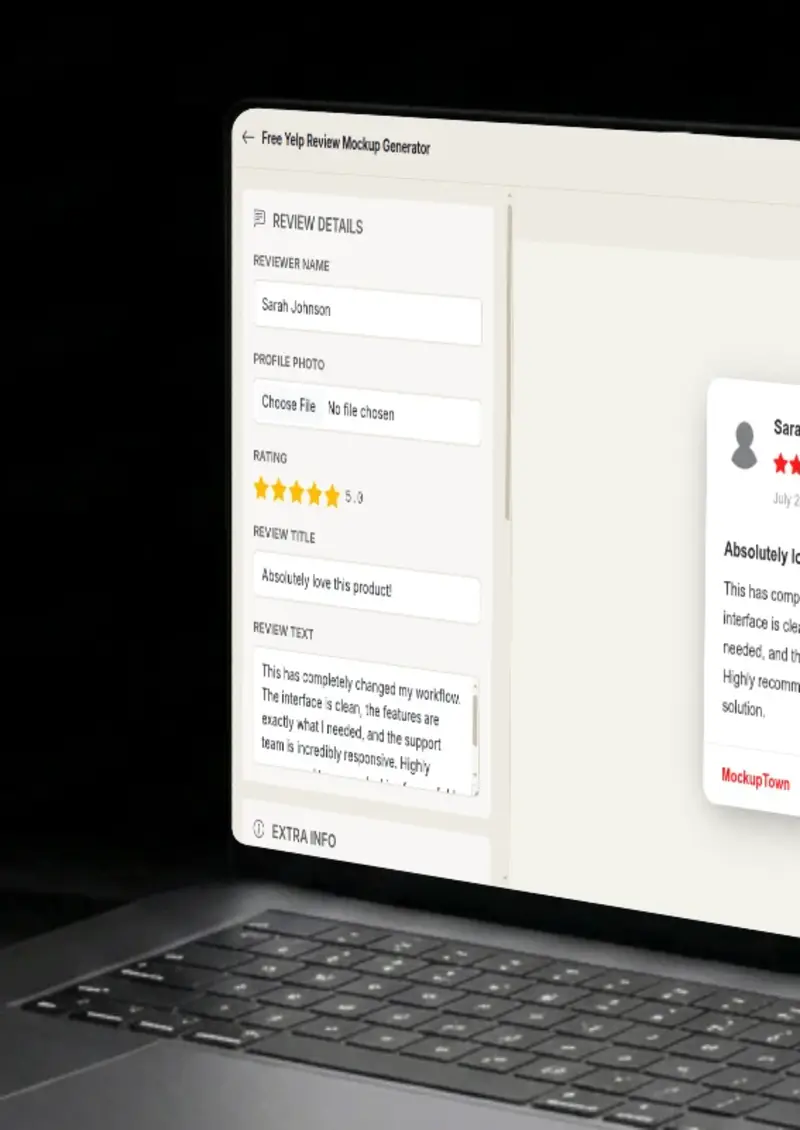
Free Yelp Review Mockup Generator

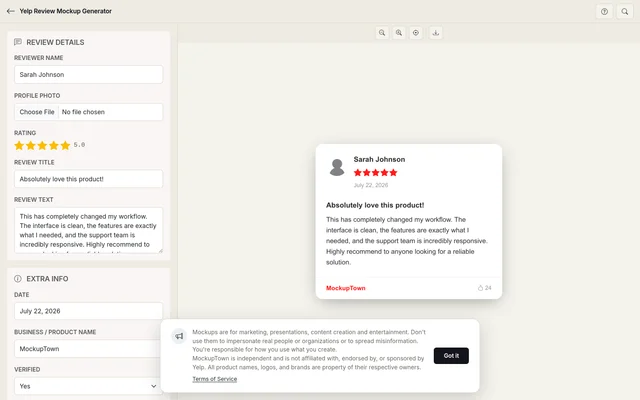
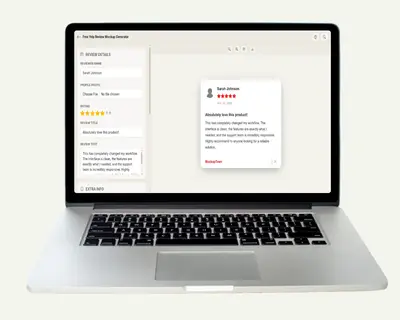
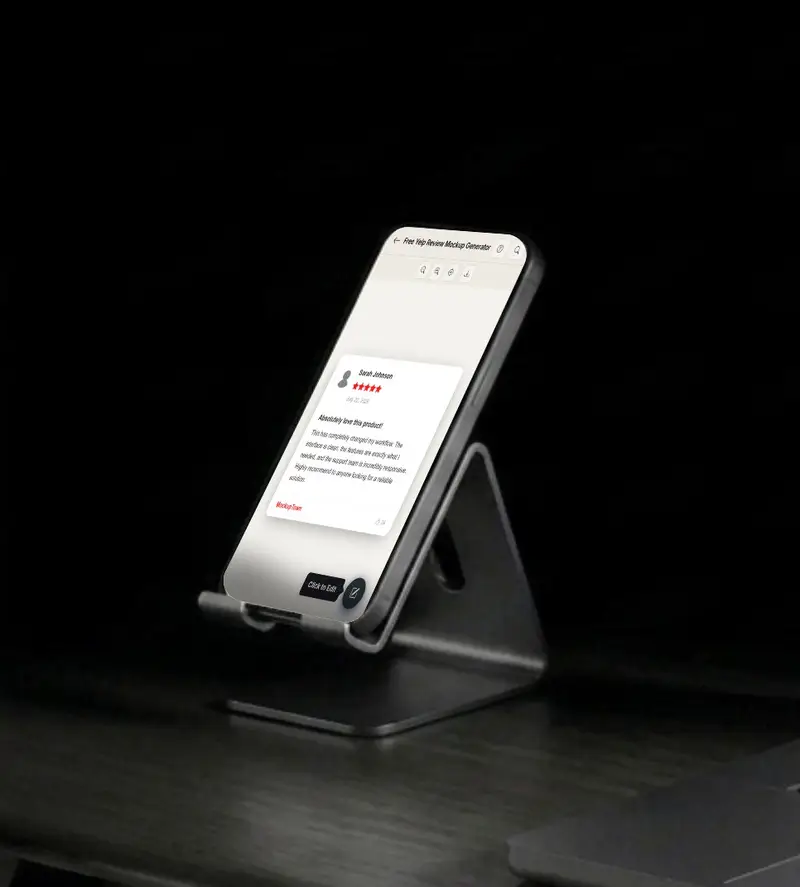
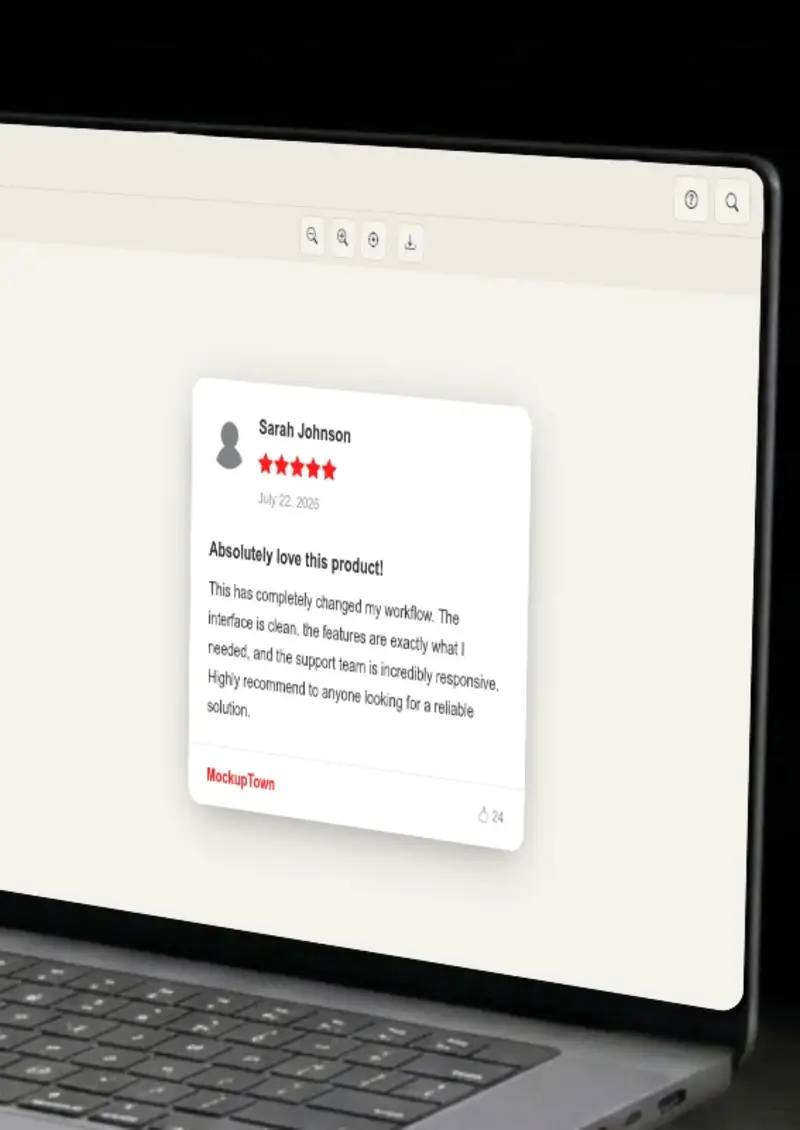
Build a Yelp-styled review card with the red star rating, Elite reviewer badge and "Useful / Funny / Cool" vote buttons. The layout matches what diners and service shoppers see on Yelp. Export a clean PNG.

Free Yelp Review Mockup Generator
Screenshots

See it in action

Reviewer profile

Reviewer profile

Set the reviewer's name and Yelp Elite status. Elite reviewers carry a small badge that Yelp users recognize and trust.

Business and category

Business and category

Add the business name and select its category, restaurants, home services, health and beauty, and so on. Yelp groups reviews by category, and the mockup reflects that.

Review text and photos

Review text and photos

Write the review body and optionally attach photo thumbnails in the grid layout Yelp uses for photo-forward reviews.

Export

Export

Download the finished Yelp review card as a high-resolution PNG for presentations, articles or advertising materials.

Use cases

Who uses Yelp Review Mockup?

Franchise buyers want proof that a concept resonates with diners. A Yelp review mockup showing a 4.5-star rating, a specific food quote and a photo row makes the pitch tangible. You can build several versions for different locations without hunting through screenshots.

  • Show location-specific review examples
  • Pair ratings with real-sounding quotes
  • Generate multiple variants quickly

Plumbers, electricians and salon owners use Yelp as their primary discovery channel. A mockup showing a five-star Yelp review in a Facebook ad or a door hanger tells the prospect exactly where to find customer feedback. The red Yelp branding is instantly recognizable.

  • Create Yelp visuals for offline ads
  • Match the red branding customers associate with Yelp
  • Use in door hangers, flyers and mailers

Bloggers writing about restaurant discovery, city guides or "best of" lists need Yelp review visuals that are not screenshots of real people's accounts. A mockup gives you a clean, controllable image that fits the article without raising privacy concerns.

  • Avoid screenshots of real user accounts
  • Control the exact rating and quote shown
  • Match the visual style of your blog

Yelp Elite reviewers build their profiles by posting detailed, photo-rich reviews. A mockup lets you plan content ahead of time, draft the review text, pick the star rating and visualize how the finished post will look before you hit publish.

  • Draft Elite reviews before publishing
  • Preview how photo reviews render
  • Plan content calendars with visual mockups

Hotels and restaurants train front-of-house staff on what customers write about. A set of mock Yelp reviews, some positive, some constructive, gives trainers concrete examples to discuss without pulling up real guest names in a group setting.

  • Build training examples without real guest data
  • Show both positive and critical review scenarios
  • Discuss specific Yelp features like photo reviews
Features

Everything you need

Yelp's red-branded review card
Layout

Yelp's red-branded review card

The mockup uses Yelp's signature red for star ratings, the business category label and the reviewer profile section. Typography matches Yelp's font choices, and the spacing follows the real review card down to the padding around the vote buttons.

  • Red star rating matching Yelp's palette
  • Business category and location labels
  • Vote button row (Useful / Funny / Cool)
Yelp Elite badge and review count
Elite

Yelp Elite badge and review count

Elite reviewers carry a small badge next to their name, and Yelp displays their total review count. The mockup includes toggles for both, so the card reads as a trusted community contributor rather than a one-time poster.

  • Yelp Elite badge toggle
  • Total review count display
  • Reviewer photo placeholder
Photo review grid
Photos

Photo review grid

Yelp heavily promotes photo-rich reviews. The mockup includes an optional photo row that renders thumbnails in the same horizontal scroll layout Yelp uses. This matters when you are demonstrating what a visually engaging review looks like.

  • Horizontal photo thumbnail grid
  • Optional photo row toggle
  • Matches Yelp's photo review layout
Light and dark mode rendering
Themes

Light and dark mode rendering

Yelp's app and website support dark mode on mobile devices. The mockup renders the review card in either light or dark, using Yelp's actual background and text colors for each.

  • Light mode with Yelp's white background
  • Dark mode matching the mobile app
  • Correct text contrast per theme
Clean PNG
Export

Clean PNG

The exported image is a crisp PNG with no Yelp logo and no border. Use it in a slide deck, a blog post or a printed flyer without clipping or resizing.

  • High-resolution PNG download
  • No overlays or watermarks
  • Ready for print and digital use
Help

How it works

1

Enter the reviewer

Set the display name and toggle the Elite badge if the reviewer should appear as a Yelp Elite member.

2

Set stars and review text

Pick a star rating from 1 to 5 using Yelp's red stars, then write the review body. Long reviews wrap naturally.

3

Add business details

Enter the business name, select its category and add the city or neighborhood. The card displays these in Yelp's layout.

4

Export

Choose light or dark mode, then click download to save the Yelp review card as a high-resolution PNG.

No. Everything is typed into the editor and rendered locally in your browser. No data is pulled from Yelp's servers.

The Elite badge appears as a small icon next to the reviewer's name, matching the badge Yelp displays for its Elite-program members.

Yes. The mockup includes vote count fields for each of the three categories, displayed below the review text just as Yelp shows them.

Yes. Select a category like "Restaurants" or "Home Services" and the mockup displays it next to the business name, matching Yelp's category labeling.

Yes. The PNG downloads at a resolution that stays sharp on both screen and print materials.

Yes. The Yelp Review Mockup Generator is free, requires no account, and adds to your exports.

Disclaimer

Intended usage

This tool is made for marketing, presentations, content creation and entertainment. Don't use it to impersonate real people or organizations, or to spread misinformation. You're responsible for how you use what you create - see our Terms of Service.

MockupTown is independent and is not affiliated with, endorsed by, or sponsored by Yelp. All product names, logos, and brands are property of their respective owners.

Free forever, or go Pro Visa

Pro Visa unlocks higher resolution exports and no promotional elements.

Create your Yelp review mockup

No signup, no credit card - build a realistic Yelp card in under a minute.

Open Yelp Review Mockup
Yelp Review Mockup