Celebrating birthdays of my guardian and heir 🎉. All tools are WATERMARK FREE and NO ADS for the whole month of August!

MockupTown
Screenshots Use cases Features Help

Free Batch Image Resizer

Resize hundreds of images at once with our free batch image resizer. No signup, no watermark, runs entirely in your browser.

Free Batch Image Resizer - Resize Hundreds of Photos
Screenshots

See it in action

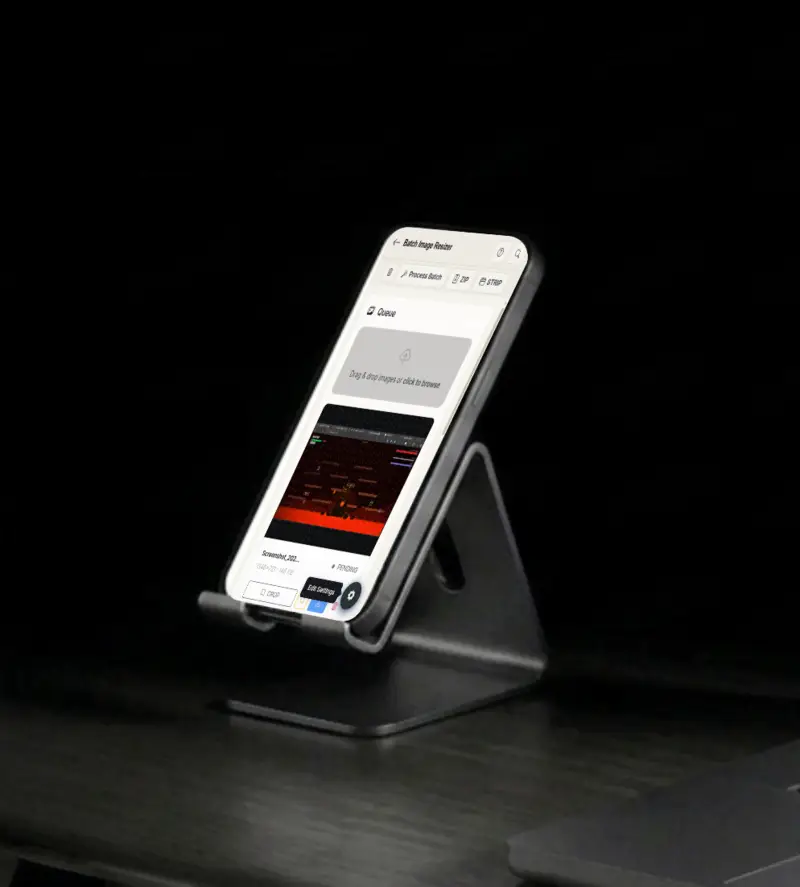
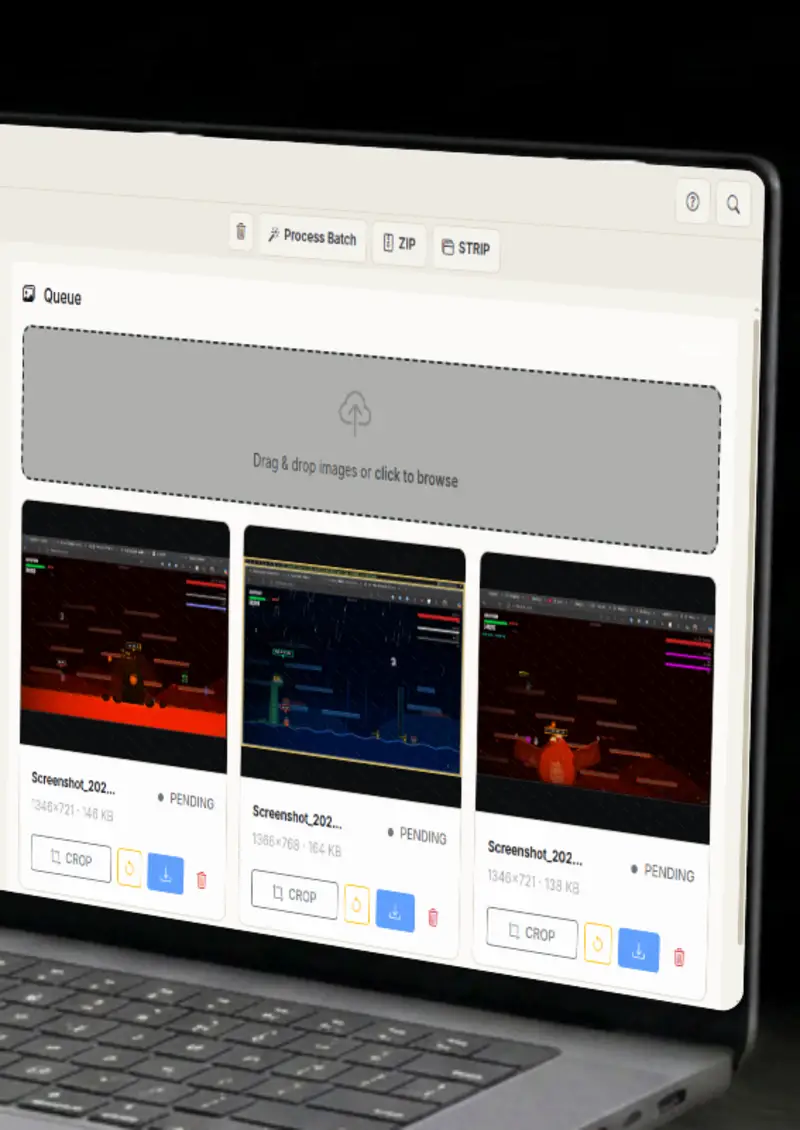
Add your images

Add your images

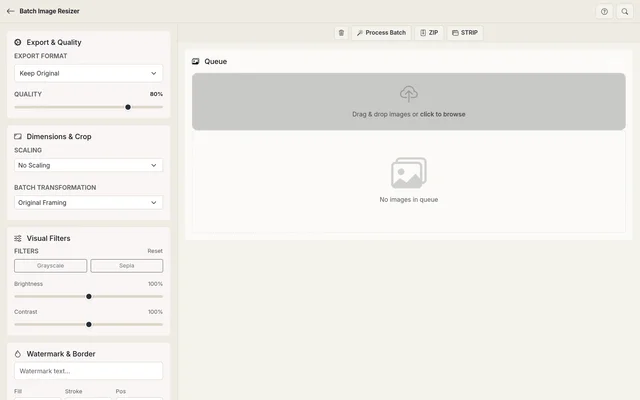
Drag and drop a whole folder or select multiple images at once.

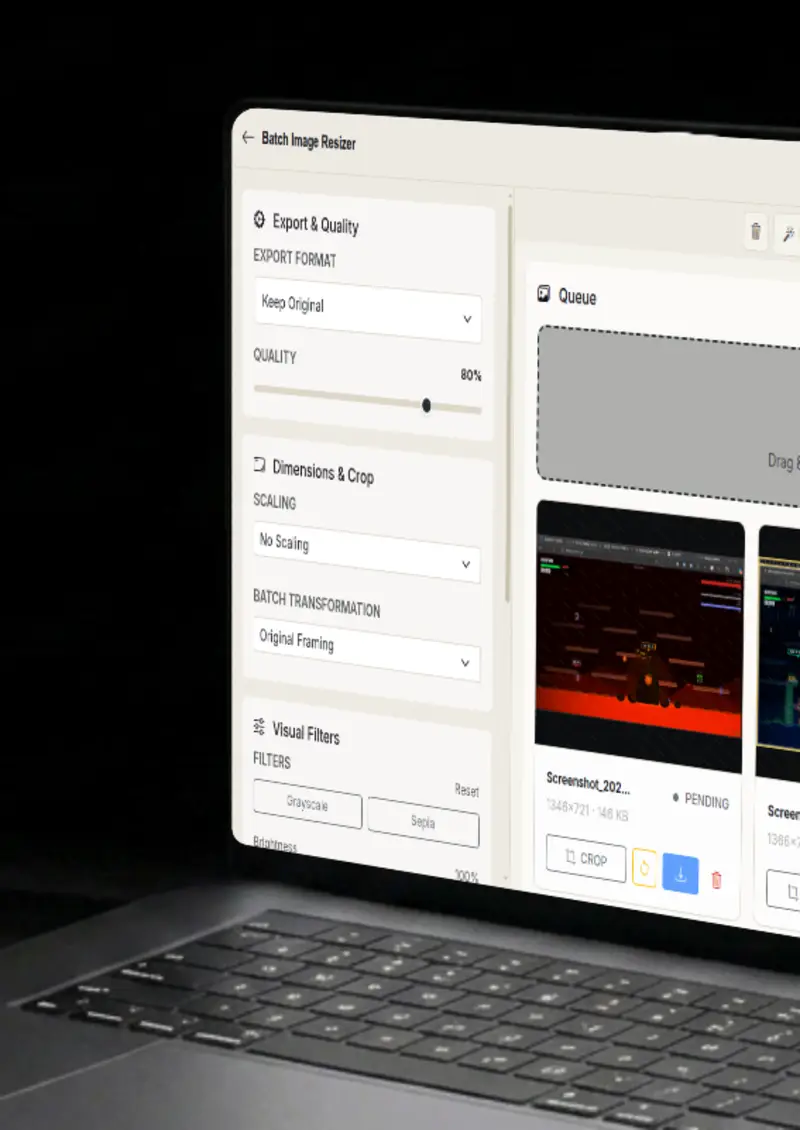
Configure the batch

Configure the batch

Set export format, scaling, filters, watermark, and border for the whole batch.

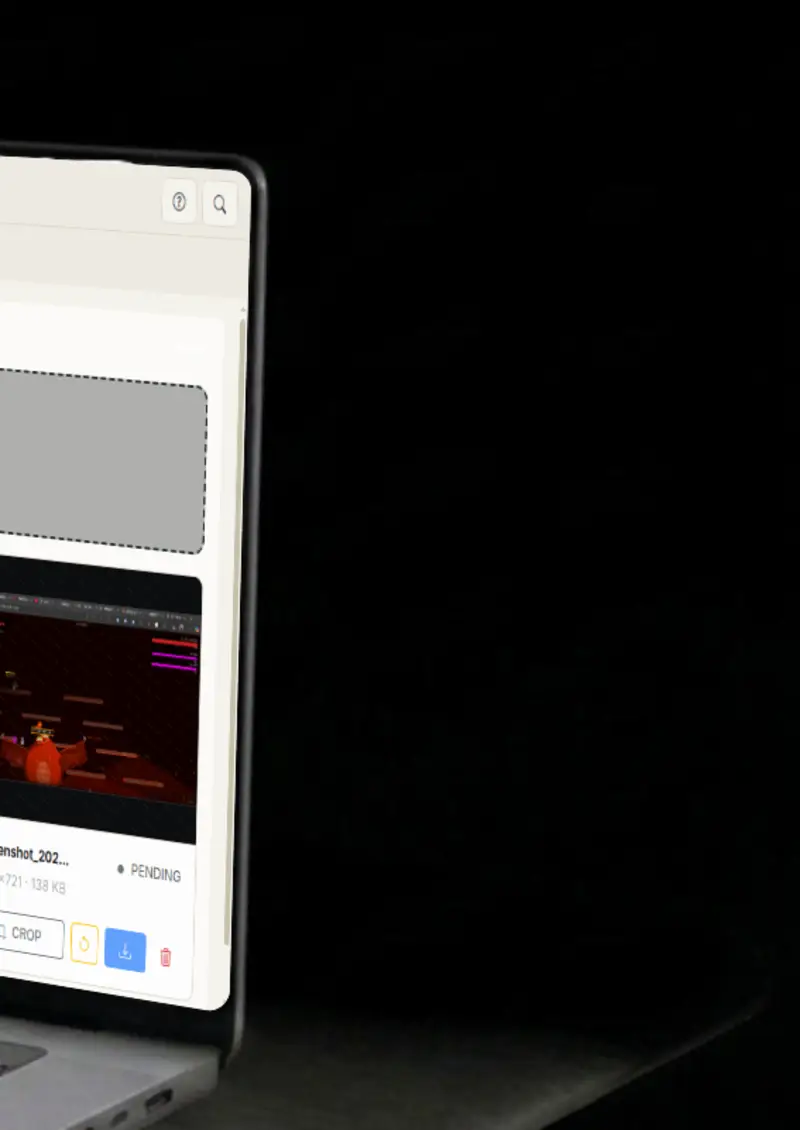
Crop & frame

Crop & frame

Crop individual images or apply a Master Frame to every photo automatically.

Export

Export

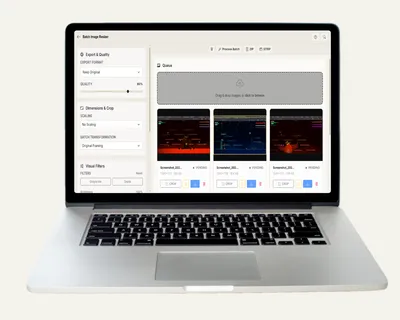
Process everything and download as a ZIP, or review in the Strip view.

Use cases

Who uses Batch Image Resizer?

A storefront only looks professional when every photo matches, and that means cropping and framing hundreds of shots the same way. Crop one image, apply the Master Frame to the whole batch, add your watermark, and export everything as a ZIP. Consistent listings without doing each image by hand, and no visible seams between products.

  • Master frame for consistency
  • Watermark protection
  • Bulk ZIP export

Slow pages cost visitors, and the biggest cause is images that are too large. Convert a whole batch to WebP or JPEG, scale them down to the size the layout actually needs, and set the quality. The site loads faster and the images still look sharp.

  • WebP/JPEG output
  • Width/height scaling
  • Quality control

A folder of snapshots rarely needs individual attention, sometimes every shot just needs the same tweak. Apply grayscale, sepia, brightness and contrast adjustments to the whole batch in one pass, then export the lot. Clean, consistent photos in seconds instead of an afternoon.

  • Visual filters
  • One-click batch
  • Private by design

Publishing a portfolio online means protecting it, and a consistent watermark is the simplest shield. Set your text, pick the color and position, add a stroke for readability, and apply it to every image at once. Your name travels with every shot.

  • Custom text & color
  • Position presets
  • Stroke for readability

Formats drift between projects, and converting a whole folder one file at a time is a chore. Convert everything between PNG, JPEG and WebP in a single pass, with quality control on the way out. The batch comes back as a ZIP, ready to use.

  • Format conversion
  • Quality control
  • ZIP export
Features

Everything you need

Smart framing
Feature

Smart framing

Crop a single image and reuse the exact frame across the whole batch with Master Frame mode, or center-crop every image to a ratio like 1:1, 4:3, 16:9 or 9:16. Whatever fits your project, the whole batch matches, which is what makes a storefront or a portfolio look deliberately designed.

  • Interactive crop
  • Master Frame mode
  • 1:1, 4:3, 16:9, 9:16
Batch filters & effects
Feature

Batch filters & effects

Apply grayscale, sepia, brightness and contrast across the whole batch, plus watermark and border tools. Everything previews live, so you know how the effects look before you process a single file. One settings panel controls the entire batch, so there is nothing to repeat per image.

  • Live filter previews
  • Text watermark with stroke
  • Custom border
Export anything
Feature

Export anything

Keep the original format or force JPEG, PNG or WebP at your chosen quality. Download files one by one or grab the whole batch as a ZIP, and review the results in the Strip view before you commit. The workflow is made for volume, but nothing gets exported until you are happy with it.

  • Per-file downloads
  • ZIP archive
  • Strip review view
Scaling & watermark
Feature

Scaling & watermark

Scale by width, height or percentage, and stamp every image with a text watermark in your color and position. Combine scaling with a border and a filter and one pass handles the entire batch. The settings apply to every file, so the whole folder comes out to the same spec.

  • Width/height/percent scaling
  • Positioned text watermark
  • Apply everything at once
Everything stays on your device
Privacy

Everything stays on your device

All processing happens inside your browser. Your images never leave your device, and nothing is stored on any server. Resize and watermark a confidential shoot without the files ever touching a network.

  • 100% local processing
  • No uploads
  • Safe for confidential work
Help

How it works

1

Upload & prep

Drop your images. Crop individual images or set a Master Frame that applies to the whole batch automatically.

2

Configure the batch

Set export format, quality, scaling, filters, watermark, and border.

3

Preview the filters

Check the live filter previews and the Strip view before you process.

4

Process & export

Click "Process Batch", then grab a ZIP archive or download files individually.

No. All processing happens inside your browser. Your images never leave your device.

Frame one image with the crop tool, click "Apply to All", and that exact relative framing (zoom and position) is applied to every image in the queue, perfect for consistent product shots.

You can keep the original format or convert everything to JPEG, PNG, or WebP with adjustable quality.

Yes. Scale the batch by width, by height, or by percentage, depending on what your project needs.

Yes. Add a text watermark with your color, position and stroke, and it applies to every image in the batch.

Process the batch and download everything as a single ZIP archive, or grab individual files from the results.

Free forever, or go Pro Visa

Pro Visa unlocks unlimited messages, higher resolution, no promotional elements and access to Pro-only tools.

Ready to process your images?

No signup, no uploads - start batch processing instantly.

Open Batch Image Resizer
Batch Image Resizer