Celebrating birthdays of my guardian and heir 🎉. All tools are WATERMARK FREE and NO ADS for the whole month of August!

MockupTown
Screenshots Use cases Features Help

Free LinkedIn Post Mockup Generator

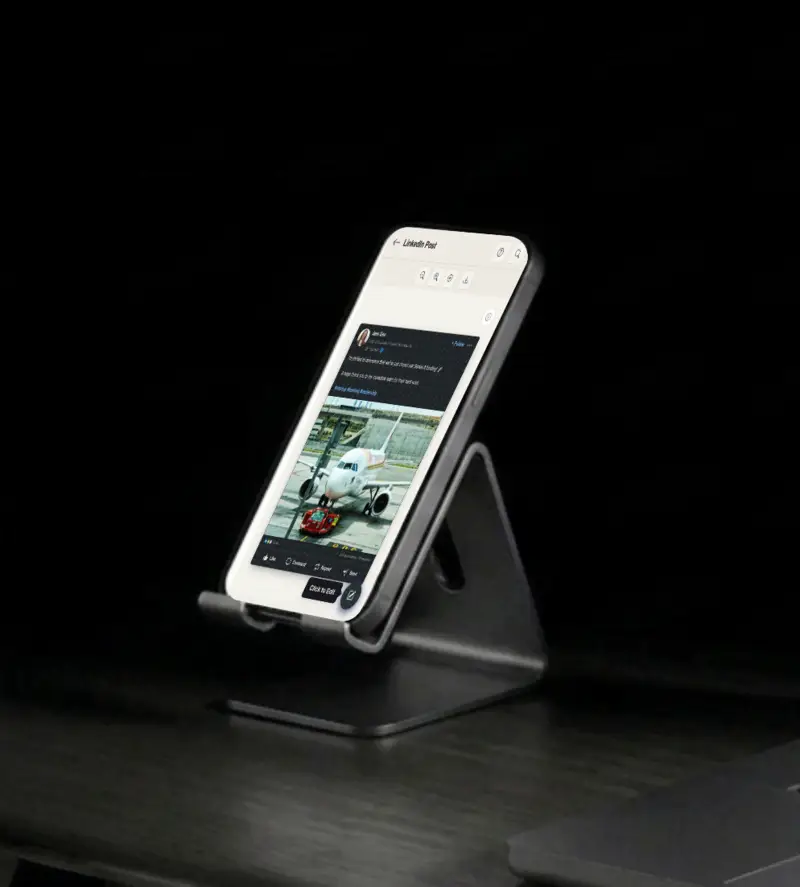
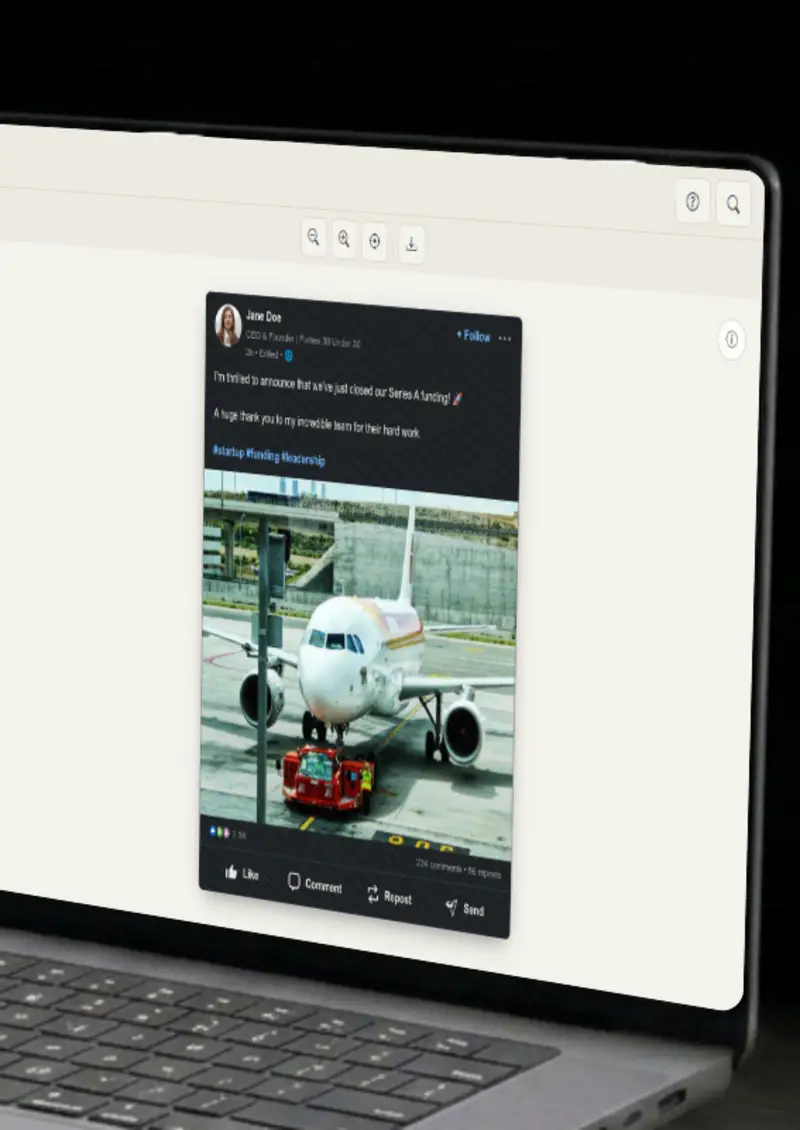
Create realistic LinkedIn post mockups with professional reactions and comments. Free - no signup, no watermark, instant export.

Free LinkedIn Post Mockup Generator - Fake LinkedIn Posts
Screenshots

See it in action

Custom profile

Custom profile

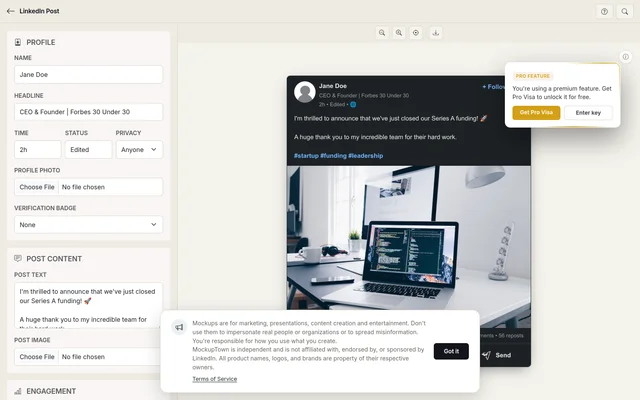
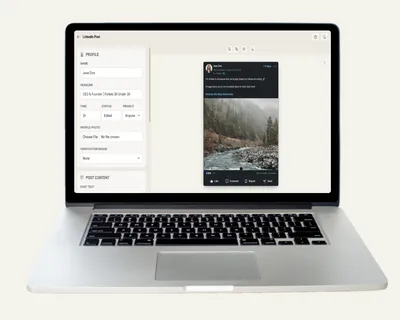
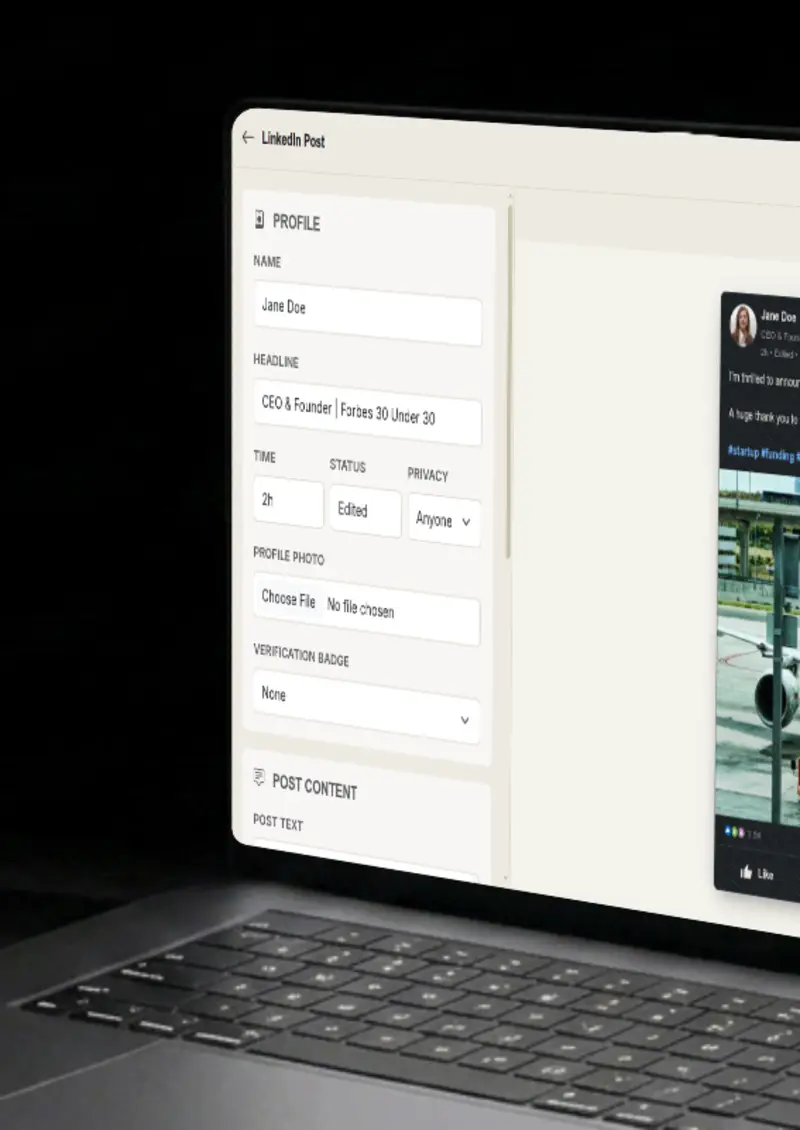
Set the name, headline, profile photo and optional verification badge. The header reads like a realistic profile at first glance.

Post content

Post content

Write professional posts with line breaks and hashtags, or upload an image. Mentions render as links, just like on LinkedIn.

Reactions & comments

Reactions & comments

Set custom like, celebrate, insightful and comment counts, plus reposts, so the post carries the right weight.

Time & date

Time & date

Set a custom timestamp so the post reads as if it was published at the moment you want to show.

Use cases

Who uses LinkedIn Post Mockup Generator?

Professional services and SaaS brands live on trust. A LinkedIn post with strong reactions is a familiar format for that, and this tool produces one in under a minute. Show how your audience might engage with your brand and use it in landing pages, ads, and case studies. Because the frame matches the real network, it carries a professional tone.

  • Show professional engagement in B2B creatives
  • A/B test professional messaging
  • Embed in case studies

Investors and clients skim slides, so a plain screenshot does not carry much weight. A framed LinkedIn post with a name, headline and reactions gives the story context in a second. It makes pitch decks concrete and visual.

  • Strengthen investor pitch decks
  • Polish client reports
  • Make slides more visual

Personal brands are built on a consistent feed, and mockups help you plan it. Sketch out a post, see how it looks inside the real interface, and refine the message before it ever goes live. You get a preview of the finished piece instead of guessing from a blank document.

  • Preview content before posting
  • Refine messaging and formatting
  • Plan a consistent feed

Employer branding posts show you have a team people want to join. Mock a post about company culture or employee wins and show it to stakeholders before publishing. It keeps the message on brand and shows what the final post will look like.

  • Highlight company culture
  • Showcase employee wins
  • Align with the employer brand

A content calendar is easier to approve when people can see the actual post. Generate a mockup for each planned update, line them up, and review the whole feed in one view. It turns abstract ideas into something you can actually look at and judge.

  • Preview the full feed
  • Approve content visually
  • Keep the brand consistent
Features

Everything you need

Professional profile
Feature

Professional profile

Set the name, headline and profile photo, and add the verification badge when it applies. The header matches the real LinkedIn layout, so the post reads as a polished professional update from the moment it renders.

  • Custom name and headline
  • Profile photo upload
  • Verification badge
Post content
Feature

Post content

Write multi-line posts with line breaks, hashtags and mentions that render as links. Add an image when the post needs one. The text is formatted the way LinkedIn formats it, so your draft looks like the finished piece. First lines stay on screen the way they would in the feed, which is exactly the detail you need to judge whether a hook works.

  • Multi-line text support
  • Hashtag and mention rendering
  • Professional formatting
Engagement metrics
Feature

Engagement metrics

Set the reactions that matter on LinkedIn, like, celebrate and insightful, plus comments and reposts. You decide the level of engagement, from a quiet post to one that is clearly spreading across the network.

  • Multiple reaction types
  • Comment counts
  • Repost counts
Dark & light themes
Feature

Dark & light themes

Switch between realistic LinkedIn dark and light themes with one click. Each uses the correct background and accent colors, so the mockup matches whatever interface your audience actually sees.

  • Dark mode (default)
  • Light mode toggle
  • Platform-accurate colors
Everything stays on your device
Privacy

Everything stays on your device

The post is rendered locally in your browser. Your profile photo and post image never leave your device, and nothing is stored. You can build a mockup for a personal brand or campaign that is not ready to be public yet.

  • Local rendering, no uploads
  • Nothing stored on servers
  • Safe for unreleased content
Help

How it works

1

Set up profile

Enter the name, headline and upload a profile photo. Add verification if needed.

2

Write your post

Enter professional content with line breaks, hashtags and mentions.

3

Set engagement

Customize reactions, comments and repost counts to match the story you want to tell.

4

Export your mockup

Switch themes and download as a high-resolution PNG.

Yes, completely free. No watermarks, and all processing happens locally in your browser, so nothing is uploaded anywhere.

Absolutely. You own the mockups you create. Use them in marketing campaigns, presentations, videos, or any commercial project.

No. You can start creating LinkedIn post mockups immediately, no signup, no email, no credit card required.

Yes. Set like, celebrate and insightful counts separately, along with comments and reposts, so the engagement matches the story.

For best results, use images at 1200x627 pixels or similar LinkedIn aspect ratios.

You can export your mockups as high-resolution PNG images, clean and ready for any design or document.

Disclaimer

Intended usage

This tool is made for marketing, presentations, content creation and entertainment. Don't use it to impersonate real people or organizations, or to spread misinformation. You're responsible for how you use what you create - see our Terms of Service.

MockupTown is independent and is not affiliated with, endorsed by, or sponsored by LinkedIn. All product names, logos, and brands are property of their respective owners.

Free forever, or go Pro Visa

Pro Visa unlocks unlimited messages, higher resolution, no promotional elements and access to Pro-only tools.

Ready to create your LinkedIn post mockup?

No signup, no credit card - start designing in seconds.

Open LinkedIn Post Mockup Generator
LinkedIn Post Mockup Generator