Celebrating birthdays of my guardian and heir 🎉. All tools are WATERMARK FREE and NO ADS for the whole month of August!

MockupTown
Screenshots Use cases Features Help

Free Spotify Now Playing Mockup Generator

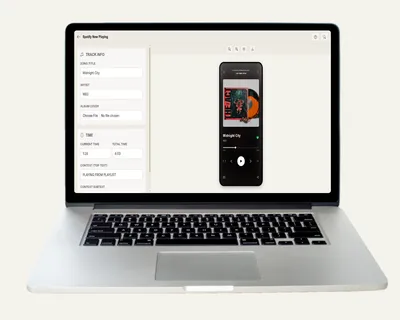
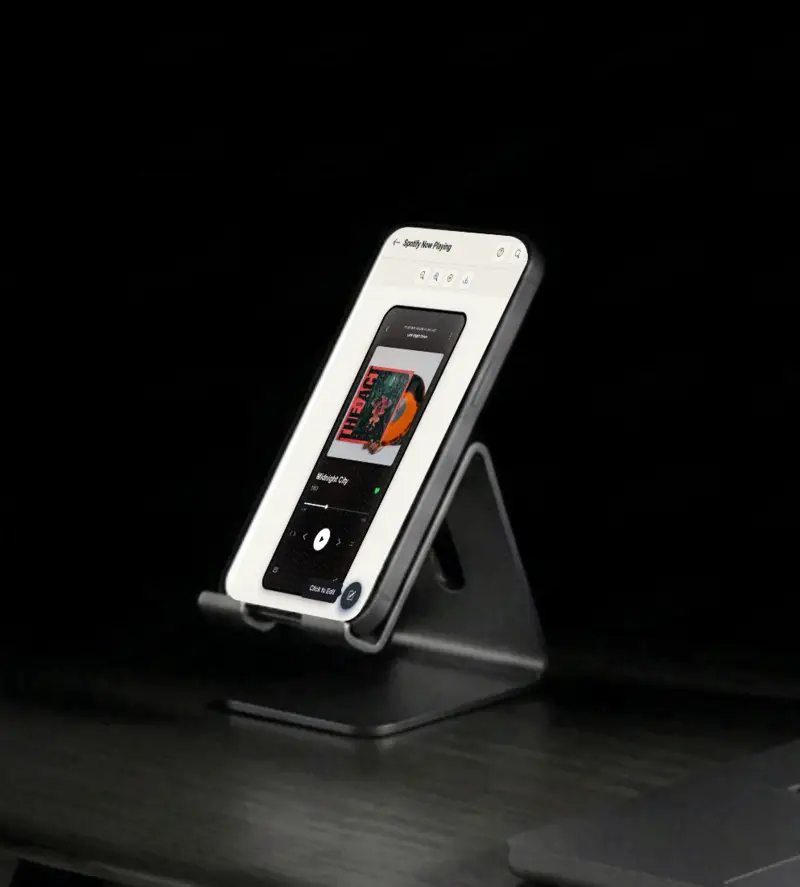
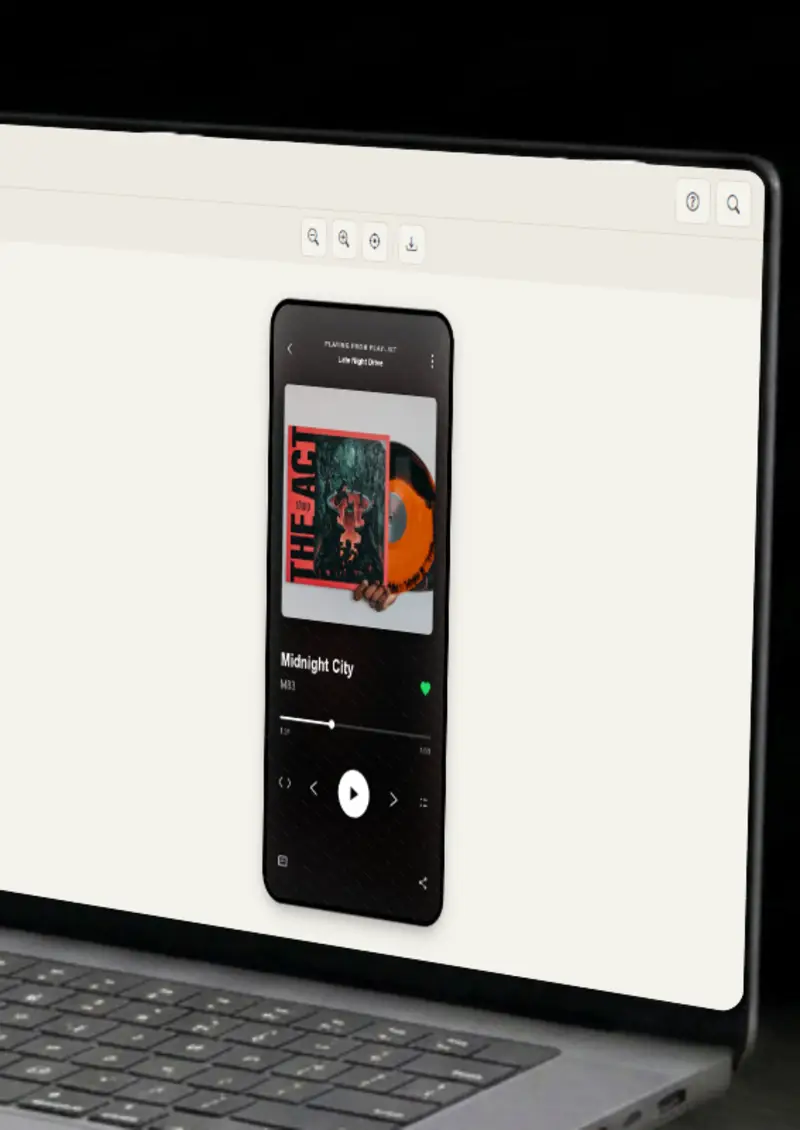
Create a realistic Spotify now-playing mockup with song, artist and progress bar. Free - no signup, no watermark, PNG export.

Free Spotify Now Playing Mockup Generator
Screenshots

See it in action

Song details

Song details

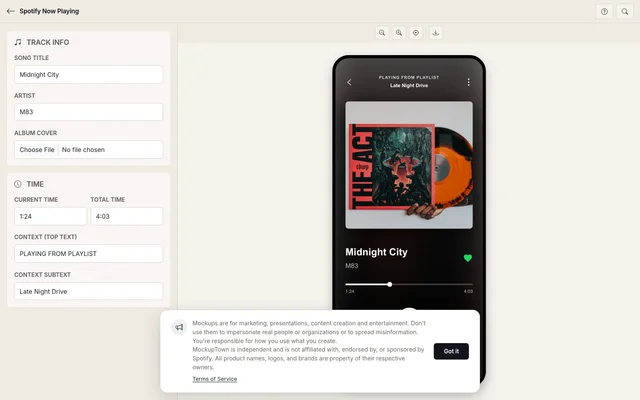
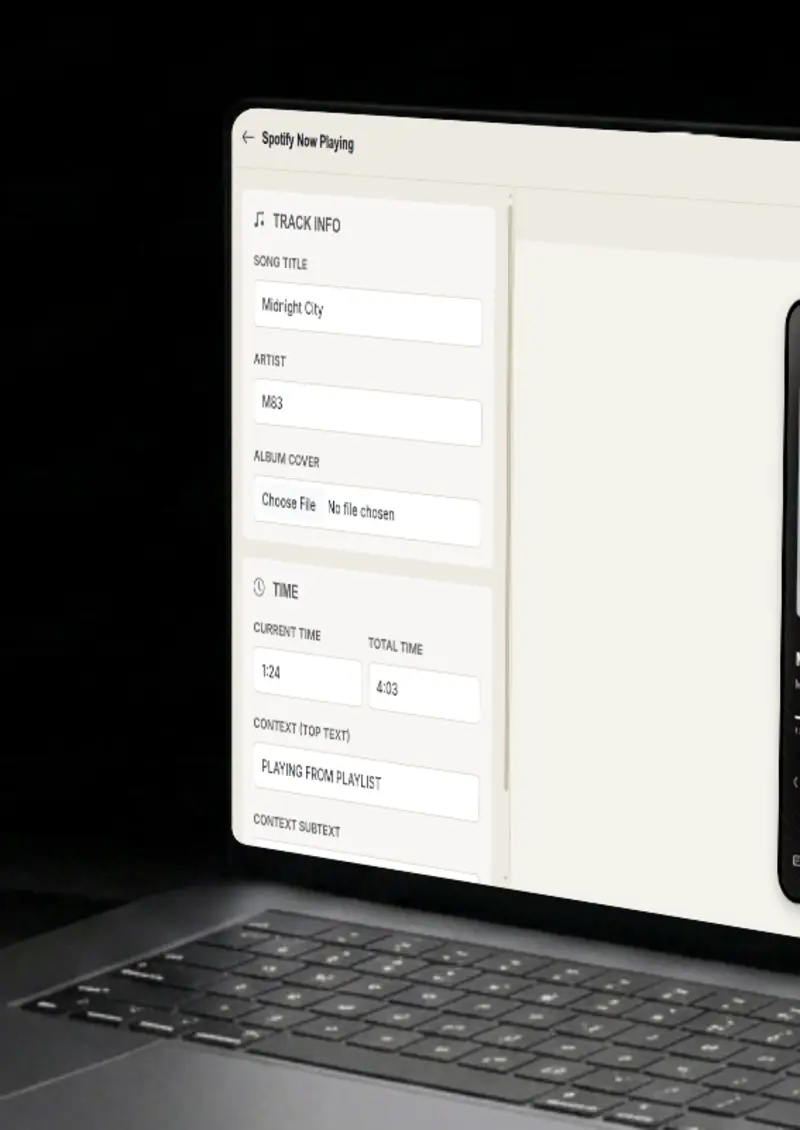
Set the song title and artist name, plus the context text that appears above and below the artwork.

Album cover

Album cover

Upload album artwork and it becomes both the cover art and the blurred background of the player.

Progress bar

Progress bar

Set the current and total time and the progress bar is calculated for you, down to the percentage.

Playback controls

Playback controls

The player carries the realistic controls, play, skip, shuffle and repeat, in the same layout Spotify uses.

Use cases

Who uses Spotify Now Playing Mockup?

Artists and labels need visuals that look like the real streaming experience, and this mockup produces one in seconds. Show a single inside the now-playing frame for a release announcement, a playlist drop, or an ad. Listeners instantly recognize the format and stop scrolling.

  • Release announcement visuals
  • Playlist promotion art
  • Ad creatives for music

If your pitch is about music, podcasts, or streaming, a plain screenshot does not carry much weight. A framed now-playing card shows the product in action at a glance. It makes decks about apps, audio, or user behavior concrete without a paragraph of explanation.

  • Show product examples
  • Illustrate streaming UX
  • Make slides more visual

YouTubers and bloggers are always short on visuals, and this tool produces a finished one in under a minute. Use a player card for a thumbnail, an illustration in a blog post, or a reference in a music review. The design is instantly recognizable.

  • YouTube thumbnail frames
  • Blog post illustrations
  • Music review visuals

Sharing a song with a screenshot of the player feels more personal than a plain link. Generate a mockup with the song, artist and artwork and post it as an image. It works on every platform and takes less time than finding a stock visual.

  • Share recommendations visually
  • Announce new releases
  • Consistent posting style

Cover art and context text can make or break a release announcement. Generate several variations with different artwork, titles and context, then line them up. You get a fast, honest read on which presentation looks strongest before you ship the campaign.

  • Compare artwork choices
  • Test context text
  • Refine before shipping
Features

Everything you need

Song details
Feature

Song details

Set the song title and artist name, and control the context text above and below the artwork. You decide exactly what the player shows, from a plain song title to a playlist name or a podcast episode. The text is sized and positioned to match the real player, so every field lands where Spotify fans expect it to be.

  • Custom song title
  • Artist name
  • Context text
Album cover
Feature

Album cover

Upload album artwork and it is used twice, once as the cover art and once as the blurred background. The blur is generated automatically from the same image, so the two always match and the player looks cohesive. Square artwork is fitted and framed like a real album cover, with no cropping or distortion of the design.

  • Any image format
  • Auto-cover fit
  • Blurred background
Progress bar
Feature

Progress bar

Set the current and total time and the progress bar is calculated for you. No math, no guesswork, the percentage fills in exactly where it should, right down to the timestamp text on both sides. Whether the track has just started or is about to finish, the bar always sits at the right spot.

  • Current time
  • Total time
  • Auto-calculated percentage
Playback controls
Feature

Playback controls

The player carries the realistic controls in the same layout Spotify uses, play or pause, skip, shuffle and repeat. These small details are what keep the mockup from looking like a generic music widget. Nothing is functional, but every icon sits exactly where it belongs.

  • Play/pause button
  • Skip controls
  • Shuffle and repeat
Everything stays on your device
Privacy

Everything stays on your device

The player is rendered locally in your browser. Your album artwork never leaves your device, and nothing is stored on any server. You can build a mockup for an unreleased track or a campaign that is not ready to be public yet, with the confidence that nothing leaks out.

  • Local rendering, no uploads
  • Nothing stored on servers
  • Safe for unreleased tracks
Help

How it works

1

Enter song details

Set the song title, artist name and the context text above and below the artwork.

2

Upload album cover

Upload album artwork. It is used as the cover and as the blurred background.

3

Set progress

Set current and total time for the progress bar. The percentage is calculated for you.

4

Export your mockup

Download as a high-resolution PNG, ready for your design or your deck.

Yes, completely free. No watermarks, and all processing happens locally in your browser, so nothing is uploaded anywhere.

Absolutely. You own the mockups you create. Use them in marketing campaigns, presentations, videos, or any commercial project.

No. You can start creating Spotify mockups immediately, no signup, no email, no credit card required.

Yes. Upload any square image as the artwork and it becomes both the cover art and the blurred background of the player.

Set the current and total time and the fill percentage is calculated automatically. The timestamps appear on both sides of the bar.

You can export your mockups as high-resolution PNG images, clean and ready for any design or document.

Disclaimer

Intended usage

This tool is made for marketing, presentations, content creation and entertainment. Don't use it to impersonate real people or organizations, or to spread misinformation. You're responsible for how you use what you create - see our Terms of Service.

MockupTown is independent and is not affiliated with, endorsed by, or sponsored by Spotify. All product names, logos, and brands are property of their respective owners.

Free forever, or go Pro Visa

Pro Visa unlocks unlimited messages, higher resolution, no promotional elements and access to Pro-only tools.

Ready to create your Spotify now playing mockup?

No signup, no credit card - start designing in seconds.

Open Spotify Now Playing Mockup
Spotify Now Playing Mockup