Celebrating birthdays of my guardian and heir 🎉. All tools are WATERMARK FREE and with many PRO FEATURES available for the whole month of August!

MockupTown
Screenshots Use cases Features Help All Tools

Free YouTube Comment Mockup Generator

Build YouTube comment mockups with creator hearts, reply threads, verified badges and like counts, styled to match the real comment section layout.

Free YouTube Comment Mockup Generator
Screenshots

See it in action

Comment editor

Comment editor

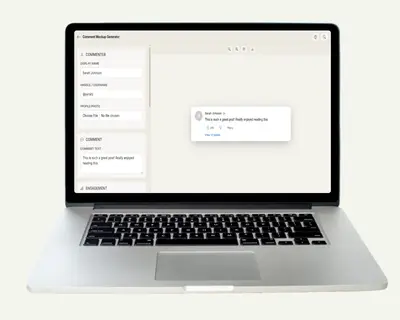
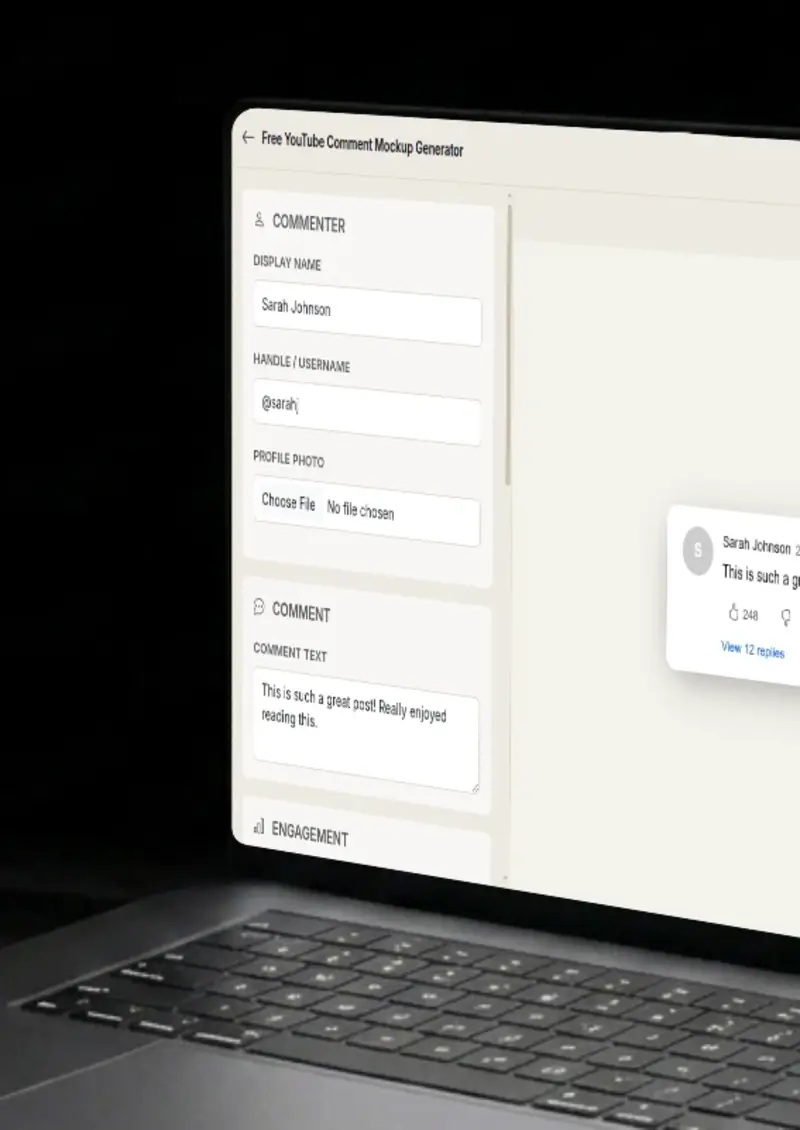
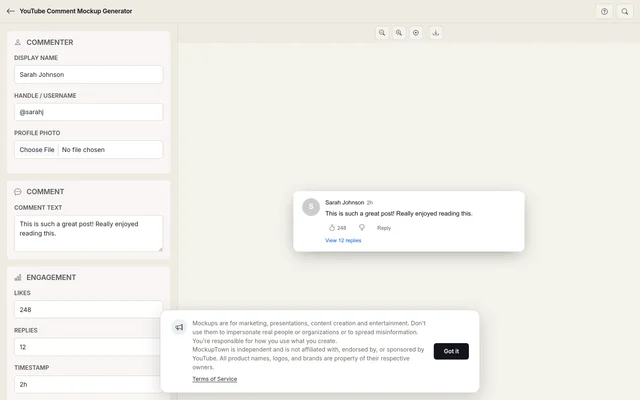
Set the commenter name, avatar, comment text and timestamp to match a real YouTube comment.

Engagement details

Engagement details

Add likes, replies, verified badges and creator hearts to complete the YouTube comment look.

Light and dark modes

Light and dark modes

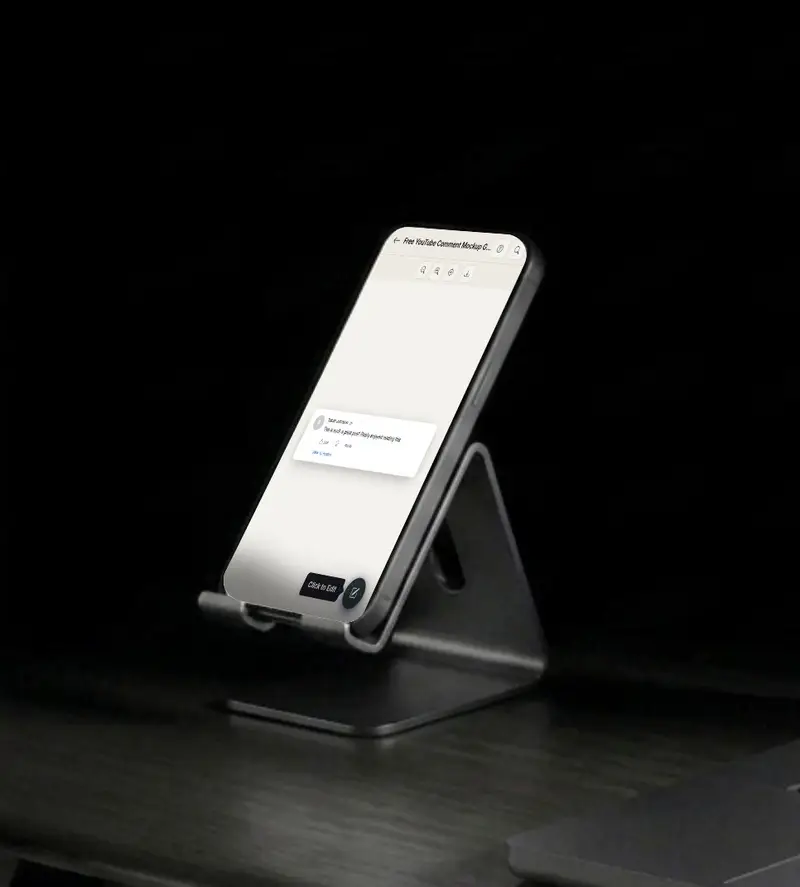
Render the comment in light or dark mode to match the YouTube theme your audience uses.

Export your mockup

Export your mockup

Download your YouTube comment mockup as a high-resolution PNG, ready for presentations or posts.

Use cases

Who uses YouTube Comment Mockup?

YouTube creators and channel managers pull comment highlights when reporting on video performance. A mockup of a top comment with 2,000 likes and a creator heart tells the story of audience reception faster than a spreadsheet row. Use it in brand partnership decks or monthly channel reports.

  • Showcase standout comments in performance decks
  • Highlight creator-heart interactions for brand partners
  • Visualize community response per video
Channels with active comment sections need moderation guidelines. Mockups let you build examples of spam comments, helpful replies, self-promotion and rule-breaking content, without screenshotting real users or exposing their accounts.

  • Build moderation guideline documents
  • Illustrate comment policy violations
  • Train new moderators with realistic examples

Social media managers use comment mockups to plan how they will engage with viewers. Draft reply templates, plan pinned comments and show clients how the brand will respond, all using mockups that look like the actual YouTube comment UI.

  • Plan reply strategies before going live
  • Demo brand engagement to clients
  • Draft pinned comment layouts

Course creators and educators teaching YouTube growth strategies need visuals. Instead of screenshotting random channels, generate specific comment scenarios that illustrate engagement tactics, reply threading and how creator hearts encourage viewer loyalty.

  • Illustrate YouTube engagement tactics
  • Show how reply threads build community
  • Teach creator-heart strategy with visuals
Features

Everything you need

YouTube-accurate comment structure
Layout

YouTube-accurate comment structure

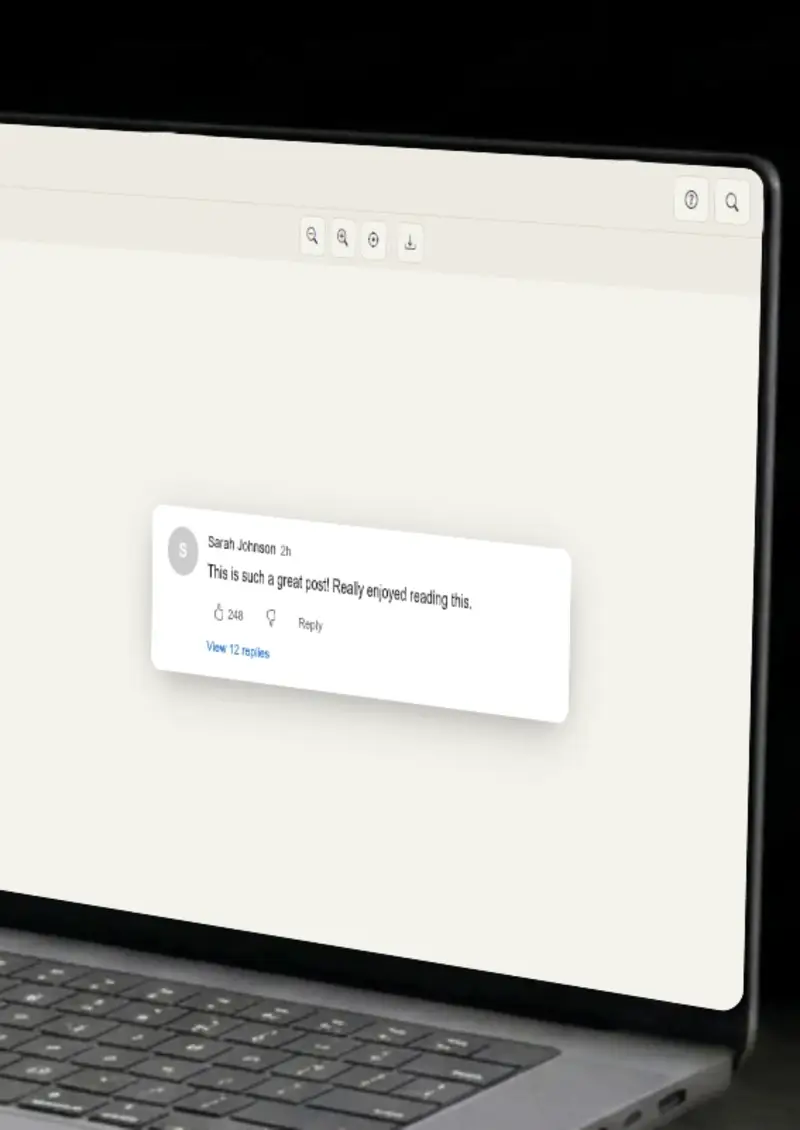
The mockup follows YouTube's actual comment layout: avatar on the left, name and timestamp inline, like count and reply button below the text. The spacing, font weights and icon placement match the real platform.

  • Avatar, name and timestamp in YouTube's exact layout
  • Like count, reply button and creator heart positioned correctly
  • Font weights and spacing match the live platform
Creator hearts, badges and reply threads
Details

Creator hearts, badges and reply threads

YouTube has specific comment features that other platforms do not: creator hearts (the red heart a creator pins on a comment), verified checkmarks, and reply threading that shows "N replies" below a comment. All of these are editable.

  • Toggle creator heart on any comment
  • Verified badge for creator-owned accounts
  • Reply count display with thread preview
Light and dark mode
Themes

Light and dark mode

YouTube runs both light and dark themes. The mockup switches between them instantly, correct background colors, text contrast and icon tints for each mode.

  • Light mode with white background
  • Dark mode with YouTube's dark gray palette
  • Accurate text contrast for both themes
Presentation-ready PNG
Export

Presentation-ready PNG

The exported PNG renders at 2x resolution for sharp display on retina screens. No watermark, no border, just the comment on a transparent background, ready to drop into a slide or document.

  • 2x resolution for retina displays
  • Transparent background option
  • No watermark or overlay text
Client-side rendering
Privacy

Client-side rendering

The mockup is drawn on an HTML canvas in your browser. Nothing is uploaded, nothing reaches a server. The comment text, avatar URL and all other data stay on your machine.

  • All rendering happens locally
  • No network requests during creation
  • Tab data clears when you close it
Help

How it works

1

Add the commenter identity

Enter a display name, paste an avatar image URL and set a timestamp. The preview updates immediately.

2

Write the comment text

Type or paste the comment body. YouTube truncates long comments with a "read more" link, the mockup handles this automatically.

3

Set engagement metrics

Enter the like count, toggle the verified badge, add a creator heart and set the reply count to match your scenario.

4

Export as PNG

Click download. The mockup saves as a high-resolution PNG , ready for slides or documents.

Yes. YouTube's creator heart, the red heart icon that creators pin on viewer comments, is a toggle in the editor. It appears below the comment alongside the like count.

You can set a reply count below the main comment. The mockup displays "N replies" in YouTube's style, matching how the platform shows nested conversation depth.

Yes. Toggle the pinned status and the mockup adds the "Pinned by" line above the comment, matching YouTube's actual pinned comment layout.

Yes. The avatar image you provide is automatically cropped into a circle, matching YouTube's comment avatar display.

Yes. The exported PNG is high-resolution and watermark-free. Drop it directly into Google Slides, Notion or any reporting tool.

Disclaimer

Intended usage

This tool is made for marketing, presentations, content creation and entertainment. Don't use it to impersonate real people or organizations, or to spread misinformation. You're responsible for how you use what you create - see our Terms of Service.

MockupTown is independent and is not affiliated with, endorsed by, or sponsored by YouTube. All product names, logos, and brands are property of their respective owners.

Free forever, or go Pro Visa

Pro Visa unlocks higher resolution exports and no promotional elements.

Build your YouTube comment mockup

Add a name, write the comment, set the likes, download the PNG.

Open YouTube Comment Mockup
YouTube Comment Mockup