Celebrating birthdays of my guardian and heir 🎉. All tools are WATERMARK FREE and with many PRO FEATURES available for the whole month of August!

MockupTown
Screenshots Use cases Features Help All Tools

Free Amazon Review Mockup Generator

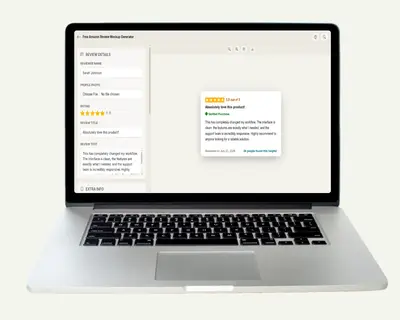
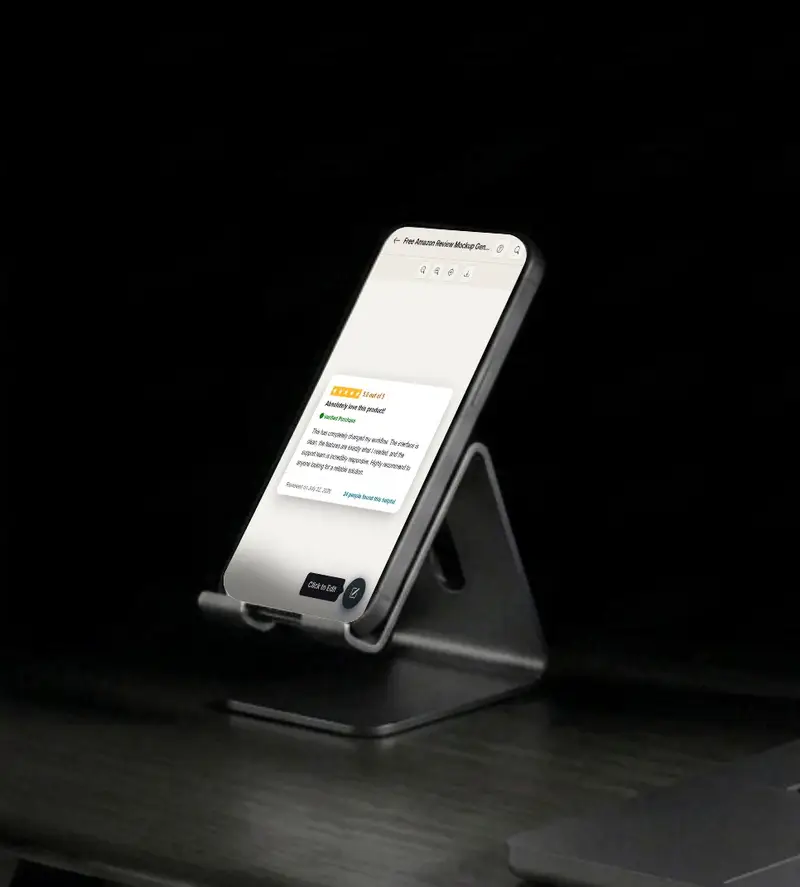
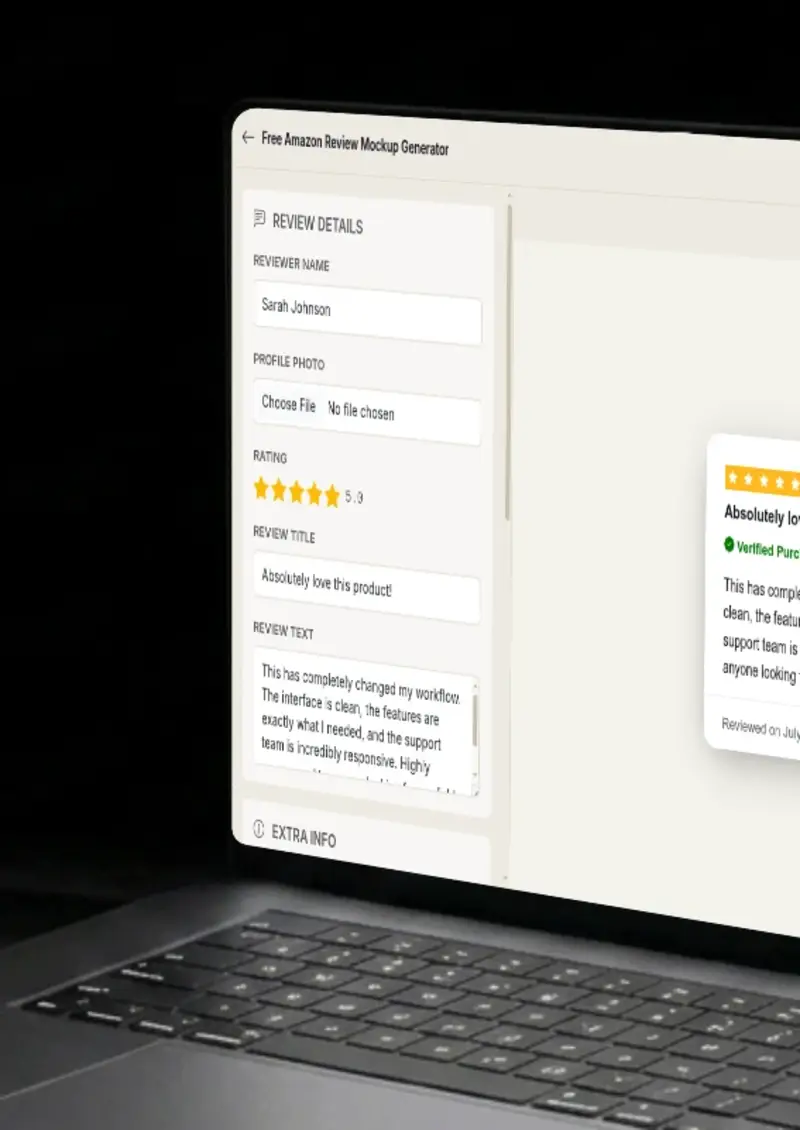
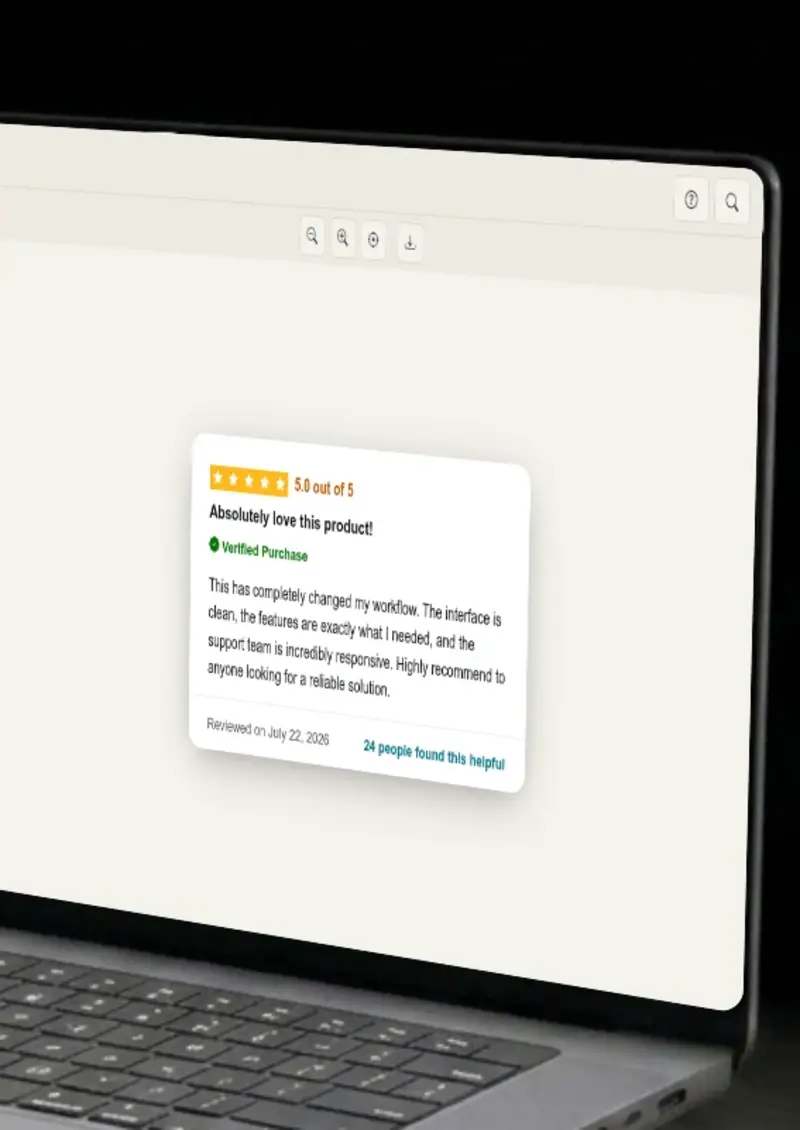
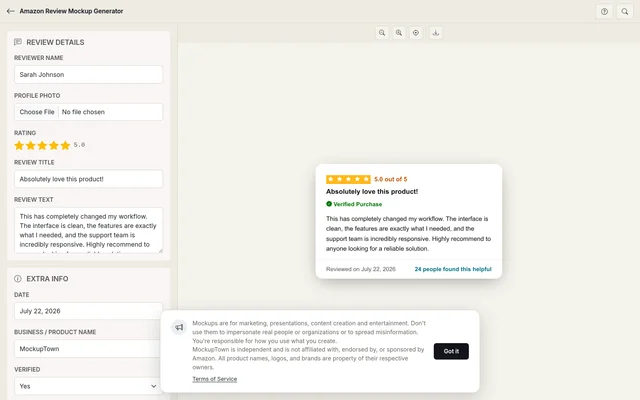
Build an Amazon-styled review card with the amber star rating, "Verified Purchase" badge, "Helpful" vote count and product title. Matches the layout shoppers see on Amazon product pages. Export a clean PNG.

Free Amazon Review Mockup Generator
Screenshots

See it in action

Review title and stars

Review title and stars

Set the review headline and star rating. Amazon reviews always show a bold title above the body, and the amber stars are sized to match the product page.

Product context

Product context

Add the product name, variant (color, size, model) and whether the reviewer is a Verified Purchaser. These fields mirror what Amazon displays on real product pages.

Review body

Review body

Write the review text. Amazon supports long-form reviews, and the preview respects the platform's layout for multi-paragraph reviews.

Export

Export

Download the finished Amazon review card as a high-resolution PNG for product listings, marketing materials or e-commerce reports.

Use cases

Who uses Amazon Review Mockup?

When a brand launches a new product on Amazon, the first few reviews set the tone. A mockup showing a strong early review, with verified purchase badge and specific product variant, goes into pitch decks, investor updates and launch-day social posts. It shows momentum before organic reviews arrive.

  • Show early review momentum to investors
  • Include product variant details in the mockup
  • Use in launch-day marketing collateral
Consultants building competitive analysis reports for Amazon sellers need to show what customers say about rival products. A mockup of a competitor's review style, including helpful vote counts and variant information, makes the analysis visual without scraping real user data.

  • Visualize competitor review patterns
  • Show helpful vote distribution
  • Avoid scraping real Amazon data

Sellers optimizing their Amazon listings test different review snippets in A+ Content and Sponsored Brand campaigns. A mockup lets you preview exactly how a review card looks when embedded in campaign creative, before committing ad spend.

  • Preview review snippets in ad creative
  • Test different star rating scenarios
  • Pair review cards with listing screenshots

Amazon aggregators and management agencies showcase their track record through review performance. A mockup of a well-reviewed product listing, complete with verified purchase and helpful count, demonstrates results without exposing proprietary seller data.

  • Show review results in agency portfolios
  • Highlight verified purchase credibility
  • Protect proprietary seller information

Affiliate marketers and product reviewers write comparison articles that pit two products against each other. A mockup of each product's review, showing different star ratings, different helpful counts and different variant options, makes the comparison visually compelling.

  • Compare two products with review visuals
  • Show different rating scenarios side by side
  • Illustrate variant-specific feedback
Features

Everything you need

Pixel-accurate Amazon review card
Layout

Pixel-accurate Amazon review card

The mockup follows Amazon's product page review structure: bold review title at the top, amber star rating with the exact hex color, reviewer name and date on a single line, the "Verified Purchase" badge in Amazon's styling and the review body below. Every element is sized and positioned to match a real Amazon product page.

  • Amber star rating matching Amazon's palette
  • Bold review title in Amazon's font weight
  • Reviewer name and date layout
Verified Purchase badge
Verification

Verified Purchase badge

Amazon's "Verified Purchase" badge is one of the most recognized trust signals in e-commerce. The mockup includes a toggle for this badge, displayed in Amazon's exact styling next to the review date. It changes the credibility of the card instantly.

  • Toggle for "Verified Purchase" badge
  • Matches Amazon's badge styling
  • Positioned next to review date
Product name, variant and helpful count
Product

Product name, variant and helpful count

Amazon reviews are tied to specific products and variants. The mockup includes fields for the product name, the variant (size, color, model), the "Helpful" vote count and the total number of ratings. These details anchor the review to a specific product context.

  • Product name and variant fields
  • "Helpful" vote count display
  • Total rating count
Light and dark mode
Themes

Light and dark mode

Amazon's website and app support dark mode on supported devices. The mockup renders in either theme, using Amazon's actual background and text colors so the card looks native in both contexts.

  • Light mode matching Amazon.com
  • Dark mode matching the mobile app
  • Correct text and background contrast
High-resolution PNG download
Export

High-resolution PNG download

The exported PNG is crisp enough for full-width website sections, slide decks or printed product sheets. No watermark, no Amazon branding added, just the review card on a clean background.

  • Resolution for screen and print
  • No overlays or watermarks
  • Transparent background option
Help

How it works

1

Write the review headline

Enter a bold review title and set the star rating from 1 to 5. Amazon shows the title prominently above the review body.

2

Add product context

Set the product name, variant (color, size or model) and the reviewer's display name. Toggle the Verified Purchase badge.

3

Write the review body

Enter the review text. Amazon supports long-form reviews, and the preview renders multi-paragraph content accordingly.

4

Export

Choose light or dark mode, then click the download button to save the Amazon review card as a high-resolution PNG.

No. The mockup is built entirely from what you type into the editor. No data is pulled from Amazon, and no Amazon account is required.

Yes. The editor includes a toggle for the Verified Purchase badge, which displays in Amazon's styling next to the review date.

Yes. Fields for product name, variant (color, size, model) and total rating count let you anchor the review to a specific product option.

The mockup displays the helpful count below the review text, matching Amazon's "X people found this helpful" format.

Yes. Amazon uses an amber/orange star color, and the mockup matches that exact hue. This is distinct from Google's yellow or Yelp's red.

Yes. The Amazon Review Mockup Generator is free and no account required.

Disclaimer

Intended usage

This tool is made for marketing, presentations, content creation and entertainment. Don't use it to impersonate real people or organizations, or to spread misinformation. You're responsible for how you use what you create - see our Terms of Service.

MockupTown is independent and is not affiliated with, endorsed by, or sponsored by Amazon. All product names, logos, and brands are property of their respective owners.

Free forever, or go Pro Visa

Pro Visa unlocks higher resolution exports and no promotional elements.

Create your Amazon review mockup

No signup, no credit card - build a product page review card in under a minute.

Open Amazon Review Mockup
Amazon Review Mockup