Celebrating birthdays of my guardian and heir 🎉. All tools are WATERMARK FREE and NO ADS for the whole month of August!

MockupTown
Screenshots Use cases Features Help

Free App Store Screenshot Generator

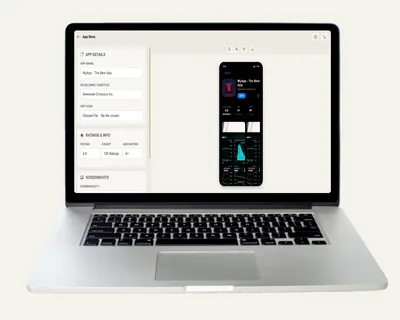
Create App Store screenshots for your iOS listing - custom icons, text and layouts. Free ASO tool, no signup, no watermark.

Free App Store Screenshot Generator - ASO-Ready Previews
Screenshots

See it in action

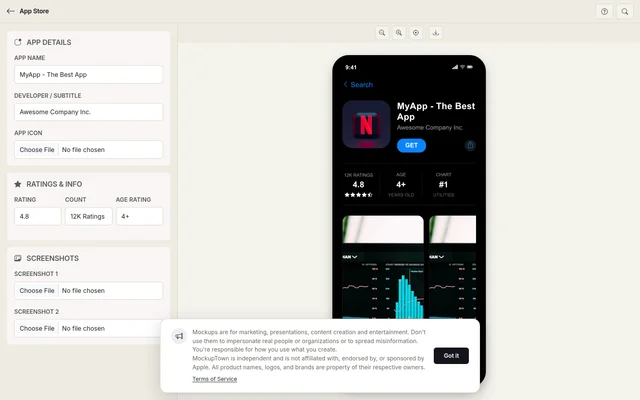
App details

App details

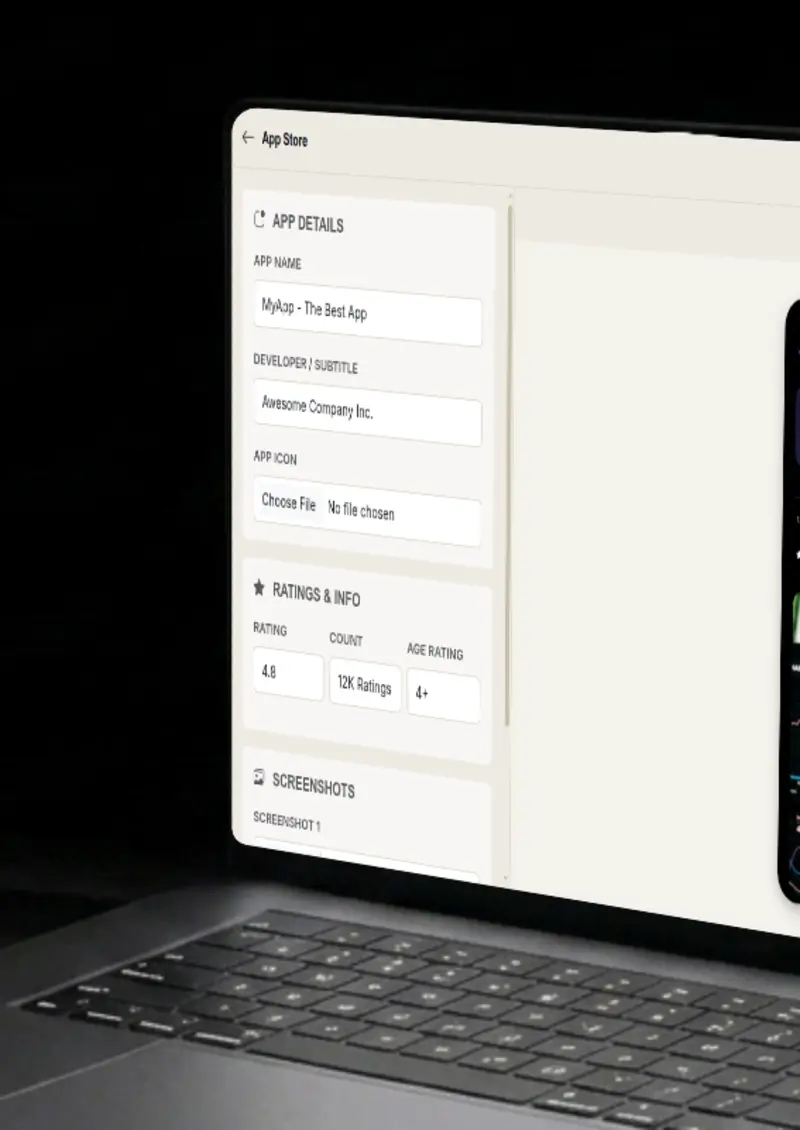
Set the app name, the developer subtitle under it, and the age badge. These are the first fields a shopper reads before deciding to look further.

App icon

App icon

Upload a square image and it is rounded to the shape iOS uses. No pre-cropping needed, the icon appears at real store size.

Screenshots

Screenshots

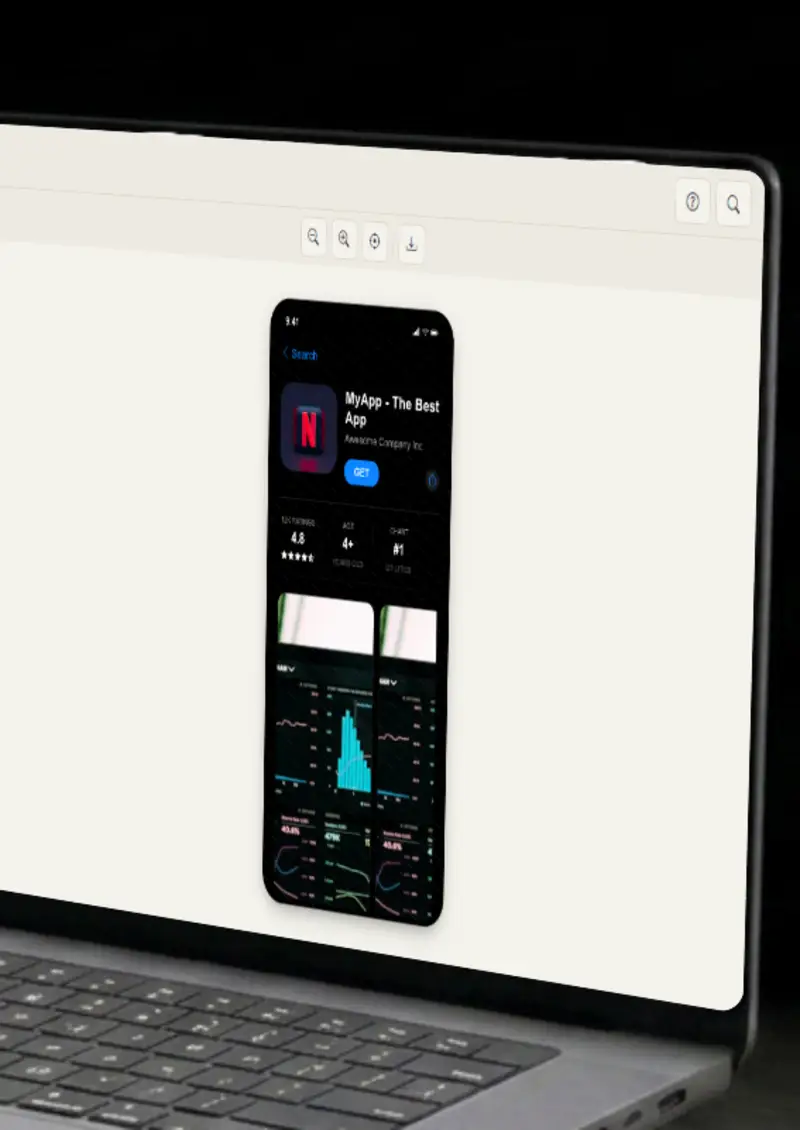
Drop in up to two screenshots and they render as a horizontal gallery, framed at a realistic phone ratio just like a live listing.

Rating & reviews

Rating & reviews

Pick a star rating from 1 to 5, add a review count like 12K Ratings, and see it sit next to the age badge and chart row.

Use cases

Who uses App Store Screenshot Generator?

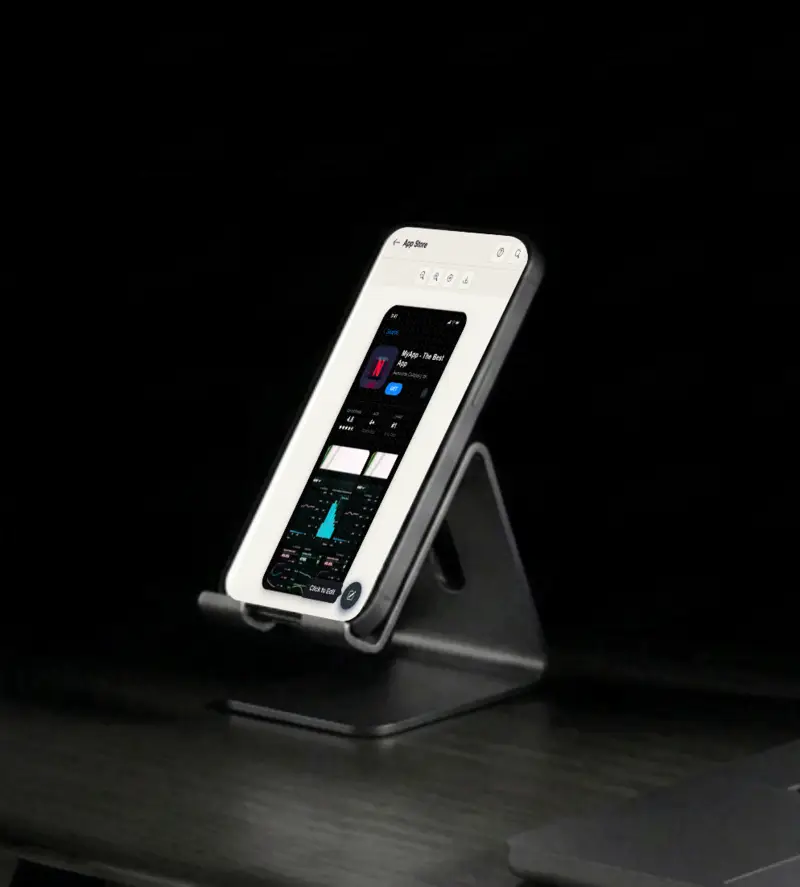
Before you launch, you want to know what your store page will actually look like to a stranger. Put your real app name, icon and rating into this mockup and see the whole listing come together. It is a quick sanity check that catches problems before you press publish in the developer console.

  • Preview the full listing
  • Catch layout issues early
  • Check how text reads at a glance

A plain screenshot in a pitch deck reads as background noise. A store listing frame gives the slide an instant context, so investors or clients know exactly what they are looking at. Drop it in, add one line of caption, and the deck looks finished.

  • Store frame gives context
  • Replaces bare screenshots
  • Works with existing slides

User guides and support pages often need to show what a store listing looks like. A mockup lets you point at a specific part, the rating row or the screenshot carousel, without depending on the live page. That keeps your docs accurate when the real store changes.

  • Annotate specific parts
  • No live store dependency
  • Stays accurate over time

Launch day posts get more attention when they look like a polished announcement. Generate a store mockup in a couple of minutes and use it for a tweet, a thread, or a LinkedIn post. No designer needed, no waiting.

  • Launch announcement visuals
  • Fast turnaround
  • Consistent brand styling

Mock two or three listing variations and put them side by side. Different subtitles, different rating counts, different screenshot order. You get a rough read on which version feels right without churning your real store page every hour.

  • Compare variations together
  • Test text and image combos
  • No real store churn
Features

Everything you need

App details
Feature

App details

Set the app name, the developer line that sits under it, and the age badge. Those are the fields a shopper scans first on any store page, and the preview updates the moment you type, so you see the result before you export.

  • Custom app name
  • Developer subtitle
  • Age rating badge
  • Live preview as you type
App icon
Feature

App icon

Upload any square image and it gets rounded to the exact shape iOS uses. No need to pre-crop or edit it first. The icon is what people notice, so it is worth checking it against a real store background before you commit.

  • Any image format
  • Automatic rounded corners
  • Real store sizing
Screenshots
Feature

Screenshots

Drop in up to two screenshots and they render as a horizontal gallery, the way a live listing lays them out. Each one is framed at a realistic phone ratio, so your marketing shots read like part of the listing.

  • Up to two screenshots
  • Horizontal store gallery
  • Phone-ratio framing
Rating display
Feature

Rating display

Set a rating anywhere from one to five stars and pair it with a count like 12K Ratings. The mockup also renders the chart position and category row, the small details that make a listing feel populated instead of empty.

  • Any star rating
  • Custom review count
  • Chart position and category
Everything stays on your device
Privacy

Everything stays on your device

The mockup is drawn locally in your browser, on a canvas. Your app icon, your screenshots and your text never get uploaded to any server. That also means you can build mockups for an app that has not been announced yet, without worrying about files ending up somewhere.

  • Local canvas rendering
  • No uploads, no server
  • Safe for unreleased apps
Help

How it works

1

Set app details

Enter your app name, the developer subtitle, and the age rating badge. The preview updates as you type.

2

Upload app icon

Upload a square image. It is automatically rounded to the iOS icon shape and shown at store size.

3

Upload screenshots

Add up to two screenshots. They appear as a horizontal gallery inside the listing, presented in phone-style frames.

4

Export your mockup

Download the result as a high-resolution PNG, ready for your deck, your social post, or your pitch.

Yes, completely free. No watermarks and all processing happens locally in your browser, so nothing is uploaded anywhere.

Yes. You own the mockups you create. Use them in marketing campaigns, presentations, videos, or any commercial project.

No. You can start creating App Store mockups immediately, no signup, no email, no credit card required.

For best results, use a square image for the app icon and tall images for the screenshots. The tool handles most common formats.

You can export your mockups as high-resolution PNG images at double scale, which stays crisp for most uses.

No. This is an independent mockup generator for previews, marketing and design work. It is not affiliated with Apple, and it does not submit anything to the App Store.

Disclaimer

Intended usage

This tool is made for marketing, presentations, content creation and entertainment. Don't use it to impersonate real people or organizations, or to spread misinformation. You're responsible for how you use what you create - see our Terms of Service.

MockupTown is independent and is not affiliated with, endorsed by, or sponsored by Apple. All product names, logos, and brands are property of their respective owners.

Free forever, or go Pro Visa

Pro Visa unlocks unlimited messages, higher resolution, no promotional elements and access to Pro-only tools.

Ready to create your App Store mockup?

No signup, no credit card - start designing in seconds.

Open App Store Screenshot Generator
App Store Screenshot Generator