Celebrating birthdays of my guardian and heir 🎉. All tools are WATERMARK FREE and with many PRO FEATURES available for the whole month of August!

MockupTown
Screenshots Use cases Features Help All Tools

Free Calendar Event Mockup Generator

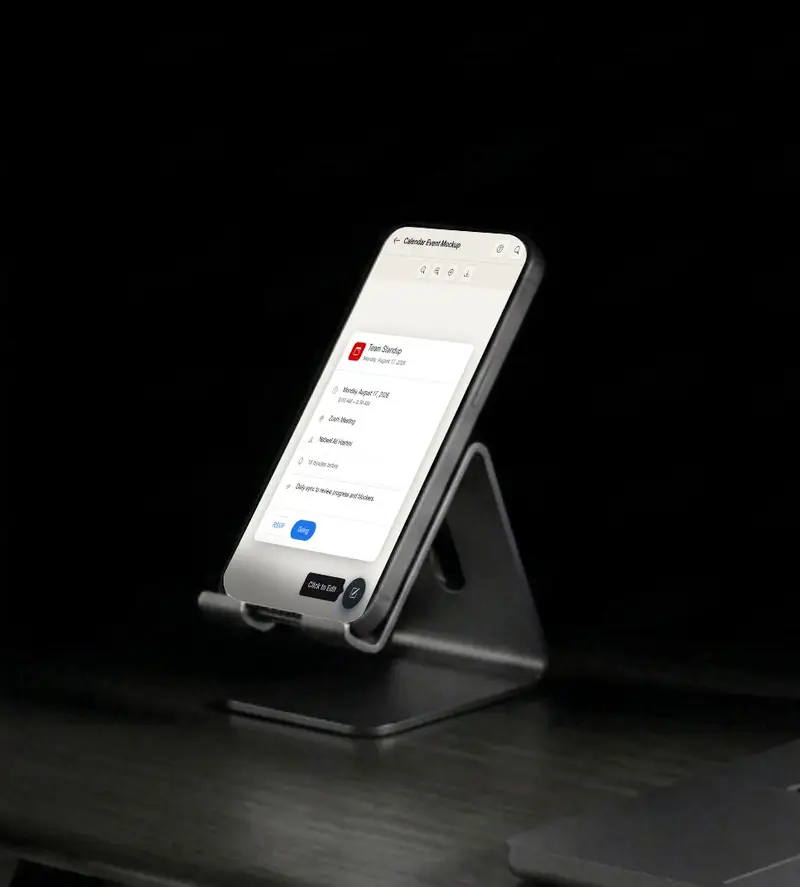
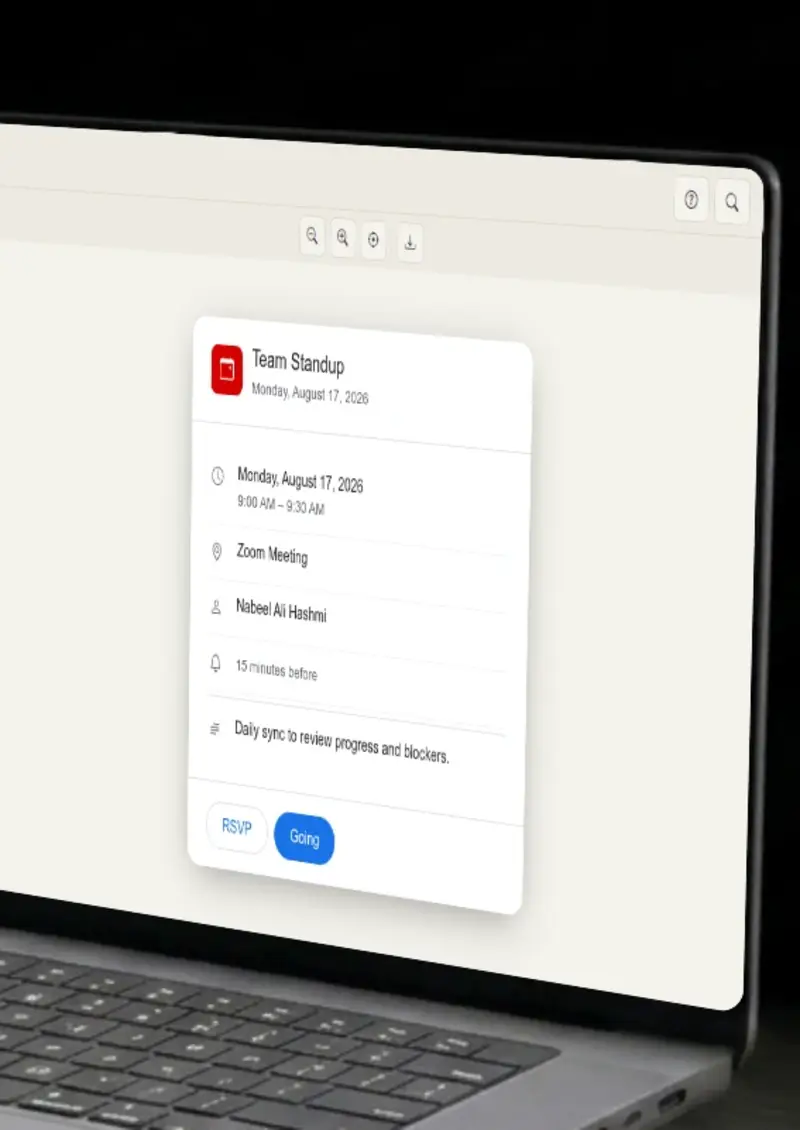
Build mockup calendar events for Google Calendar, Apple Calendar and Outlook, each rendered with platform-accurate styling. Export clean PNGs without signing up or dealing with watermarks.

Free Calendar Event Mockup Generator
Screenshots

See it in action

Platform selector

Platform selector

Switch between Google Calendar, Apple Calendar and Outlook layouts to preview how your event renders on each platform.

Event fields

Event fields

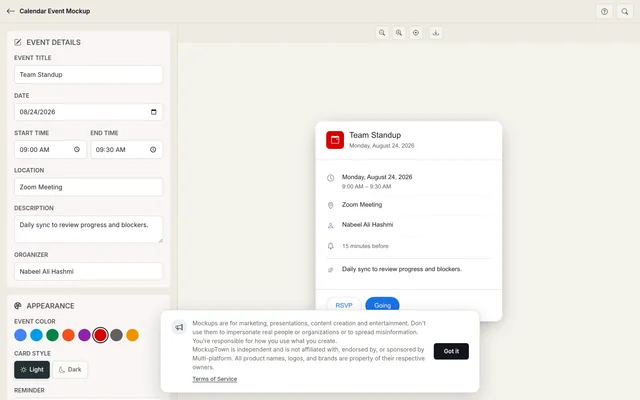
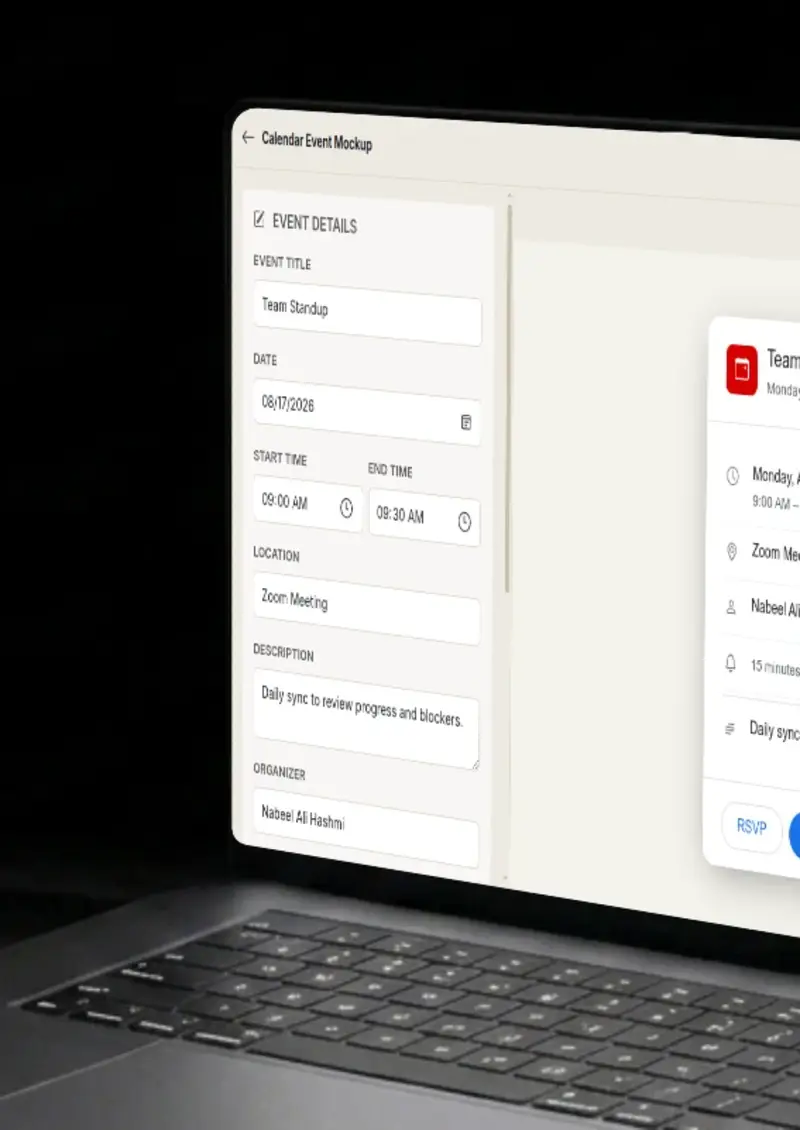
Fill in the title, date, start and end times, location, description and organizer. Fields update the preview in real time.

Color and theme

Color and theme

Match the event color to each platform's palette and toggle between light and dark mode.

One-click export

One-click export

Download the finished mockup as a high-resolution PNG, ready for slides, docs or social posts.

Use cases

Who uses Calendar Event Mockup?

When building a product tour that references calendar scheduling, you need mockups that match the exact platforms your users are on. Showing a Google Calendar event next to an Outlook one communicates cross-platform support at a glance, without exposing anyone's real schedule.

  • Illustrate cross-platform support
  • Replace placeholder screenshots
  • Keep user data out of marketing

A realistic calendar mockup replaces vague timelines with something concrete. Instead of writing "Q3 kickoff meeting" on a slide, show the event as it would actually appear, with the right date, time and platform styling. It makes the timeline feel real.

  • Ground abstract timelines in visuals
  • Show meeting cadence and scheduling
  • Make roadmaps look operational

HR and operations teams write scheduling guides that walk employees through booking meetings, blocking focus time or setting up recurring events. A mockup of the actual calendar interface makes every step concrete and removes ambiguity about where to click.

  • Walk new hires through scheduling
  • Document company calendar policies
  • Clarify booking workflows

Tech bloggers, productivity writers and product reviewers need calendar imagery that looks real but does not pull from anyone's personal account. A mockup lets you stage the exact event you want to reference, the right time, the right platform, the right details.

  • Stage specific event scenarios
  • Avoid sharing real calendar data
  • Match the platform you are writing about

Designers documenting scheduling features need to show how events look across platforms without recording actual screens. A mockup generator gives you pixel-accurate layouts you can drop into a portfolio or case study without worrying about NDA-sensitive data.

  • Document multi-platform experiences
  • Build case study visuals from scratch
  • Stay compliant with data policies
Features

Everything you need

Three calendar platforms in one tool
Platforms

Three calendar platforms in one tool

Switch between Google Calendar, Apple Calendar and Outlook event styling. Each layout uses the platform's real fonts, spacing and color behavior so the mockup holds up next to an actual screenshot.

  • Google Calendar, Apple Calendar, Outlook
  • Platform-specific typography and spacing
  • Platform-specific color behavior per platform
Every event field, fully editable
Fields

Every event field, fully editable

Title, date, start time, end time, location, description, organizer, reminder and color, all of them update the preview instantly. Build the exact event you need instead of settling for a generic placeholder.

  • Title, date, time and location
  • Description, organizer and reminder
  • Real-time preview as you type
Light and dark mode per platform
Appearance

Light and dark mode per platform

Each platform renders differently in light versus dark mode. The generator applies the correct background tones, text colors and contrast ratios so your mockup matches the real device theme.

  • Platform-accurate light and dark themes
  • Correct contrast and color values
  • Matches real device appearance
High-resolution PNG output
Export

High-resolution PNG output

Export at a resolution sharp enough for printed decks, embedded docs and full-screen presentations. No cropping, no resizing, no post-processing needed.

  • Crisp PNG at export-ready resolution
  • Works in slides, docs and web pages
  • No watermarks on the output
Runs entirely in your browser
Privacy

Runs entirely in your browser

The mockup is drawn on a local canvas. No event data leaves your machine, nothing gets stored on a server, and there is no account to log into.

  • Client-side rendering only
  • No uploads, no tracking
  • Safe for confidential event data
Help

How it works

1

Choose your platform

Select Google Calendar, Apple Calendar or Outlook from the platform tab. The editor switches to match that platform's layout.

2

Enter the event details

Type the event title, pick a date, set start and end times, and fill in the location, description and organizer name.

3

Adjust the appearance

Select an event color from the platform's palette and toggle light or dark mode to match the target device theme.

4

Export the PNG

Hit the export button. The mockup downloads as a high-resolution PNG file.

Yes. Your event data stays in the editor when you switch tabs. Switching platforms re-renders the same details in a different layout.

Three: Google Calendar, Apple Calendar and Microsoft Outlook. Each has its own tab with platform-accurate styling.

No. There is no daily cap or export quota. Generate as many mockups as you need.

No. Everything runs locally in your browser. Nothing is sent to a server or stored anywhere.

Yes. The exported PNGs are yours to use in presentations, documents, websites or client work without restriction.

No. The tool opens in your browser with no signup, no login and no setup step.

Disclaimer

Intended usage

This tool is made for marketing, presentations, content creation and entertainment. Don't use it to impersonate real people or organizations, or to spread misinformation. You're responsible for how you use what you create - see our Terms of Service.

MockupTown is independent and is not affiliated with, endorsed by, or sponsored by Multi-platform. All product names, logos, and brands are property of their respective owners.

Free forever, or go Pro Visa

Pro Visa unlocks higher resolution exports and no promotional elements.

Ready to create your calendar event mockup?

No signup, no credit card - start designing in seconds.

Open Calendar Event Mockup
Calendar Event Mockup